Tape Op
Blog
Put Your Sound in Orbit. Guitar Leads, Synth Pads, Samples..
Anything That Should Never Stand Still Just Got Launched Into Space.
Perpetual license - pay once, own it forever.
By purchasing you agree to our EULA and Privacy Policy.
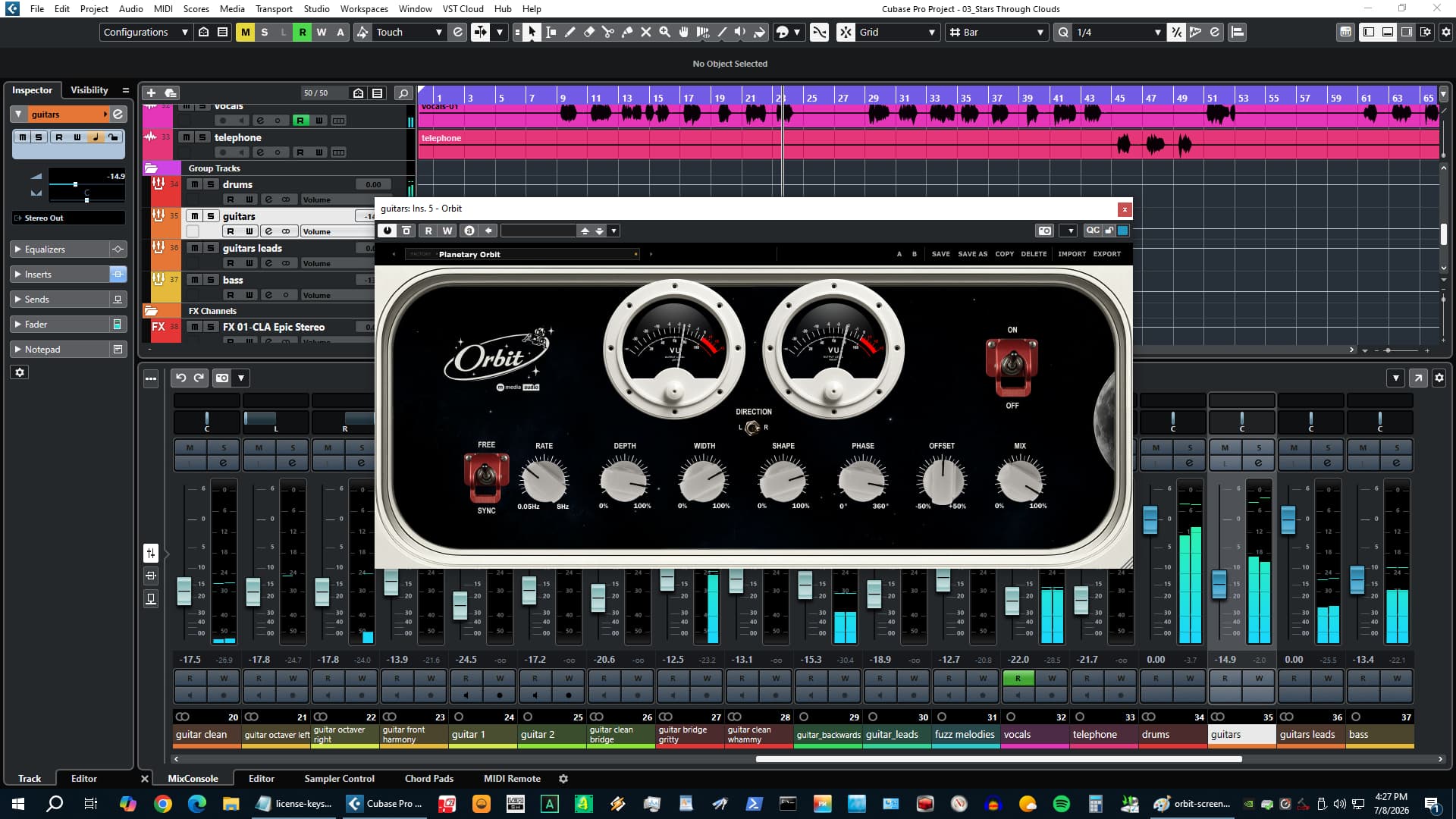
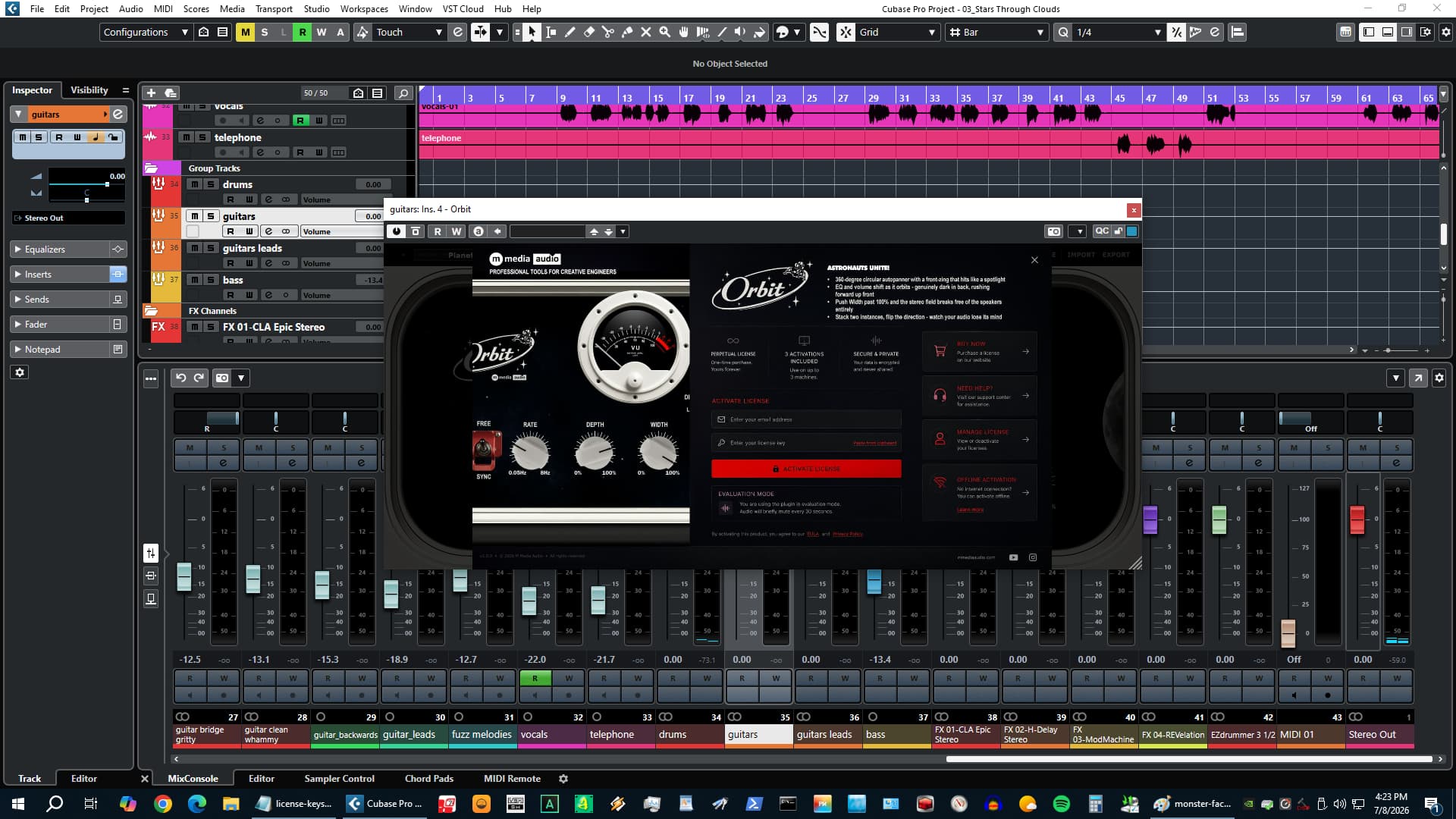
Drop Orbit on a guitar lead and it's going to circle the planet. That's what happens that a regular autopanner doesn't do - the sound doesn't just slide left and right, it moves. It gets louder and brighter as it swings to the front. It darkens slightly and pulls back as it falls behind. Your ears catch a tiny timing difference between left and right that tells your brain the source is somewhere in the room, not embedded in a speaker. That's the orbit.
It works the same on a synth pad that's been sitting flat in the center since you put it down, a hi-hat sample you've been nudging around the field, a vocal chop that needs to breathe, a bass hit in a hip hop track that's too stationary. Anything that sounds stuck benefits from the kind of movement that feels like physics instead of a plug-in.
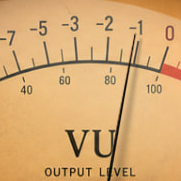
Put it on the thing that's been too still.
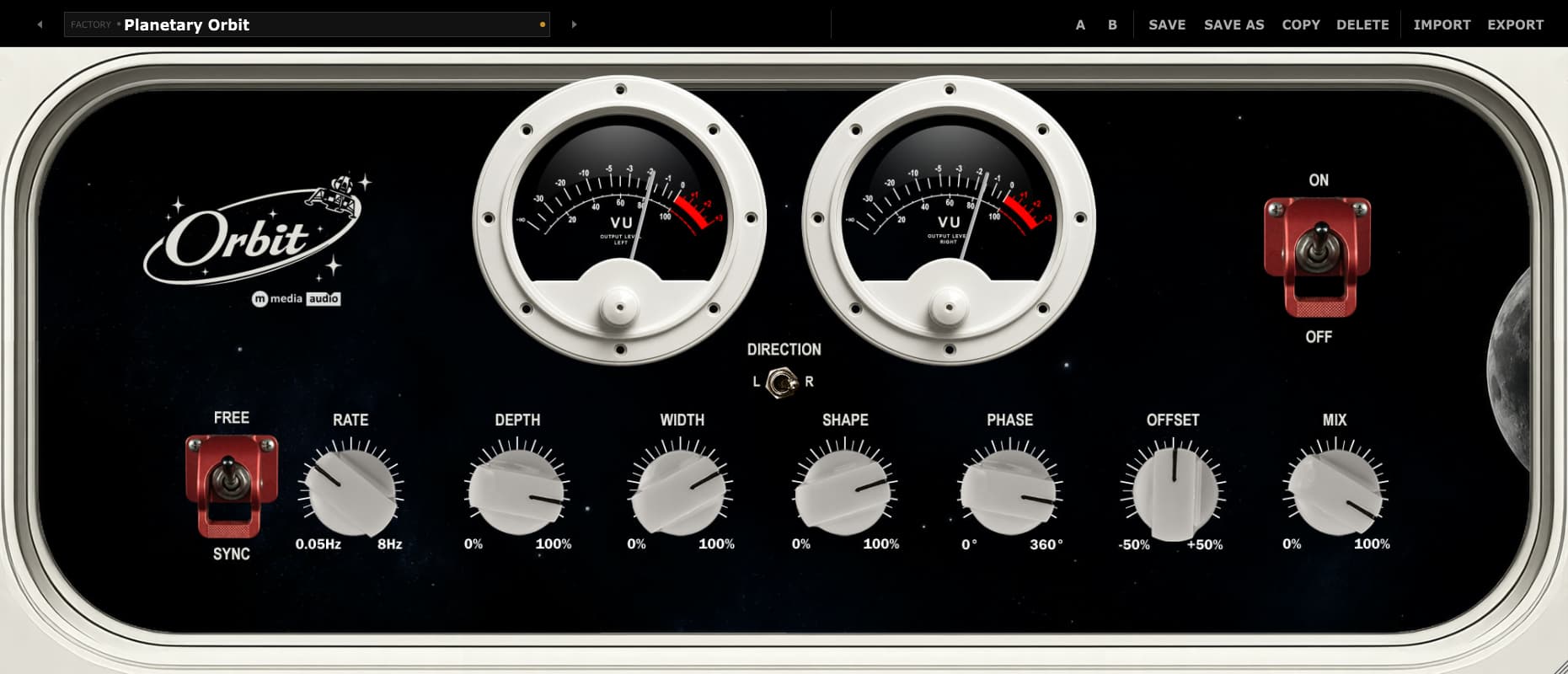
Rate to 0.3Hz, Depth to noon, Width to 100%. Headphones on. You'll hear the difference in about two seconds.
Try Orbit FreeNo account required - we send the link to your email. Silences briefly every 30 seconds in demo mode.
Why It Sounds Like More Than Panning
The pan position moves left and right the way you'd expect. But at the same time, the level rises as the sound swings to the front and dips as it moves behind - like a source passing close to you versus moving away. And the high end shifts with it: full brightness at the front, a little darker at the rear, which matches what your ears already know about where sounds come from. Stack all three at the right Depth setting and it stops reading as "panning effect" and starts reading as "that instrument is moving through the room." The Depth knob scales all three axes together - noon is already dramatic.
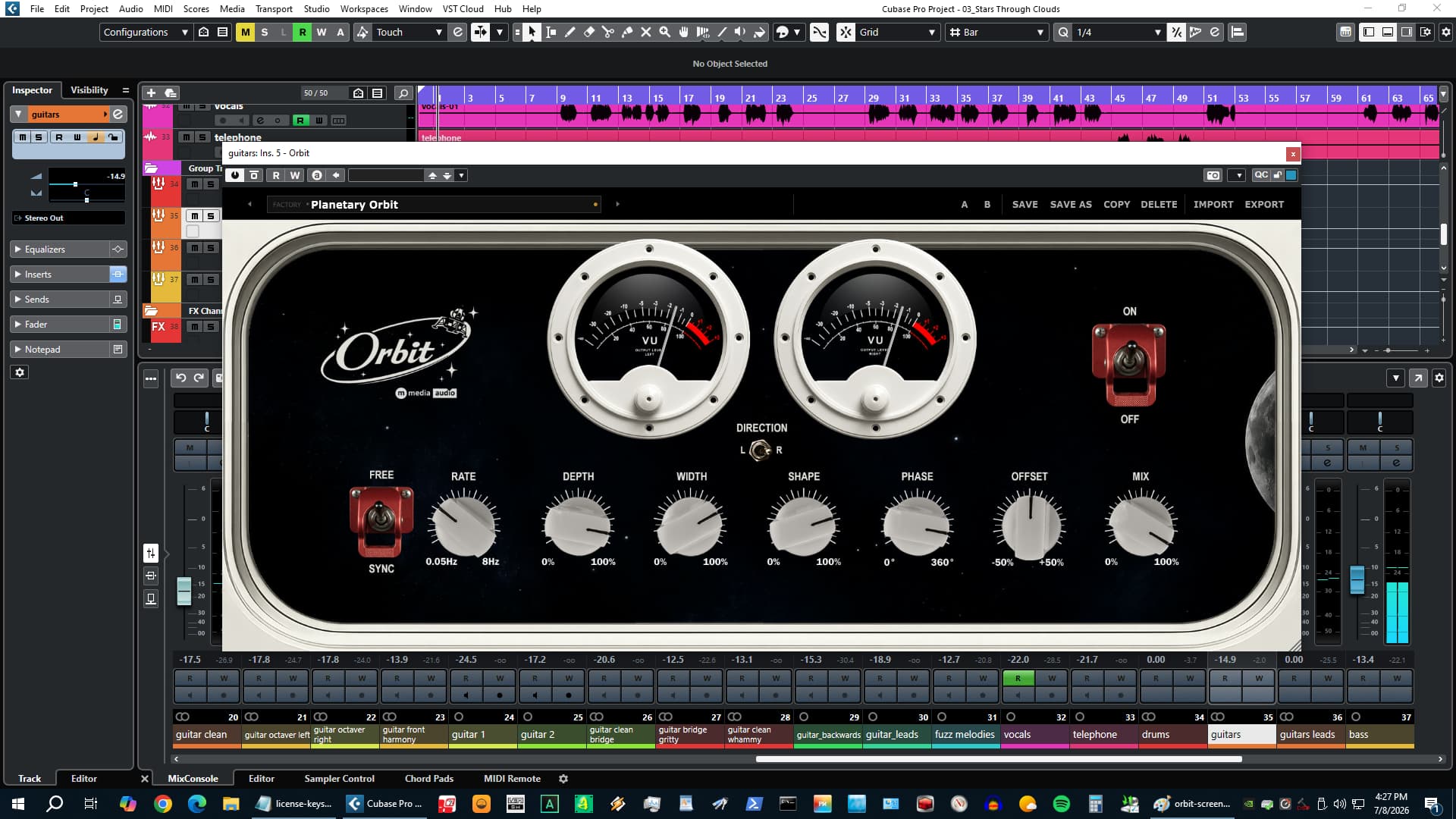
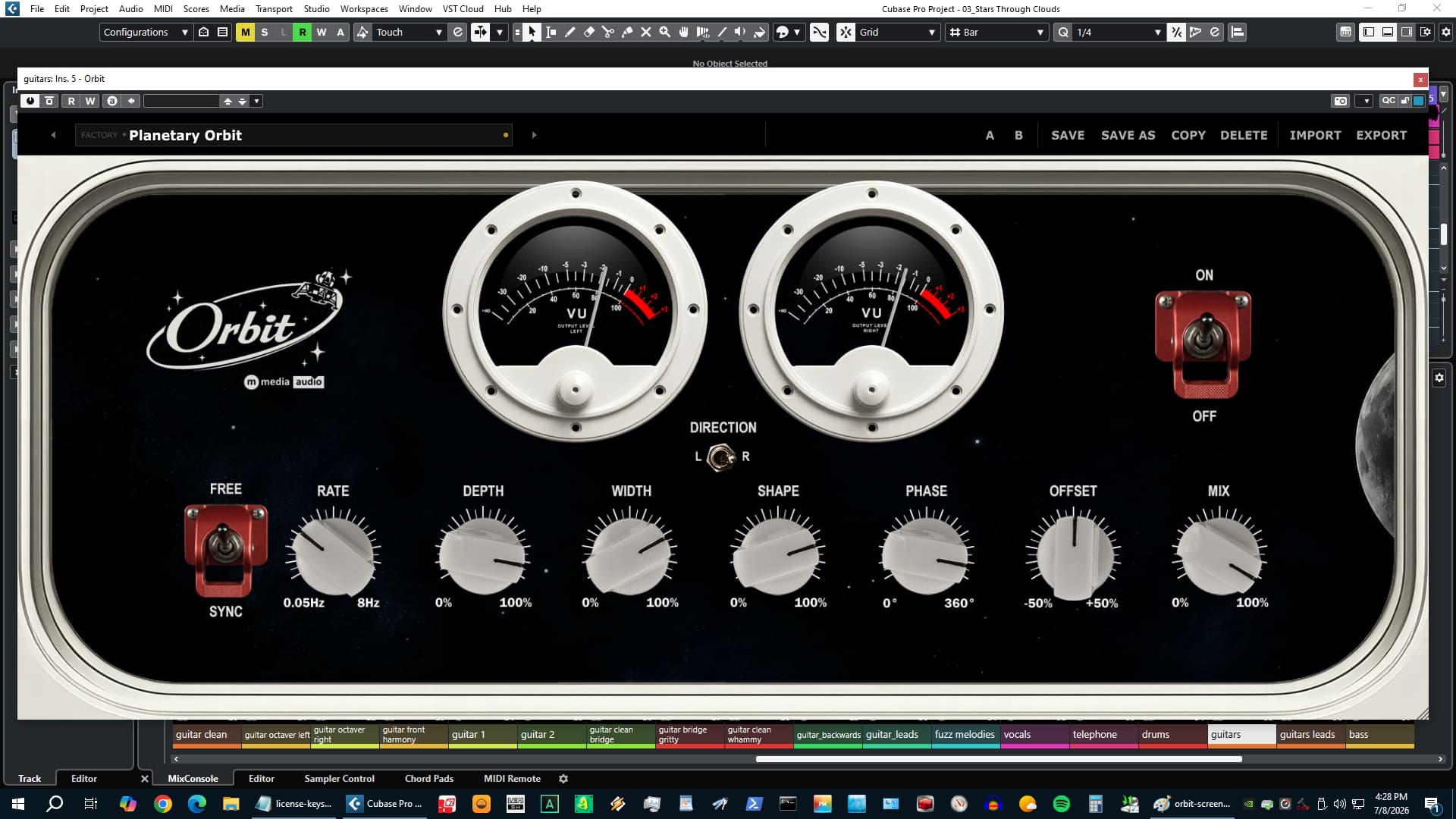
Rate, Sync, Shape, Direction
Rate runs from a single rotation every 20 seconds - barely perceptible, just enough to give a pad a sense of breathing - up to 8 orbits per second, which crosses into tremolo territory and gets aggressive. Lock it to tempo and the rotation snaps to the bar. Set it to 1/4 and a hi-hat sample orbits in quarter notes. Set it to 2 bars and a synth pad glides through the field with the song's natural rhythm underneath it. Shape morphs the LFO between a smooth sine curve and a more deliberate triangle with sharper turns - use triangle when you want the motion to feel purposeful instead of floaty. Direction reverses the rotation, which is the move when you want two instances orbiting against each other, or when you want to flip the spatial impression on automation mid-track.
Width, Phase, Offset, Mix
Width at 100% covers the normal stereo field. Push to 200% and the orbit extends past the speaker boundaries into territory that sounds genuinely impossible on headphones - the kind of wide that makes a listener check if the track is still mono-compatible (it is). Phase sets the LFO starting position from 0 to 360 degrees - put two Orbit instances on two tracks, set one at 0 and one at 180, and they orbit against each other. Offset moves the center of the arc left or right without changing the width, so a guitar that needs to favor the right side of the mix can still orbit without passing through the left. Mix lets you blend the effect under the dry signal - useful when you want the movement to be felt more than noticed.
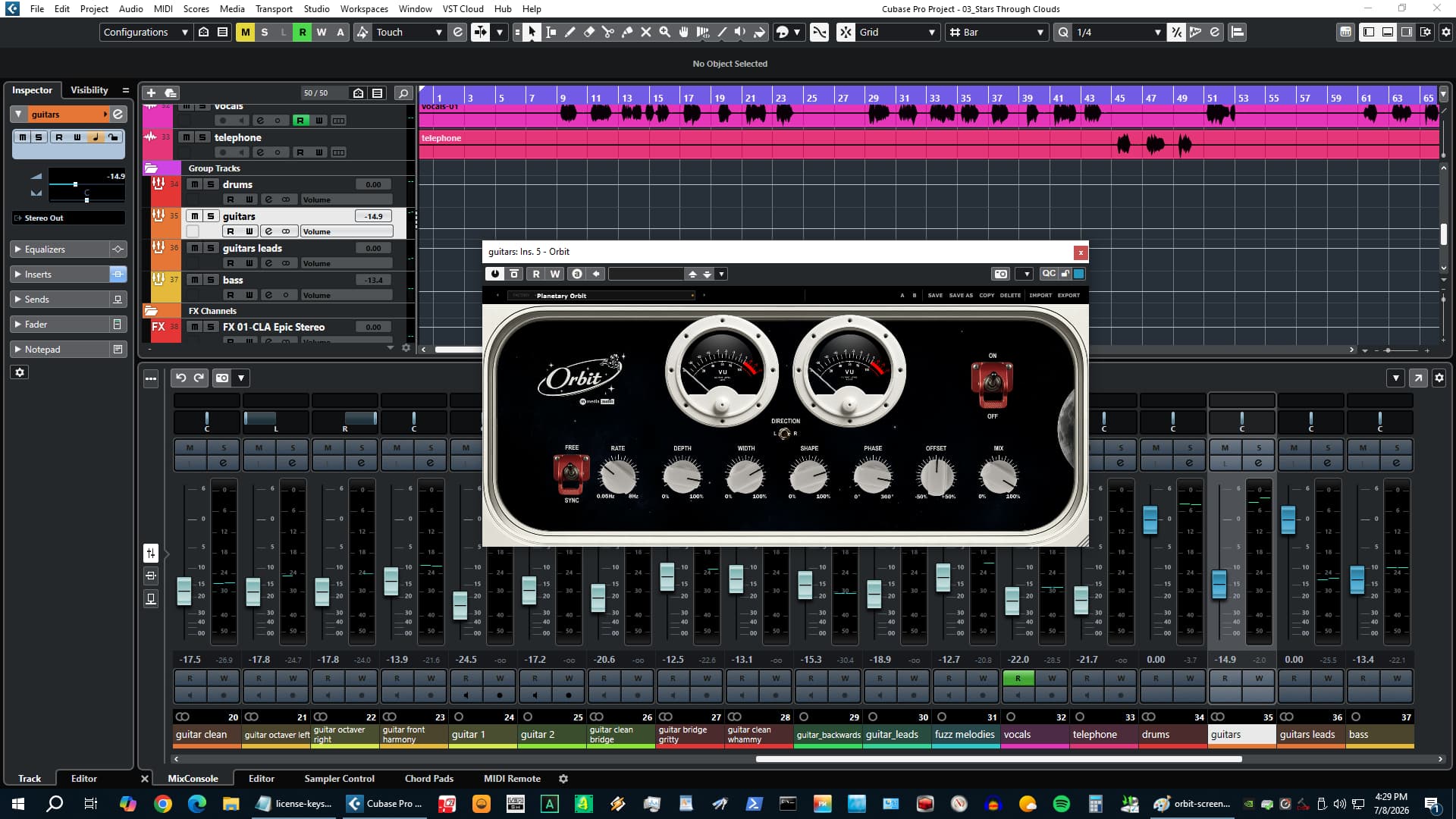
9 Factory Presets
Planetary Orbit loads when you open the plugin - a medium-rate clockwise rotation at moderate depth and full width that works on almost anything sustained. The other eight cover: quarter-note rhythmic panning for hip hop and electronic tracks where the motion needs to lock to the beat, a slow two-bar drift for ambient and cinematic material, a 200%-wide headphone preset that sounds genuinely strange in the best way, a reverse-direction counter orbit for contrast when you need two sounds moving against each other, a narrow-width version for instruments that need motion without touching the hard sides of the field, and a few more calibrated for different tempos and spatial characters. Start from any of them and adjust - or start from scratch with all controls at noon.
Selected Work
One-time purchase. Yours forever. No subscription, no renewal.
Install on up to three machines simultaneously. Need to move a license? Email us.
Encrypted activation over HTTPS. No telemetry. No data leaves your machine during use.
You email us, we answer. No ticket queues, no bots, no knowledge base rabbit holes.
VST3 (64-bit) - Windows, macOS, Linux
AU (64-bit) - macOS only
Windows 10 / 11
macOS 11 Big Sur or later (Apple Silicon + Intel)
Linux - Ubuntu 22.04+ or equivalent
Any VST3-compatible host: Reaper, Cubase, Studio One, Ableton Live, FL Studio, Bitwig Studio, Nuendo, and more
AU (macOS): Logic Pro, GarageBand, MainStage
Perpetual, single user
3 simultaneous activations
Need to move a license? Email us
SHA-256 (mmedia-orbit-v1.0.3.zip): 216956ca78190503030a9152423bf006ba6bbba888b8c70fb9d1f1679fa66381
Tested on Ubuntu 22.04/24.04, Debian 12, Fedora 40. Requires one system library for license verification:
sudo apt install libsodium23        # Ubuntu / Debian
sudo dnf install libsodium          # Fedora / RHEL
sudo pacman -S libsodium            # Arch
VST3 only. Confirmed working in REAPER and Bitwig.
Perpetual license - pay once, own it forever.
By purchasing you agree to our EULA and Privacy Policy.


Sketch Audio has updated their paid plug-ins to version 2.1.0. This is a significant update that brings a host of user feature requests, bug fixes, and performance improvements. Their free plug-ins...