Getting a master to a loudness target has always been a guessing game.
Trim up, check the meter, trim again. Volume Dealer removes the iteration. It measures your integrated LUFS as you listen, and when you click Set Level it applies the exact corrective gain in one step. No arithmetic, no back-and-forth.
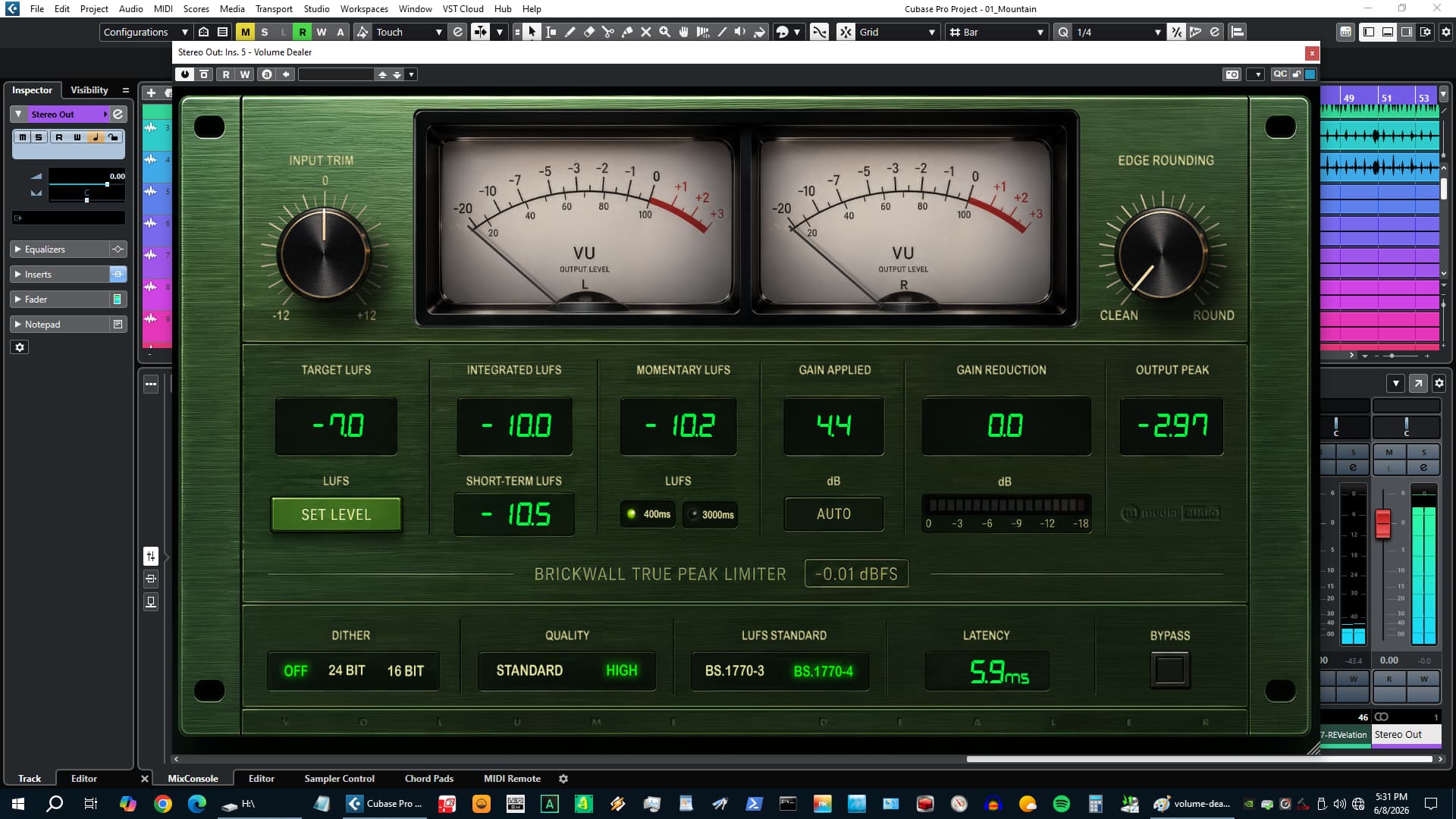
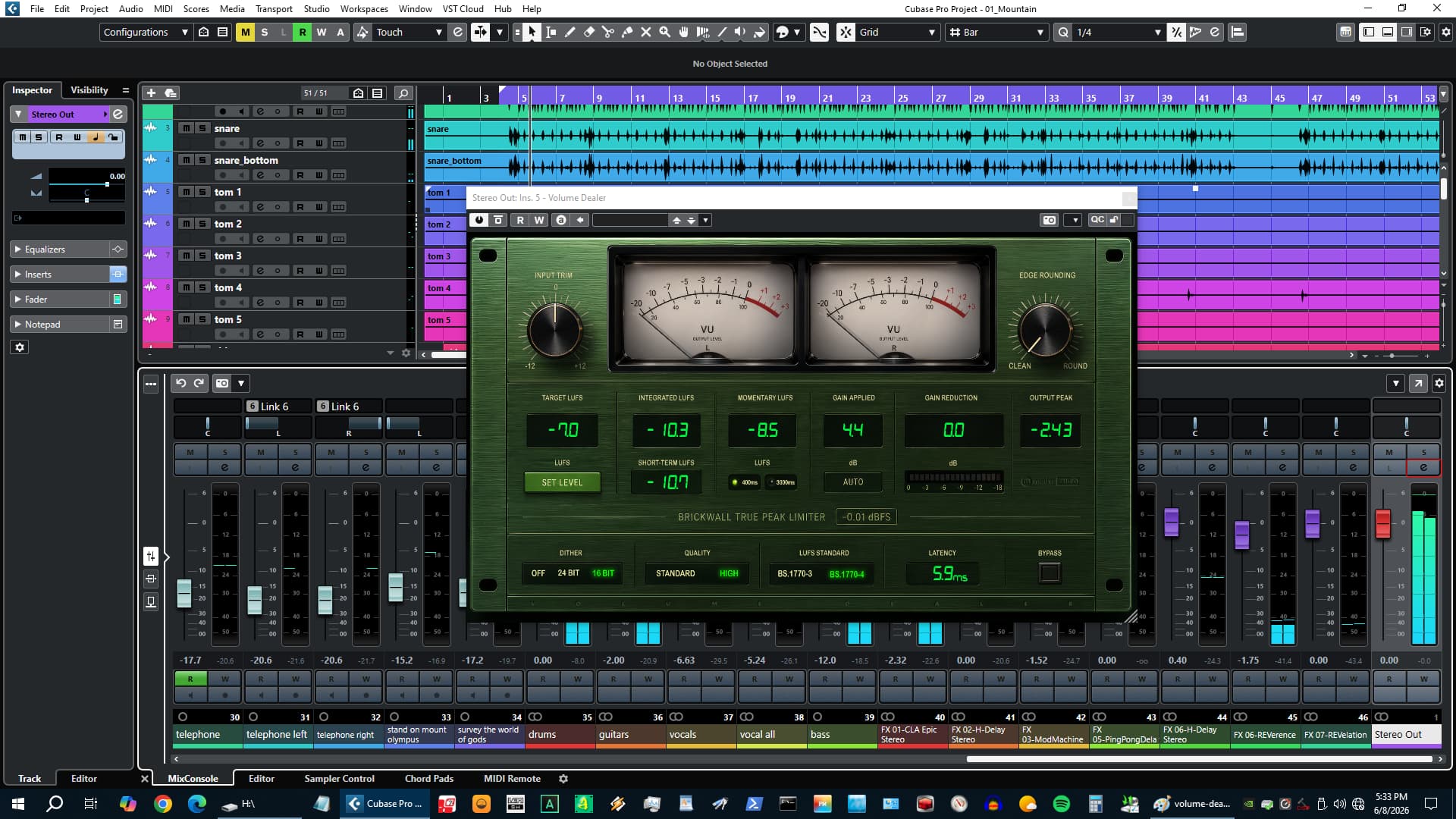
What you see while it measures matters too. Integrated, momentary, and short-term LUFS update in real time alongside gain applied, gain reduction, output peak, and latency - every data point you need to make a confident decision before you commit. The true-peak lookahead limiter holds the brickwall ceiling throughout, with optional 2x oversampling to catch inter-sample peaks that slip through at native sample rate.
Free. No account, no activation, no expiry.
Put it on your master bus.
Measure your track, set your target, click Set Level. That is the whole workflow - and it is free.
Download Volume Dealer FreeNo account required - we send the link to your email. Full version, no time limit, no demo mode.
Core Workflow
Measure. Target. Click.
Load Volume Dealer last on your master bus and play your track from the beginning. Integrated LUFS accumulates in real time. Once it stabilizes, set your Target LUFS - -14 for streaming, -16 for podcast, wherever the delivery spec lives - and click Set Level. The plugin calculates the difference and applies the exact pre-limiter gain correction in one step. The Gain Applied readout confirms the offset. The limiter holds the ceiling from there.
- Target LUFS - Click the display and type, or scroll the mouse wheel to adjust
- Set Level - One click applies the corrective gain offset. No manual trim iteration
- Gain Applied readout - Shows the offset in dB so you know exactly what was applied
- Reset measurement - Clears the integrated LUFS accumulator so you can re-measure after any change

High Quality Mode
The limiter sees everything. Including the peaks between samples.
At native sample rate, inter-sample peaks can exceed 0 dBFS on playback systems that reconstruct above the digital ceiling - creating clipping that the limiter never saw. High Quality mode runs the limiter at 2x the session sample rate using an IIR half-band polyphase filter. Every inter-sample peak is visible, caught, and held. The output is re-clamped after decimation to restore the brickwall guarantee.
- Standard - Limiter at native rate. Low latency, ideal for tracking and monitoring
- High - 2x oversampling for final export. Catches inter-sample peaks before they become playback clipping
- Latency display - Reports lookahead plus oversampling filter delay in milliseconds; communicated to the host for automatic delay compensation
LUFS Metering
Every number you need. All at once.
Volume Dealer runs a full BS.1770 LUFS metering suite alongside the limiter. Integrated LUFS accumulates from the start of playback and feeds Set Level. Momentary LUFS gives you a short sliding-window read of loudness density. Short-term LUFS averages across three seconds for a calmer view of overall level. BS.1770-3 and BS.1770-4 are both available - the gating stage in BS.1770-4 excludes near-silence passages from the integrated average, which matters on tracks with dynamic intros or outros.
- Integrated LUFS - Running average from last reset. The number Set Level acts on
- Momentary LUFS - 400ms or 3000ms sliding window, selectable
- Short-Term LUFS - 3-second average. Useful for judging average density during playback
- BS.1770-3 / BS.1770-4 - Switch metering standards without restarting measurement
Controls and Metering
VU needles, dithering, and a knee you can shape.
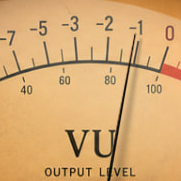
Dual analog-style VU meters with standard 300ms ballistics give you a visual read of post-limiter output level at all times. Edge Rounding controls the softness of the limiter knee - at zero it is a hard brick wall; dialing it up starts the gain reduction 6 dB below the ceiling for a less aggressive character on dense material. Dithering handles the bit-depth conversion at export so you do not have to think about it.
- Edge Rounding - 0 to 100%. Most mastering work sits between 0% and 30%
- Input Trim - -12 to +12 dB before metering and limiting
- Dither - Off, 24-bit, or 16-bit noise-shaped. Enable only when exporting below session bit depth
- VU meters - Dual needle meters, 300ms ballistics. Settle naturally on bypass
Hear It In Action
Free Forever
No subscription, no expiry, no catch. Download it, use it on every session.
No Account Required
Enter your email, we send the download link. Nothing else required.
All Three Platforms
Windows VST3, macOS VST3 and AU (Universal Binary), Linux VST3. One download covers all.
Direct Support
You email us, we answer. No ticket queues, no bots.
System Requirements
Format
VST3 (64-bit) - Windows, macOS, Linux
AU (64-bit) - macOS only
Platform
Windows 10 / 11
macOS 11 Big Sur or later (Apple Silicon + Intel)
Linux - Ubuntu 22.04+ or equivalent
DAW Compatibility
Any VST3-compatible host: Reaper, Cubase, Studio One, Ableton Live, FL Studio, Bitwig Studio, Nuendo, and more
AU (macOS): Logic Pro, GarageBand, MainStage
License
Free - no license key required
Unlimited installs
No activation server
No telemetry
SHA-256 (mmedia-volume-dealer-v1.0.0.zip): 71898dcb10737bb9ffddf79e22ebfa15ccd7ef2df62b65c769d1686d5ccd7dfe
Volume Dealer
Free. No account, no activation, no expiry.
By downloading you agree to our EULA and Privacy Policy.
Pro Audio
Paradise Guitar Studio plug-in
HoRNet Plugins Releases ZeroWidth - Intelligent Stereo Widener Plugin
HoRNet Plugins has announced the release of ZeroWidth, an intelligent stereo widener plugin designed for mixing and mastering engineers. ZeroWidth analyzes L/R correlation across seven fixed...