Studio 15

You've Seen This Tank Before
Analog Character Preserved.

$29 Perpetual License
3 Windows, macOS + Linux
VST3 + AU on macOS
Studio 15 VST3 - Dual-Channel Tape Machine Plugin

Studio 15

Pay once. Own it forever. Blame the tape for at least half your mix decisions.

$29 Buy Now

Secure checkout · Instant license delivery

Try the free demo
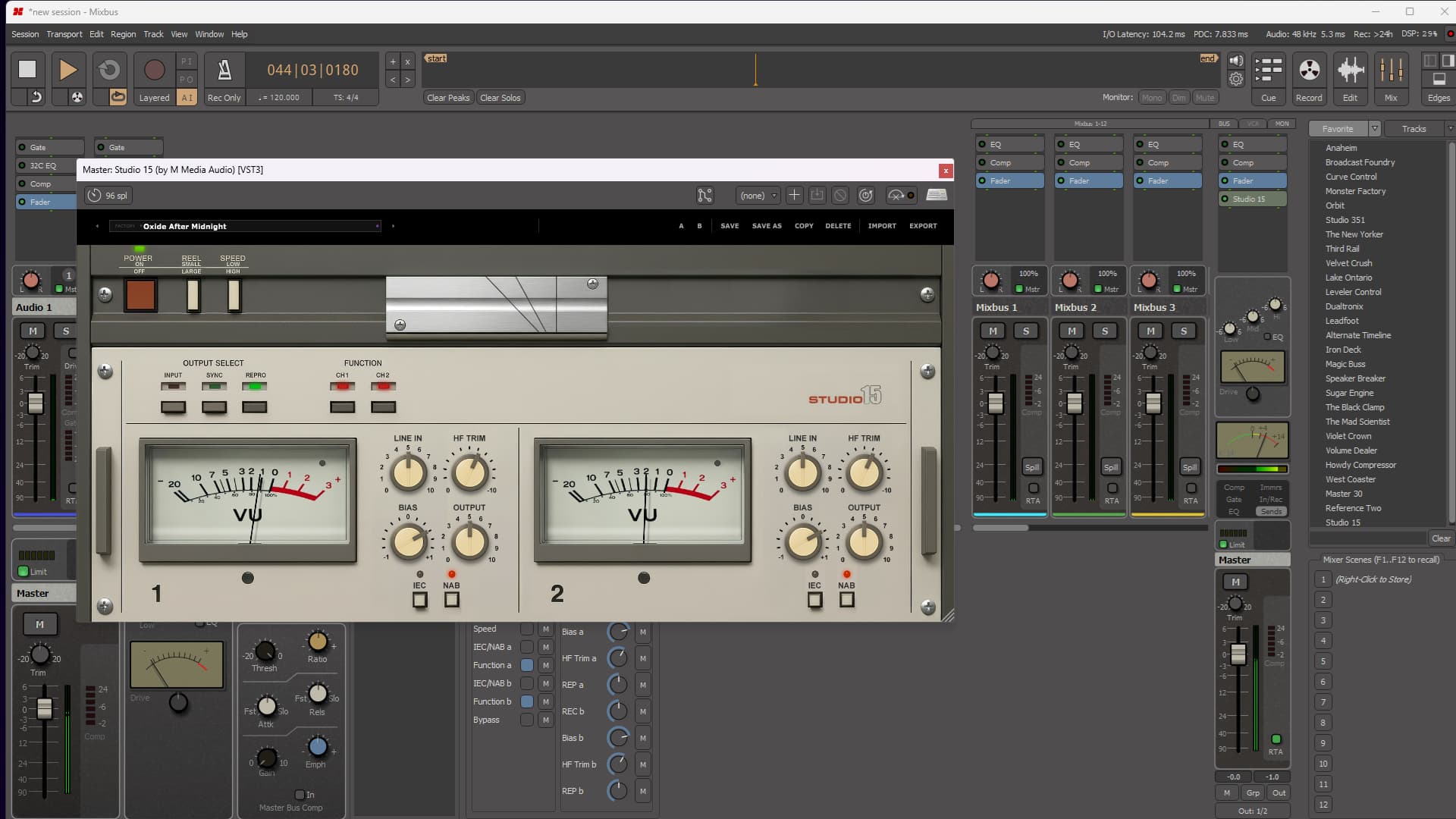
Studio 15 loaded on a mix bus

Built Like a Tank.

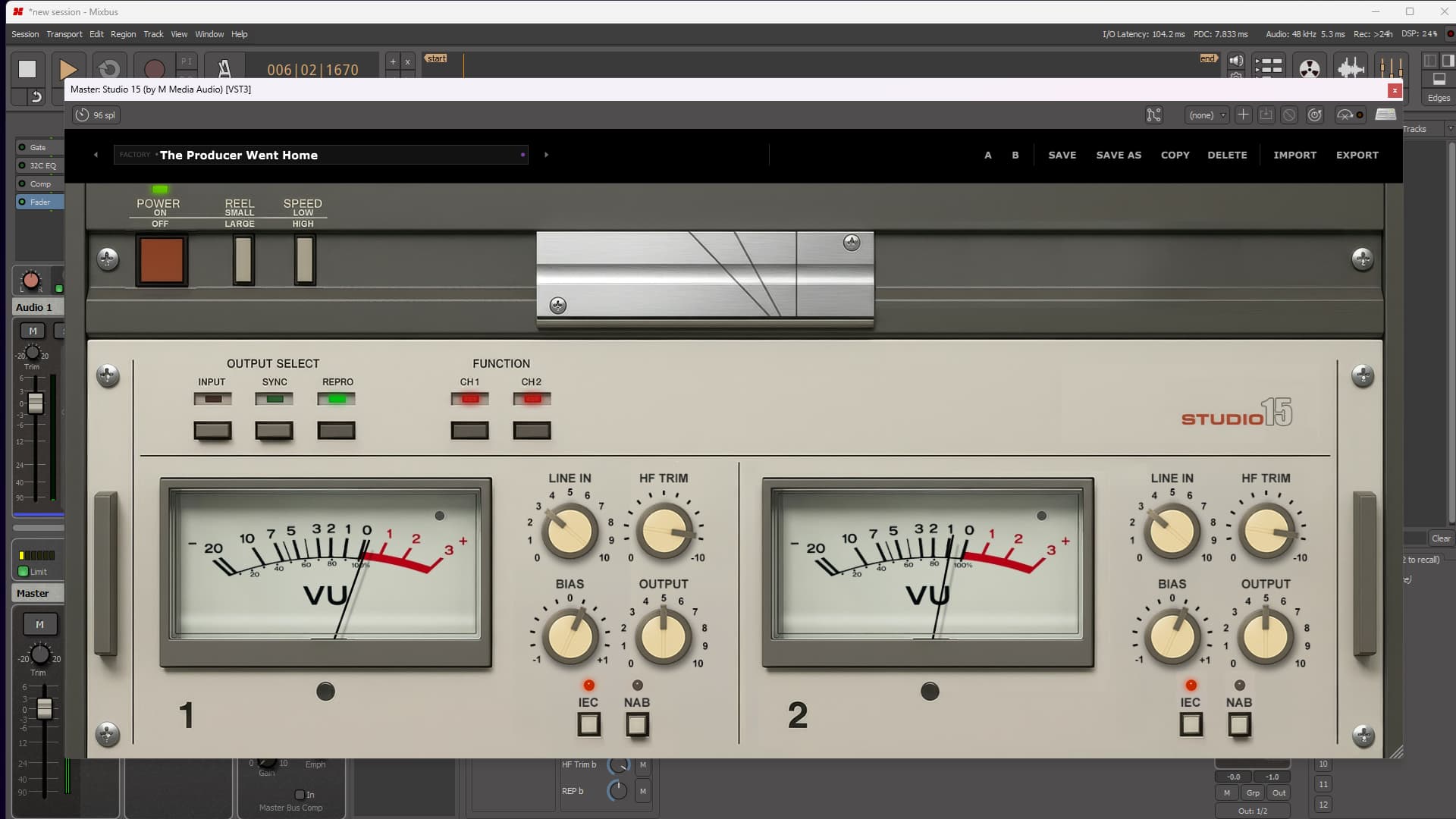
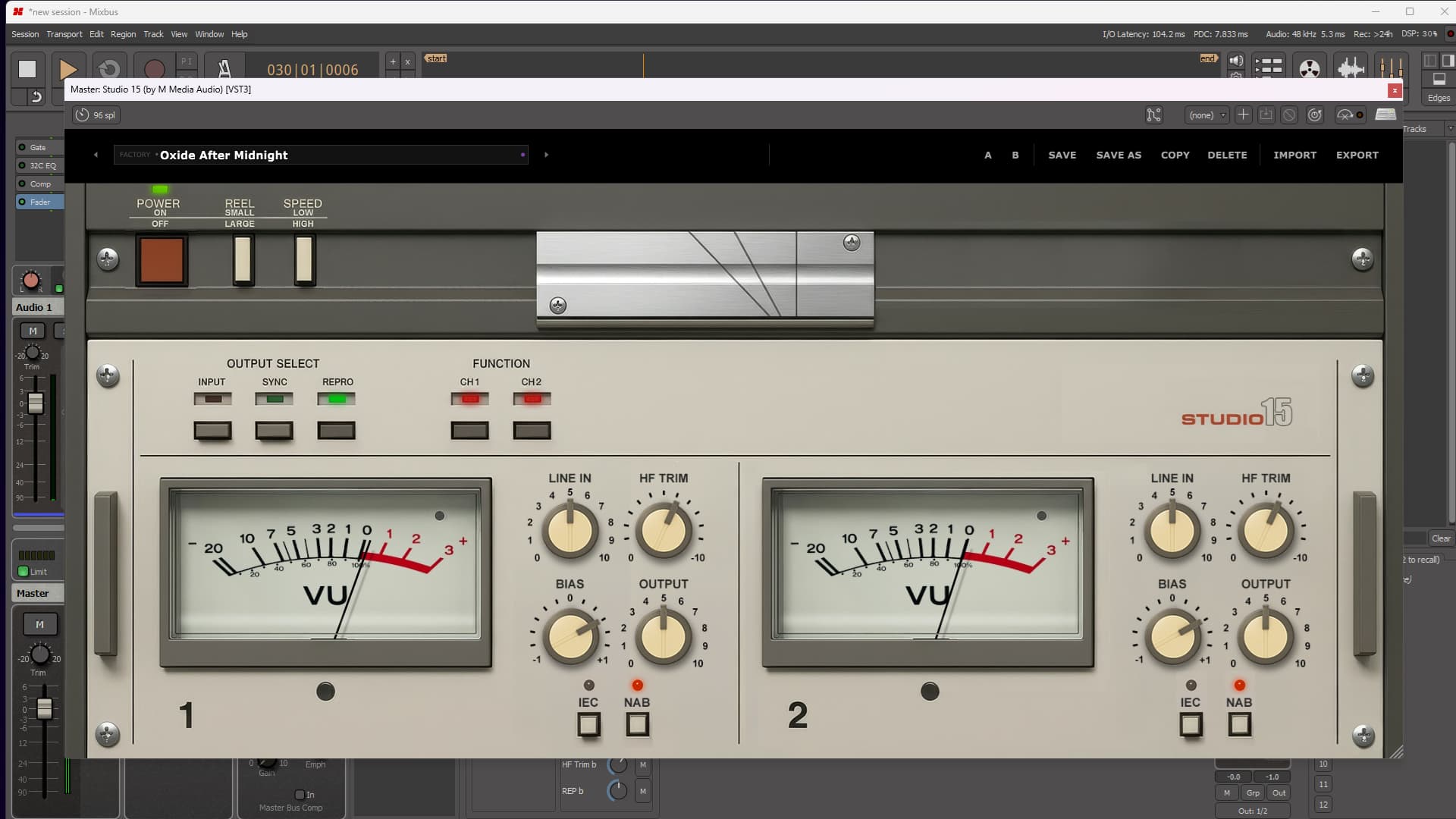
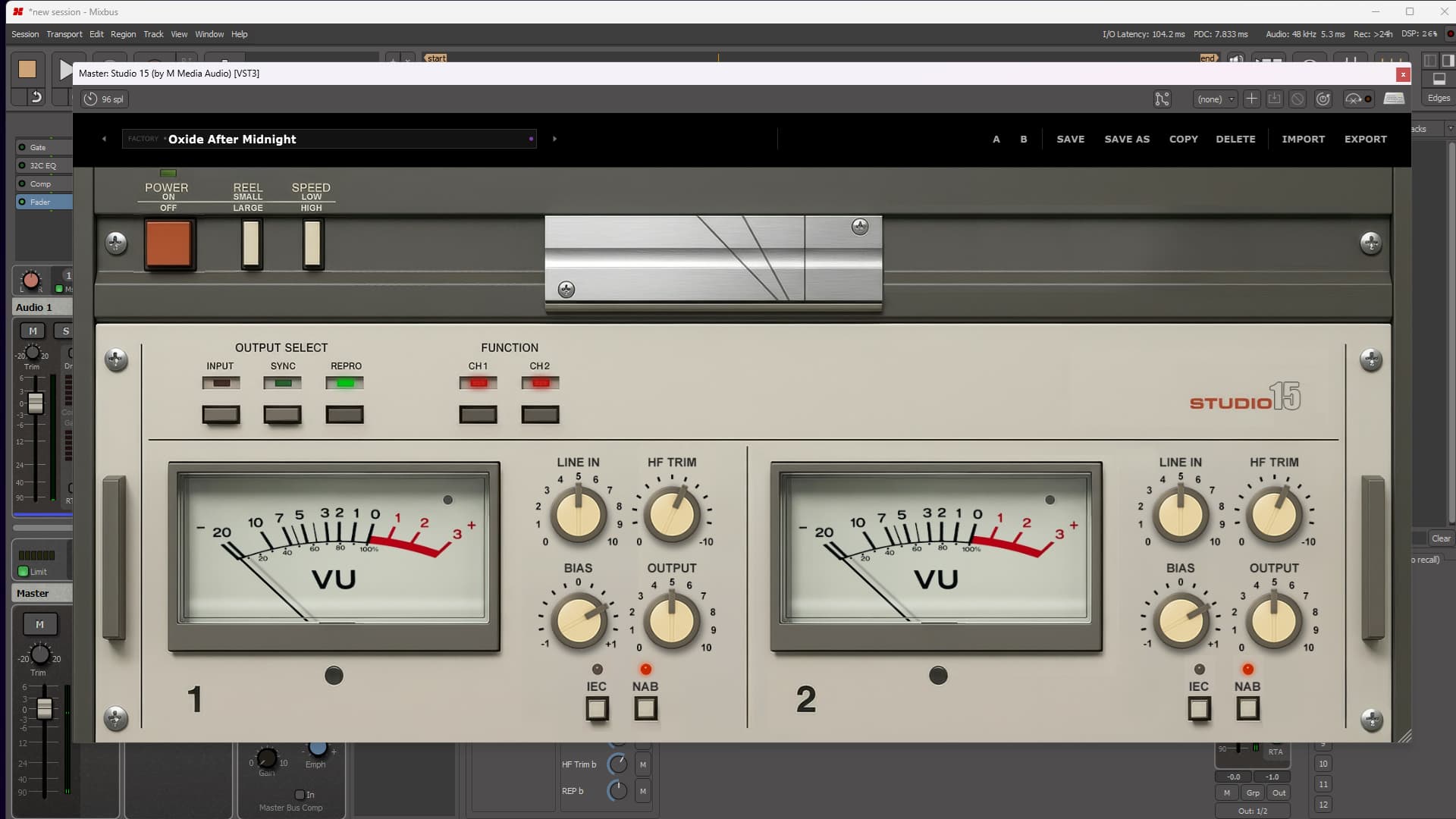
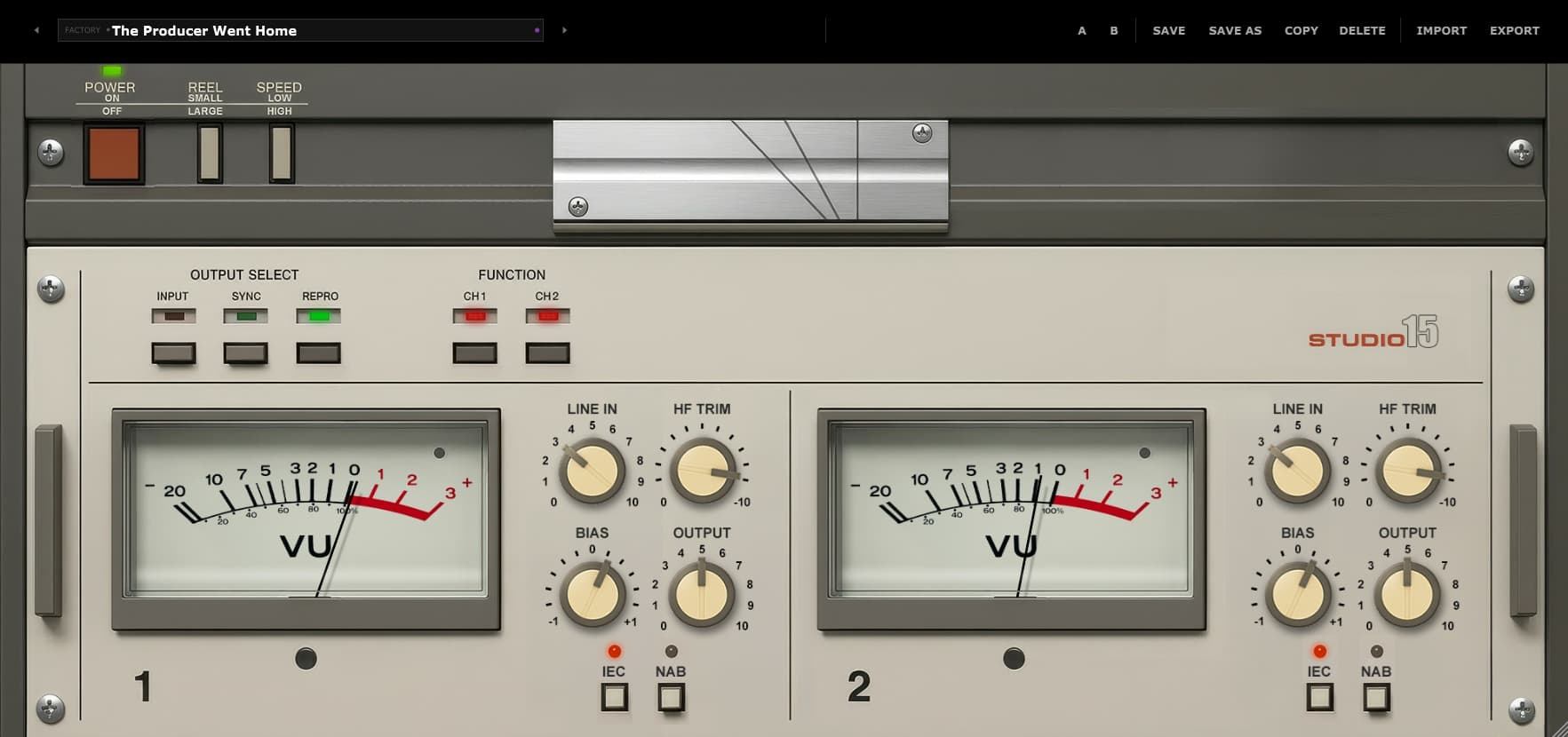
Studio 15 runs two separate tape channels, each with its own REC, REP, BIAS, HF Trim, IEC/NAB curve, and Function control.

REC drives the tape harder, adding saturation, density, and natural tape compression. REP controls the level returning from the tape path. BIAS changes how the channel responds, while HF Trim lets you pull the top end into exactly the right decade. Function can remove either channel from tape processing without taking the other one with it.

The channel electronics are independent. The transport controls are shared, exactly as they should be. Output Select switches the machine between Input, Sync, and Repro monitoring. Speed moves the entire deck between 7.5 and 15 IPS, while Reel Size changes the mechanical character between smaller and larger reels. No real machine ever ran its left channel at one tape speed and its right channel at another. Studio 15 does not commit crimes against physics merely to add another bullet point.

Underneath it all is genuine modulated-delay wow and flutter, tuned to the behavior of a professional deck. It is subtle enough to stay out of the way and alive enough to keep Studio 15 from sounding like a static EQ curve with nostalgia painted on it.

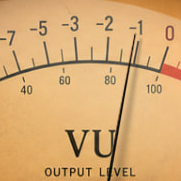
Ten factory presets move from clean and carefully calibrated to dark, worn, pushed, and three takes past midnight. Dual illuminated VU meters keep both channels visible while you decide how responsible you intend to be.

VU meter

Two Channels. One Transport. Several Excellent Decisions Waiting to Go Wrong.

Run both channels clean and matched. Push them equally across a bus. Darken one side, change its bias, or remove it from the tape path completely while the other channel keeps rolling. Studio 15 gives you control where it matters and keeps the machine behaving like an actual machine everywhere else.

Try Studio 15 Free

No account required. We send the download link directly to your email. Demo mode briefly silences the output every 30 seconds.

Two Independent Channels

REC, REP, BIAS and HF Trim. On Both Sides.

Every channel gets the complete set of tape controls. REC determines how hard the signal hits the tape stage. REP controls the level coming back. BIAS reshapes the response of the tape itself, and HF Trim lets you darken either side without reaching for another EQ.

Each channel also has its own IEC/NAB curve and Function switch. Disengage tape processing on one side while leaving the other fully active. No shared hidden circuit. No fake stereo behavior. No mysterious vintage button doing all the work while the reels look busy.

  • REC - add tape drive, density, saturation, and compression.
  • REP - control the level returning from the tape path.
  • BIAS - move the channel below or above its natural bias point.
  • HF Trim - shape the high-frequency response independently.
  • Function - engage or disengage tape processing on that channel alone.
Studio 15 REC, REP, BIAS, and HF Trim controls
Studio 15 Output Select and Speed switches

Output Select & Speed

The Whole Transport Moves Together. As It Should.

Output Select switches globally between Input, Sync, and Repro monitoring, giving you three genuinely different points in the machine's signal path.

Speed changes the complete transport between 7.5 and 15 IPS. Run at 15 IPS for a tighter, more extended response or move down to 7.5 IPS for something warmer, thicker, and more obviously shaped by tape. Reel Size shifts the flutter behavior between the character of smaller and larger reels.

Wow & Flutter

The Wobble Is Actually Wobbling.

Studio 15 uses real modulated delay to create its wow and flutter, tuned to professional tape-deck specifications. This is movement in time, not an EQ curve labeled “Analog.”

You can hear it breathe around sustained notes and exposed material, but it remains controlled enough to use across a mix. It adds life, not seasickness.

Studio 15 dual VU meters
Studio 15 factory presets

Meters & Presets

Two VUs. Ten Ways Into Trouble.

Dual illuminated VU meters display both channels independently, giving you an immediate view of how the machine is being driven.

Ten factory presets take Studio 15 from pristine and calibrated through warm, dark, driven, worn, and well beyond reasonable office hours. Every control remains live after loading, because a preset should begin the conversation, not end it.

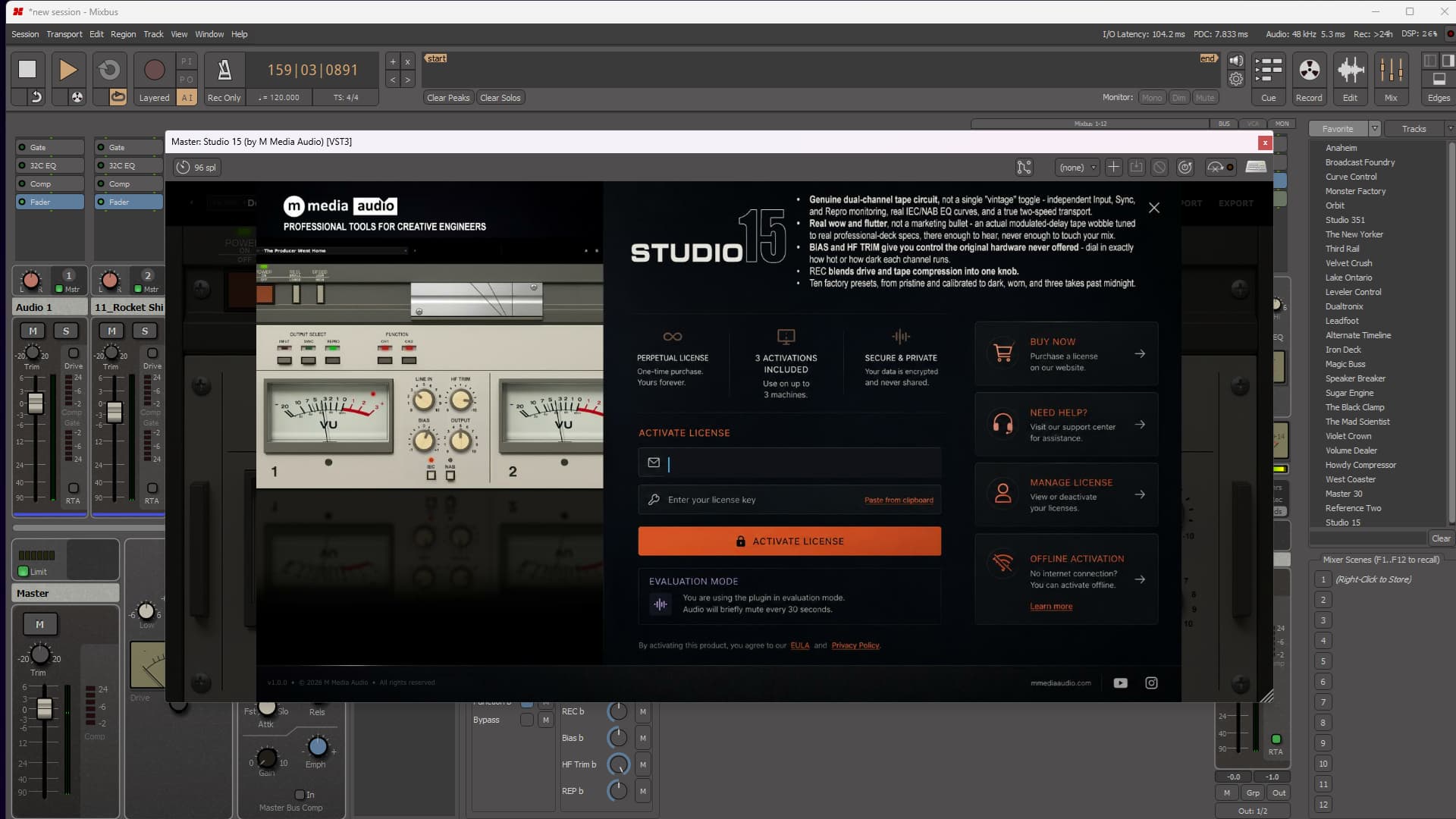
Perpetual License

One payment. No subscription. No annual renewal. It is yours.

3 Activations

Run Studio 15 on up to three machines at once. Need to move an activation? Email us.

🔒

Secure & Private

Activation is encrypted over HTTPS. There is no telemetry, and no personal data leaves your machine while the plugin is running.

Direct Support

You email us. We answer. No bot, no ticket maze, and no twelve-year-old forum post marked “solved.”

System Requirements

Format

VST3 (64-bit) - Windows, macOS, Linux
AU (64-bit) - macOS only

Platform

Windows 10 / 11
macOS 11 Big Sur or later (Apple Silicon + Intel)
Linux - Ubuntu 22.04+ or equivalent

DAW Compatibility

Any VST3-compatible host, including Reaper, Cubase, Studio One, Ableton Live, FL Studio, Bitwig Studio, Nuendo, and more.

AU on macOS: Logic Pro, GarageBand, and MainStage.

Technical Detail

Independent REC/REP/BIAS/HF Trim per channel, per-channel Function arm, global Output Select (Input/Sync/Repro) and two-speed transport, real modulated-delay wow and flutter, dual illuminated VU metering.

License

Perpetual, single-user license
Three simultaneous activations
Need to move a license? Email us.

SHA-256 (mmedia-studio-15-v1.0.0.zip): 5be9e6473a2d0425aca1d45c60e9e3368d22996dc862353761b67d02d8ea89af

Linux System Requirements

Tested on Ubuntu 22.04/24.04, Debian 12, Fedora 40. Requires one system library for license verification:

sudo apt install libsodium23        # Ubuntu / Debian
sudo dnf install libsodium          # Fedora / RHEL
sudo pacman -S libsodium            # Arch

VST3 only. Confirmed working in REAPER and Bitwig.

Version History

v1.0.0 Sep 2026 Initial release.

Studio 15

Pay once. Own it forever. Blame the tape for at least half your mix decisions.

$29 Buy Now

Secure checkout · Instant license delivery

Try the free demo
From the Industry

Pro Audio

Tape Op Interview

Kenneth Blume III, FKA Kenny Beats

After posting my year-end 2025 favorite albums on , I ended up emailing with Kenny Blume who produced one of my favorites, Geese's Getting Killed . He mentioned that he had finished building a new...

Tape Op Podcast

Episode 121: Maryam Qudus of Spacemoth

We interviewed Maryam Qudus, aka Spacemoth, in 2022 for Tape Op #148 , as well as for episode #8 of our DISCussion podcast. In addition to her own albums, she is busy working with artists such...