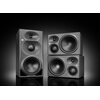
Neumann launch the KH 310 II & KH 350
A new version of Neumann's hugely popular three-way monitor has just joined the KH line-up, and has been launched alongside the KH 350, an all-new design that sits between the new KH 310 II and...

A Killer Dual-Channel Tape Machine.
Minus the Alignment Tape and Nervous Breakdown.
Pay once. Own it forever. Make questionable gain-staging decisions whenever you like.
By purchasing you agree to our EULA and Privacy Policy.
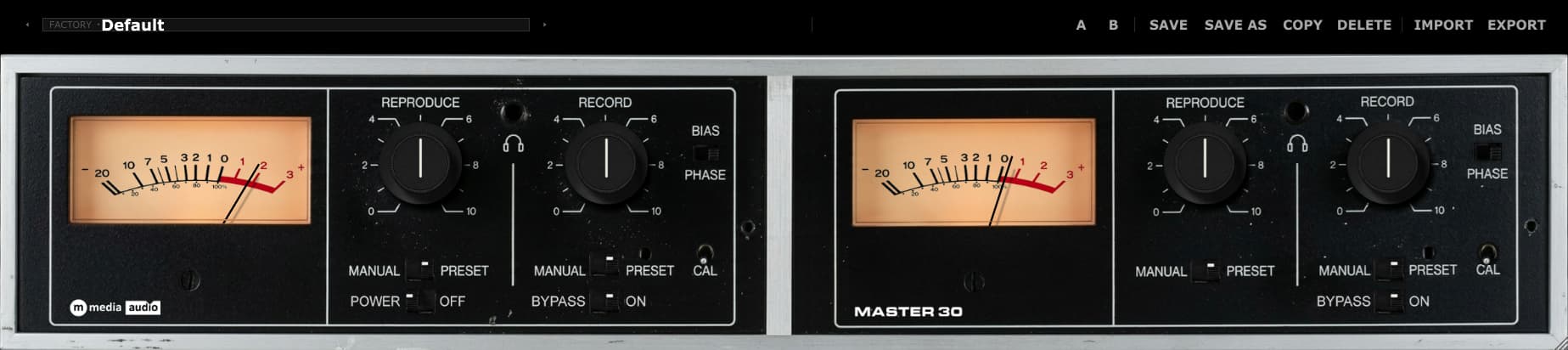
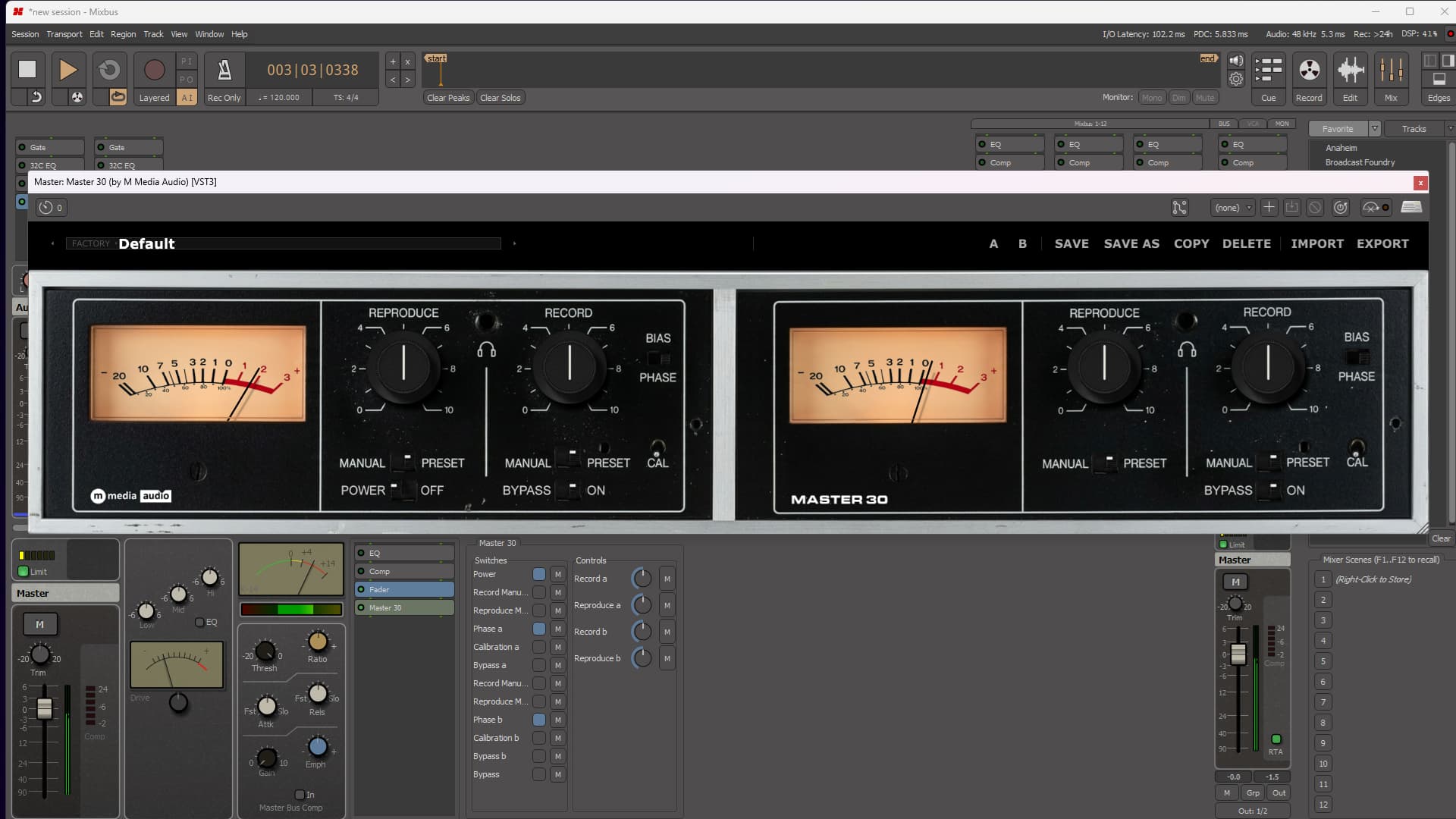
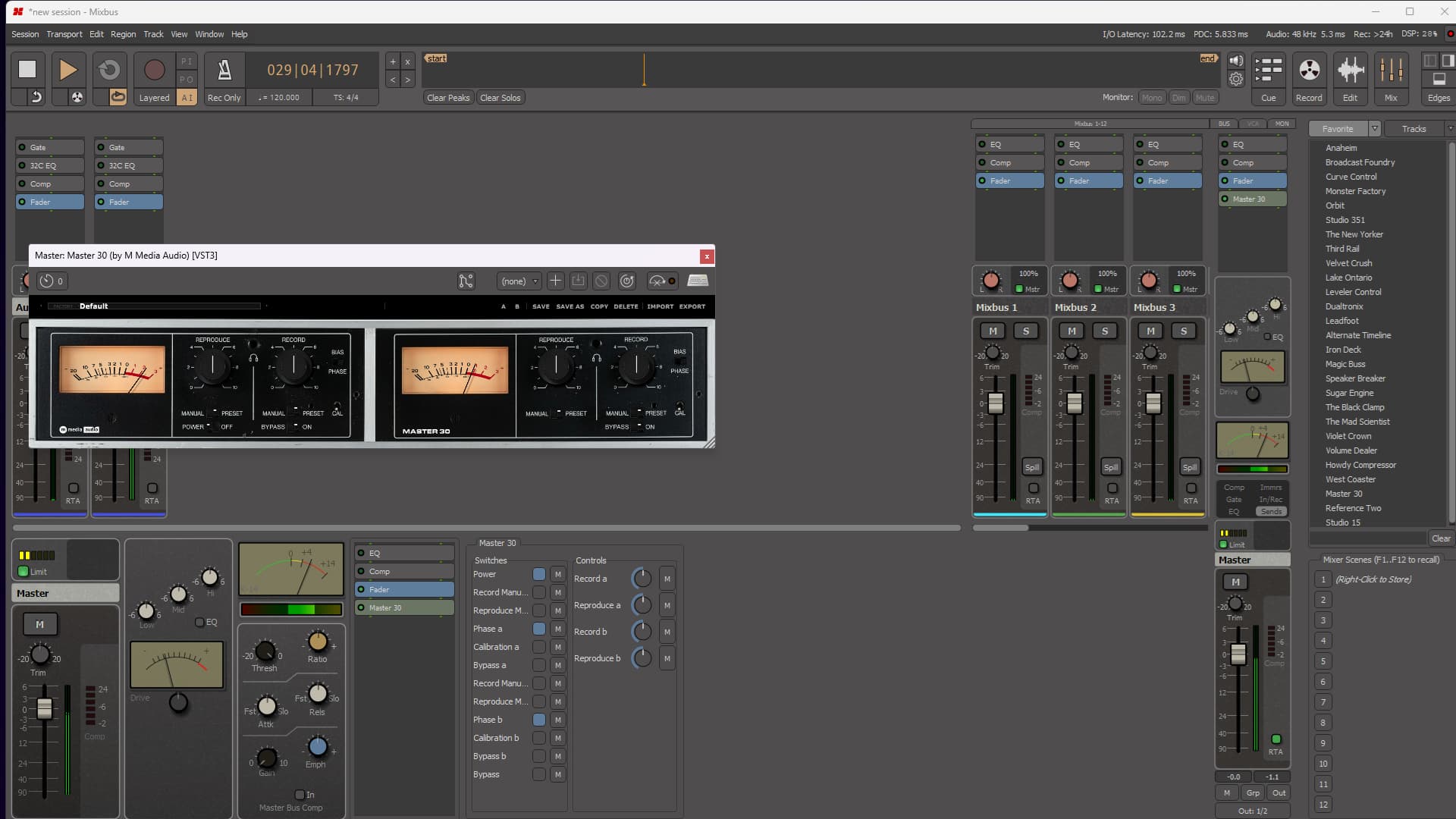
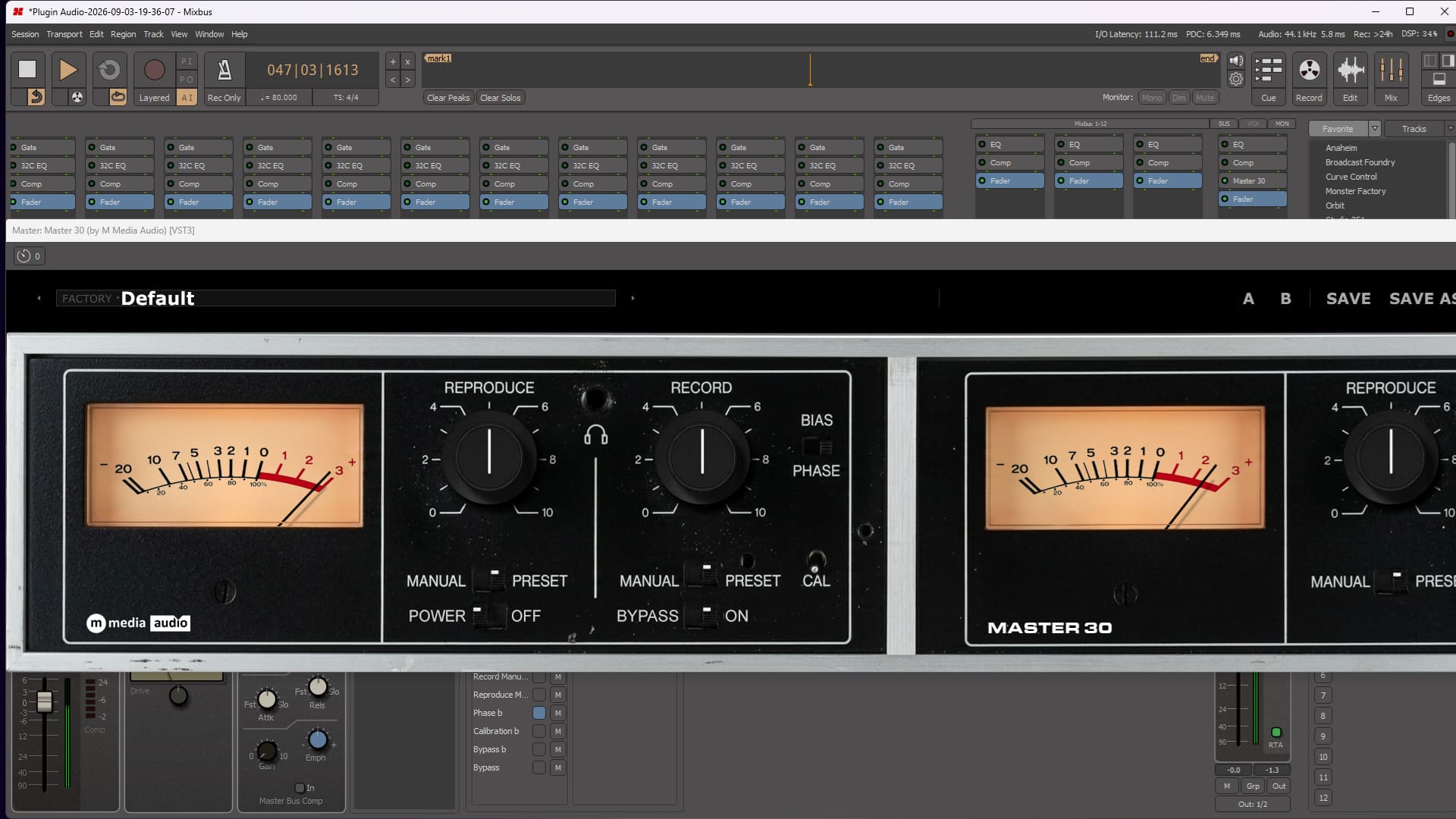
Master 30 gives each channel its own Record and Reproduce stage, then gives each stage a separate Manual/Preset switch. Leave a stage on Preset and it stays locked to its calibrated reference, no matter where the knob happens to be. Switch it to Manual and the knob comes alive.
That means you can keep Record perfectly calibrated while trimming Reproduce by hand. Lock Reproduce and lean hard into Record. Run both stages manually. Leave everything at reference. The two stages never have to move together unless that is exactly what you want.
Push the Record stage and Master 30 begins to answer back with drive, saturation, weight, and the unmistakable sense that the signal is passing through something with an opinion. Reproduce lets you bring the level back under control without undoing the character you just created. Bias and Phase are available independently on both channels, and Calibration gets you straight back to reference when your excellent judgment finally leaves the building.
The two channels are completely independent. Match them precisely, push one side a little harder, or build the kind of beautiful imbalance that makes sterile digital perfection sound terribly overrated.
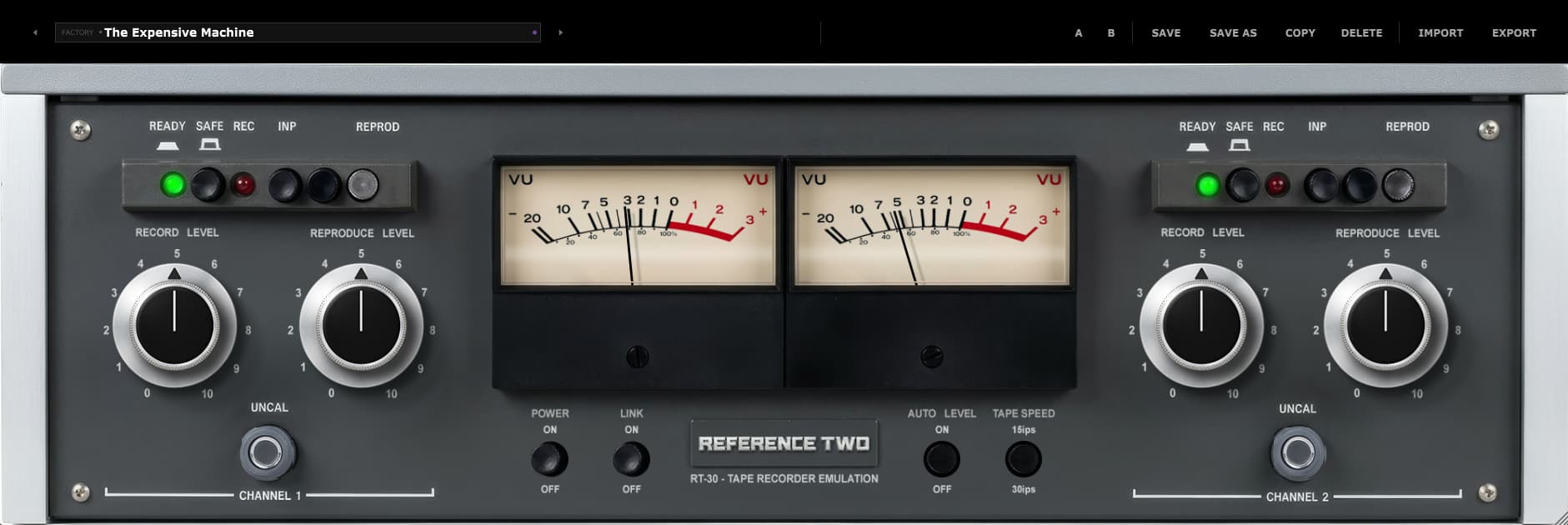
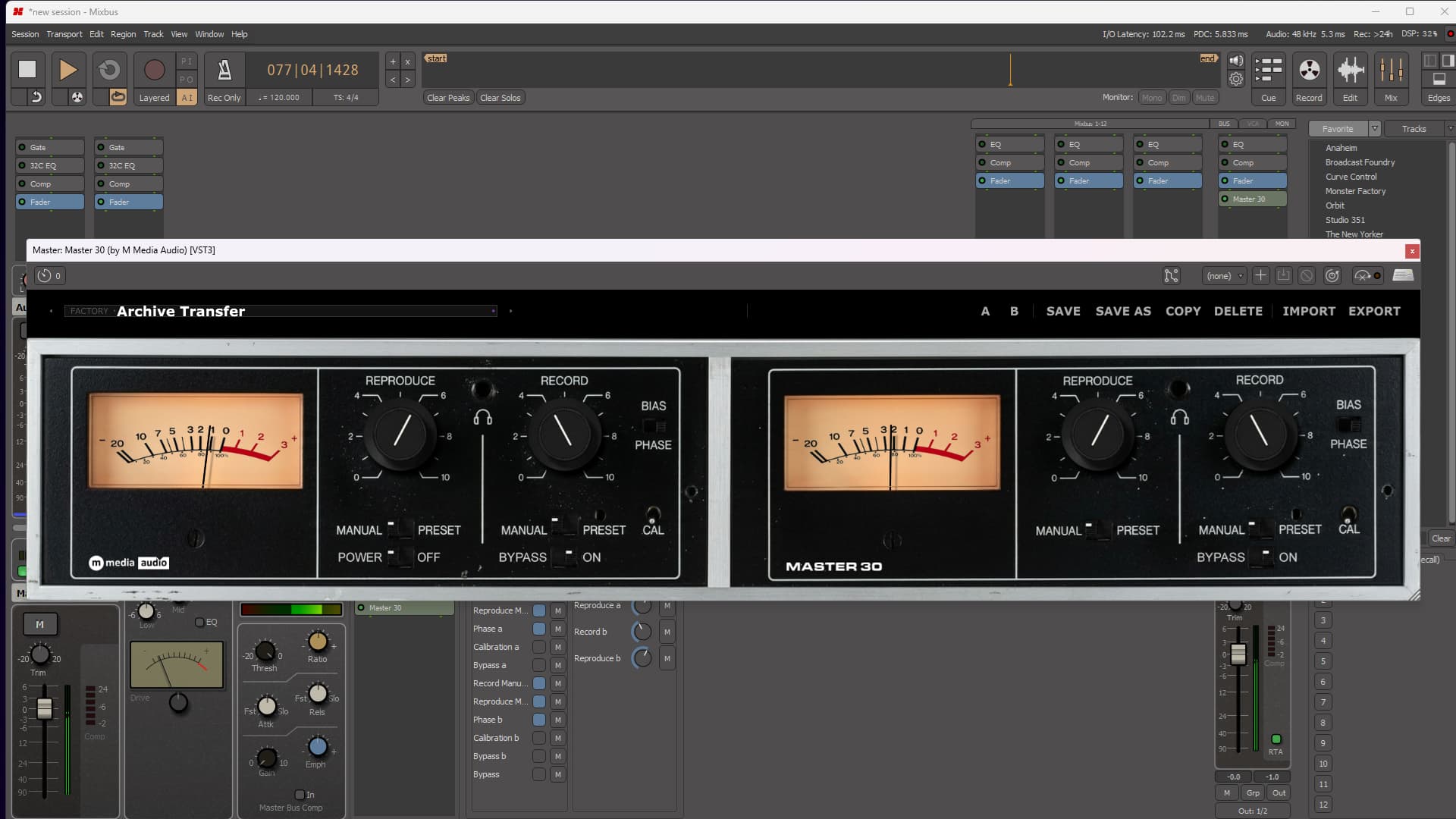
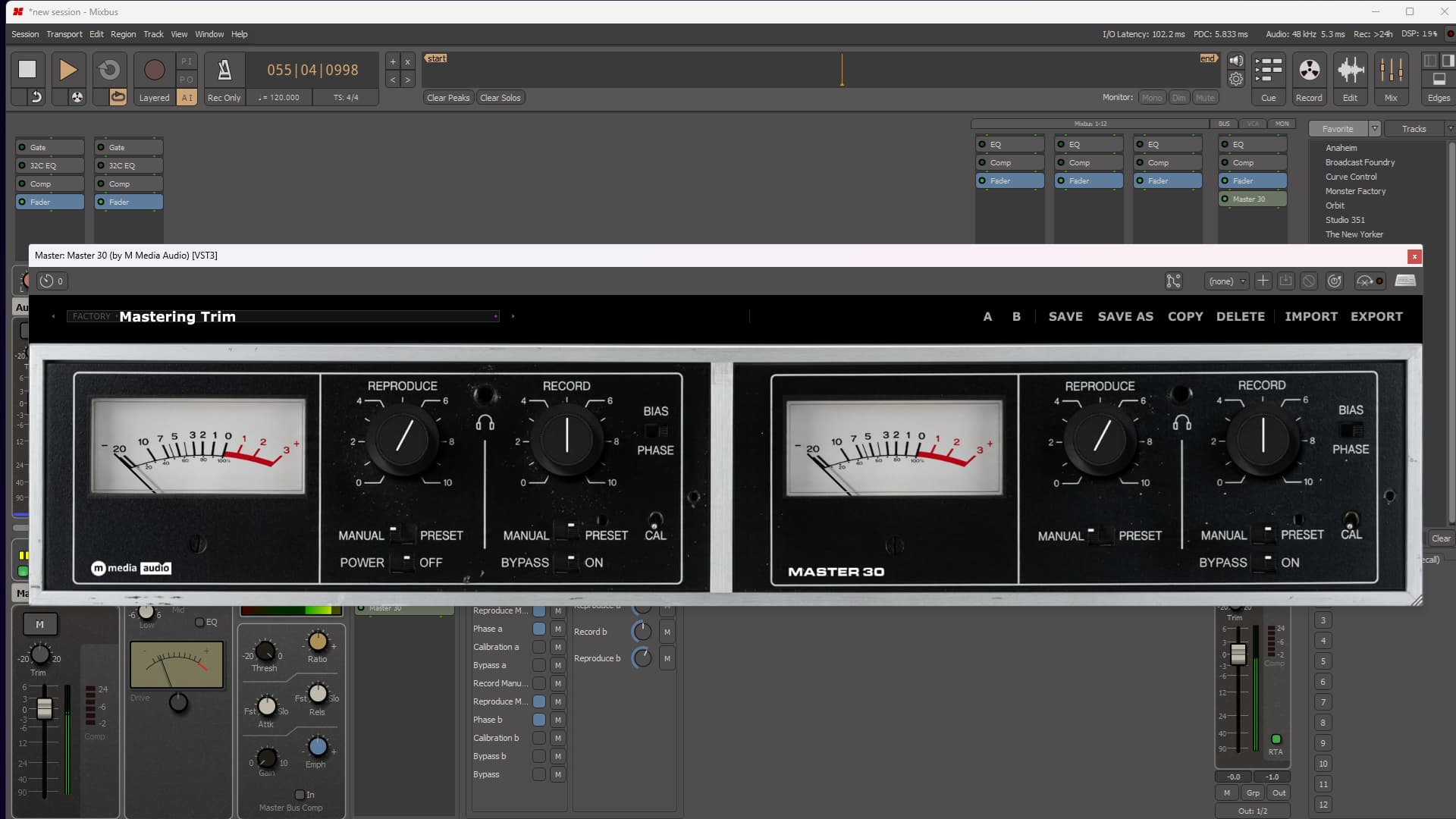
Dual illuminated VU meters keep the whole operation visible. Ten factory presets take you from a clean, calibrated pass through mastering polish, broadcast weight, wider character, and Full Drive. They get you moving quickly, but they never trap you there. Load one, start turning knobs, and make it yours.
Calibrated When You Need It. Uncalibrated When You Mean It.
Leave every stage on Preset and Master 30 returns to the same dependable reference every time you open the project. Flip any stage to Manual and take command of it immediately. Drive the input. Trim the return. Push one channel farther than the other. Then hit Calibration when it is time to behave again.
Try Master 30 FreeNo account required. We send the download link directly to your email. Demo mode briefly silences the output every 30 seconds.
Record & Reproduce
Every channel has a complete Record stage and Reproduce stage, each with its own control and Manual/Preset switch. Preset locks the stage to its calibrated reference. Manual puts the actual knob in charge.
Run the whole machine at reference, unlock only the stage you want, or take complete control of all four. Master 30 does not tie Record and Reproduce together just because that would have been easier to build.
Bias & Phase
Bias and Phase are real, per-channel controls, not decorations painted onto the panel. Bias changes the way the tape stage responds and lets you reshape its character before reaching for another processor. Phase gives you an immediate correction when a channel needs it, without stopping to add another utility plugin.
Both channels can move together, disagree completely, or land somewhere interesting in between.
The Meters
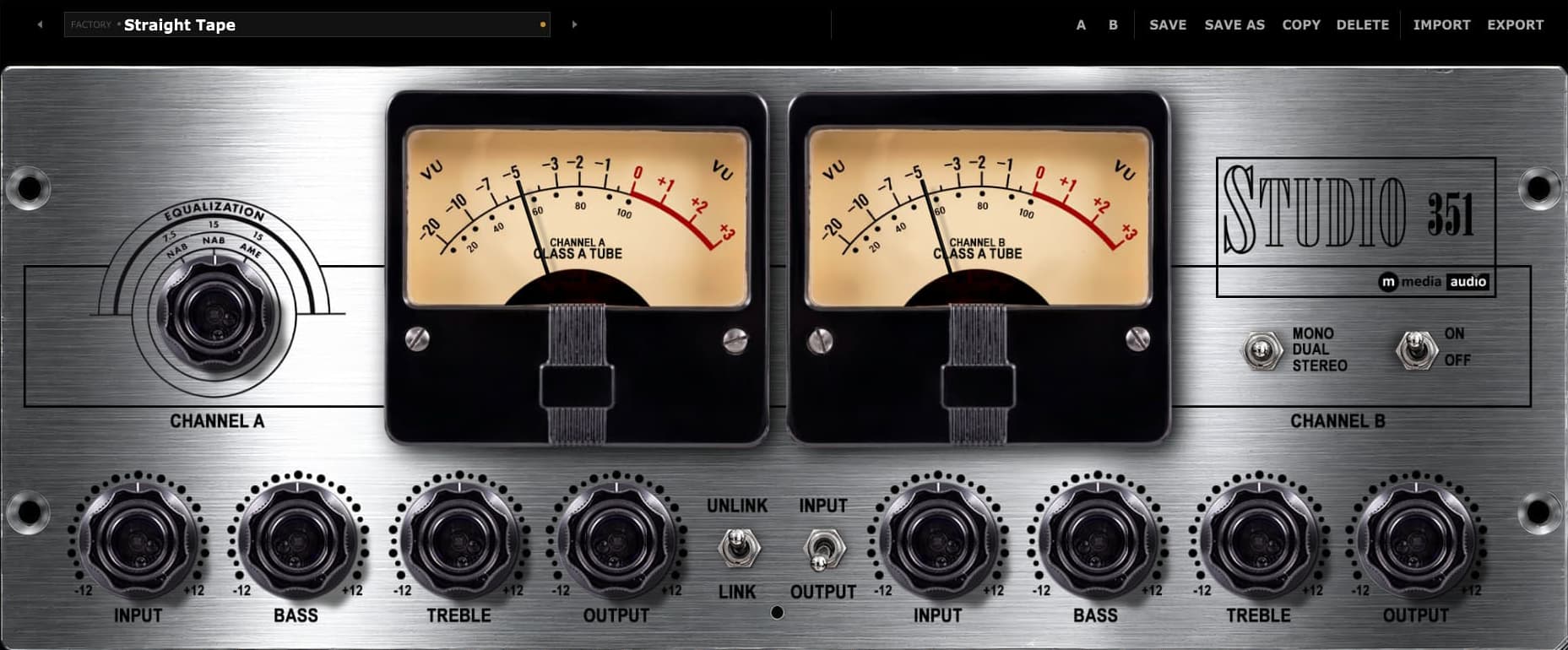
Master 30 gives each channel a large, illuminated analog VU meter. Push the Record stages and watch the needles tell you exactly how ambitious you are becoming. Or stop watching altogether and use your ears. The meters will survive the rejection.
Presets
Default opens with a clean, calibrated pass. From there, the factory bank moves through Gentle Warmth, Mastering Trim, Broadcast Ready, Bright & Driven, Wide Character, Headroom Pass, Full Drive, Archive Transfer, and more.
These are complete combinations of Record, Reproduce, Bias, and Phase, not one macro control wearing ten different hats. Load a preset, listen, then keep working. Every important control remains available.
One payment. No subscription. No annual renewal. It is yours.
Run Master 30 on up to three machines at once. Need to move an activation? Email us.
Activation is encrypted over HTTPS. There is no telemetry, and no personal data leaves your machine while the plugin is running.
You email us. We answer. No bot, no ticket maze, and no twelve-year-old forum post marked “solved.”
VST3 (64-bit) - Windows, macOS, Linux
AU (64-bit) - macOS only
Windows 10 / 11
macOS 11 Big Sur or later (Apple Silicon + Intel)
Linux - Ubuntu 22.04+ or equivalent
Any VST3-compatible host, including Reaper, Cubase, Studio One, Ableton Live, FL Studio, Bitwig Studio, Nuendo, and more.
AU on macOS: Logic Pro, GarageBand, and MainStage.
Independent Record and Reproduce stages on both channels, separate Manual/Preset calibration locks, per-channel Bias and Phase, instant Calibration, and dual illuminated VU metering.
Perpetual, single-user license
Three simultaneous activations
Need to move a license? Email us.
SHA-256 (mmedia-master-30-v1.0.0.zip): fe8e27ccc9006698ca8d3cccf61611b57ff4d04abc2dfc8c3d08f746babde6d9
Tested on Ubuntu 22.04/24.04, Debian 12, Fedora 40. Requires one system library for license verification:
sudo apt install libsodium23 # Ubuntu / Debian sudo dnf install libsodium # Fedora / RHEL sudo pacman -S libsodium # Arch
VST3 only. Confirmed working in REAPER and Bitwig.
Pay once. Own it forever. Make questionable gain-staging decisions whenever you like.
By purchasing you agree to our EULA and Privacy Policy.
A new version of Neumann's hugely popular three-way monitor has just joined the KH line-up, and has been launched alongside the KH 350, an all-new design that sits between the new KH 310 II and...
You're just relaxing by a peaceful campfire. You hear voices in the distance. Then, like a really chatty zombie invasion... they come. And keep coming. It's a 3D user interface for BlueSky, but it...
orph has released Alias, an effect plugin for macOS and Windows that adds the artefacts of old samplers, tape machines, VHS players, vinyl records and CD players to a signal. Here's what they say: ...