GS DSP updates all plugins to 2026.4
GS DSP has updated all its plugins to 2026.4. Changes: New: Add your most-used presets to the new Favourites category for quick access. Improved Apple Pencil compatibility. Faster startup time. The...
Perpetual license - pay once, own it forever.
By purchasing you agree to our EULA and Privacy Policy.
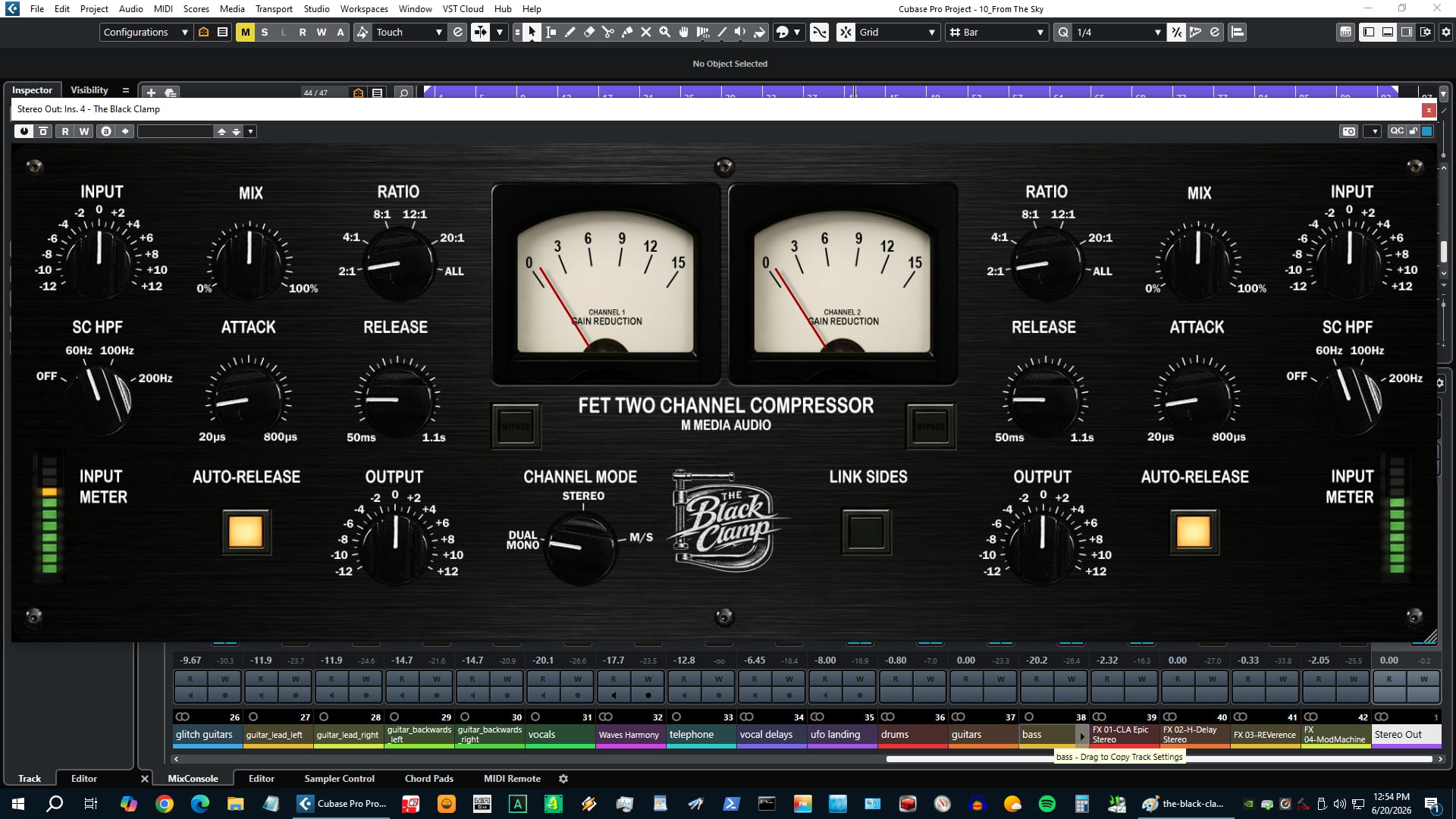
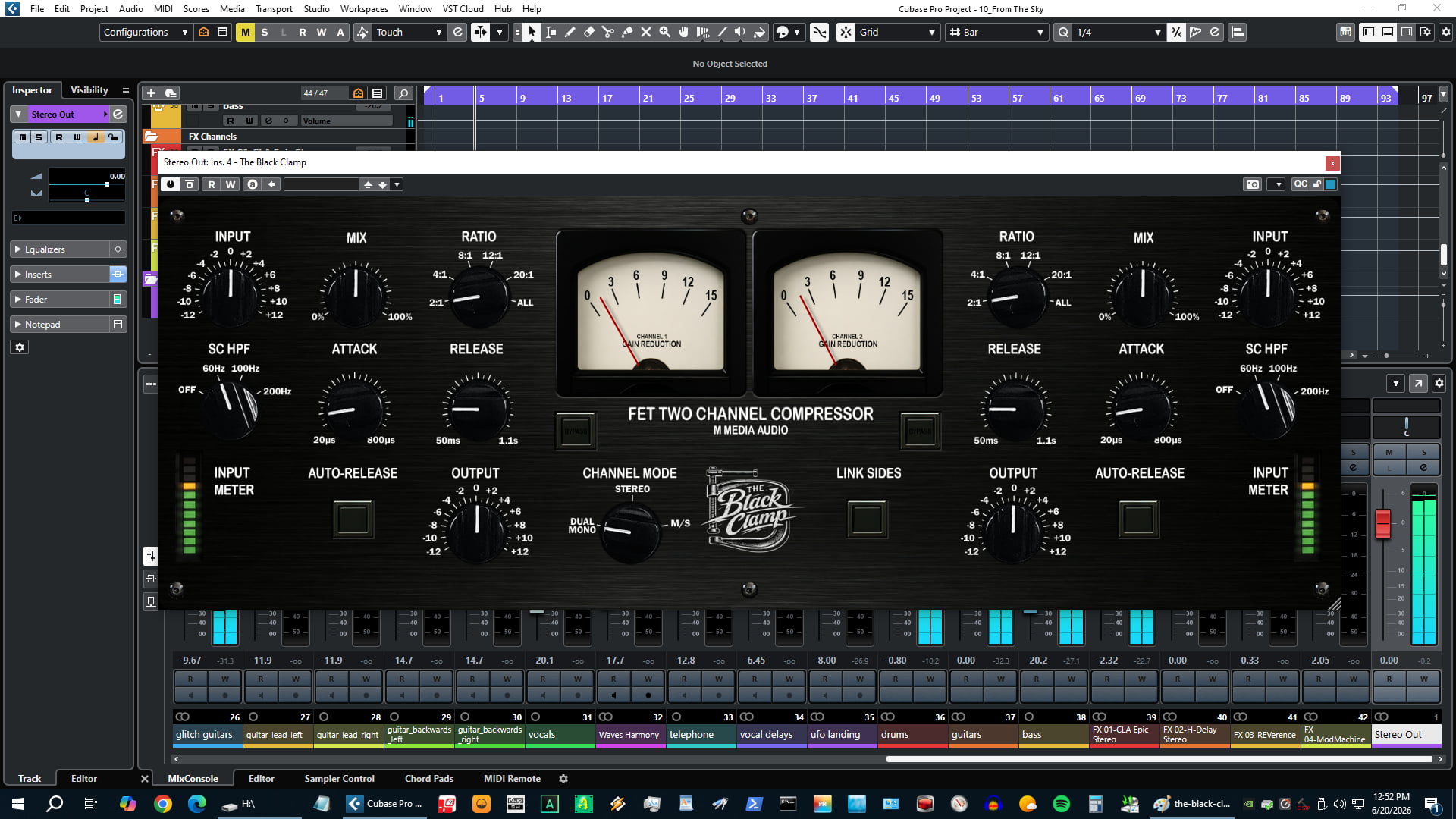
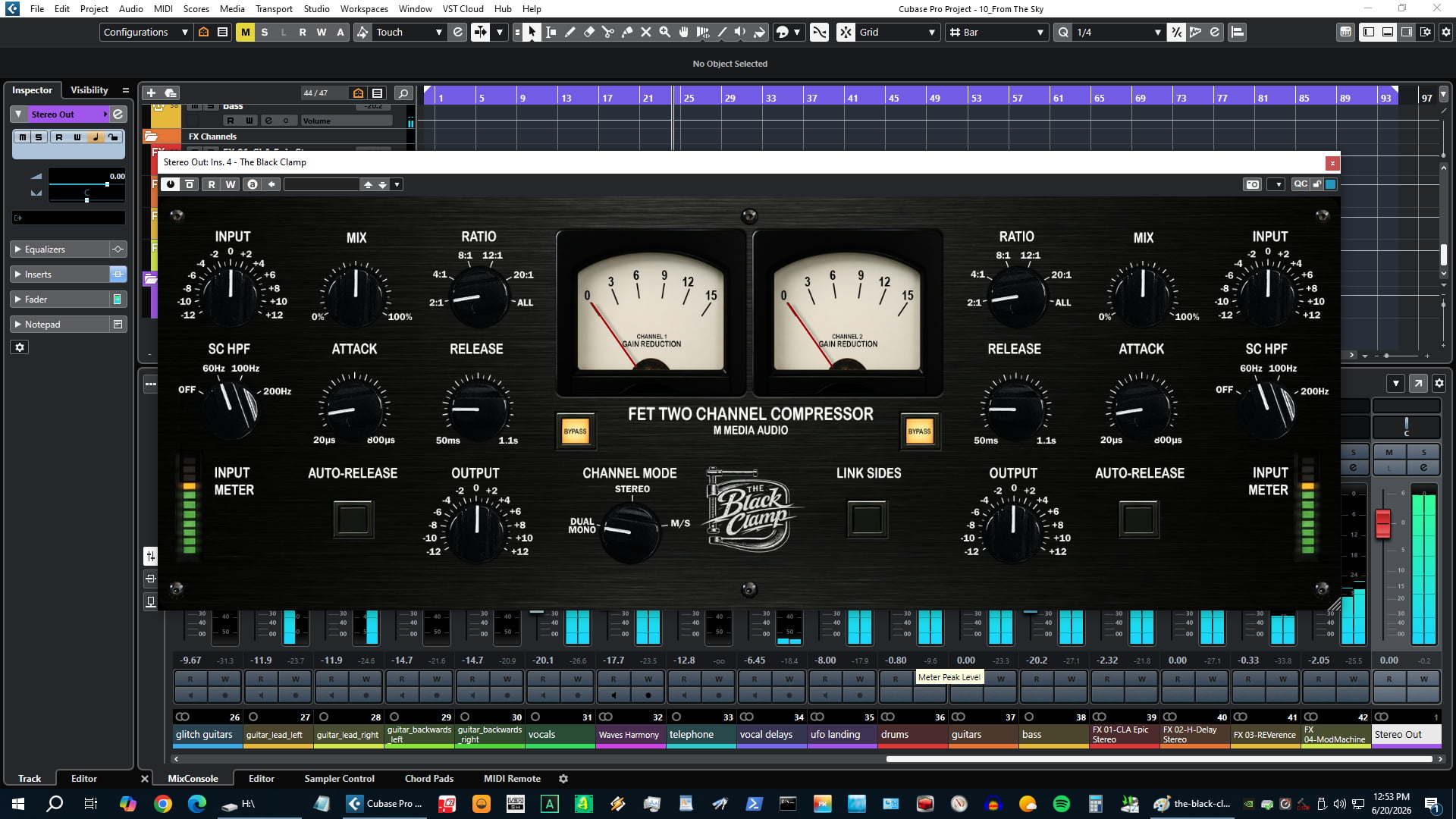
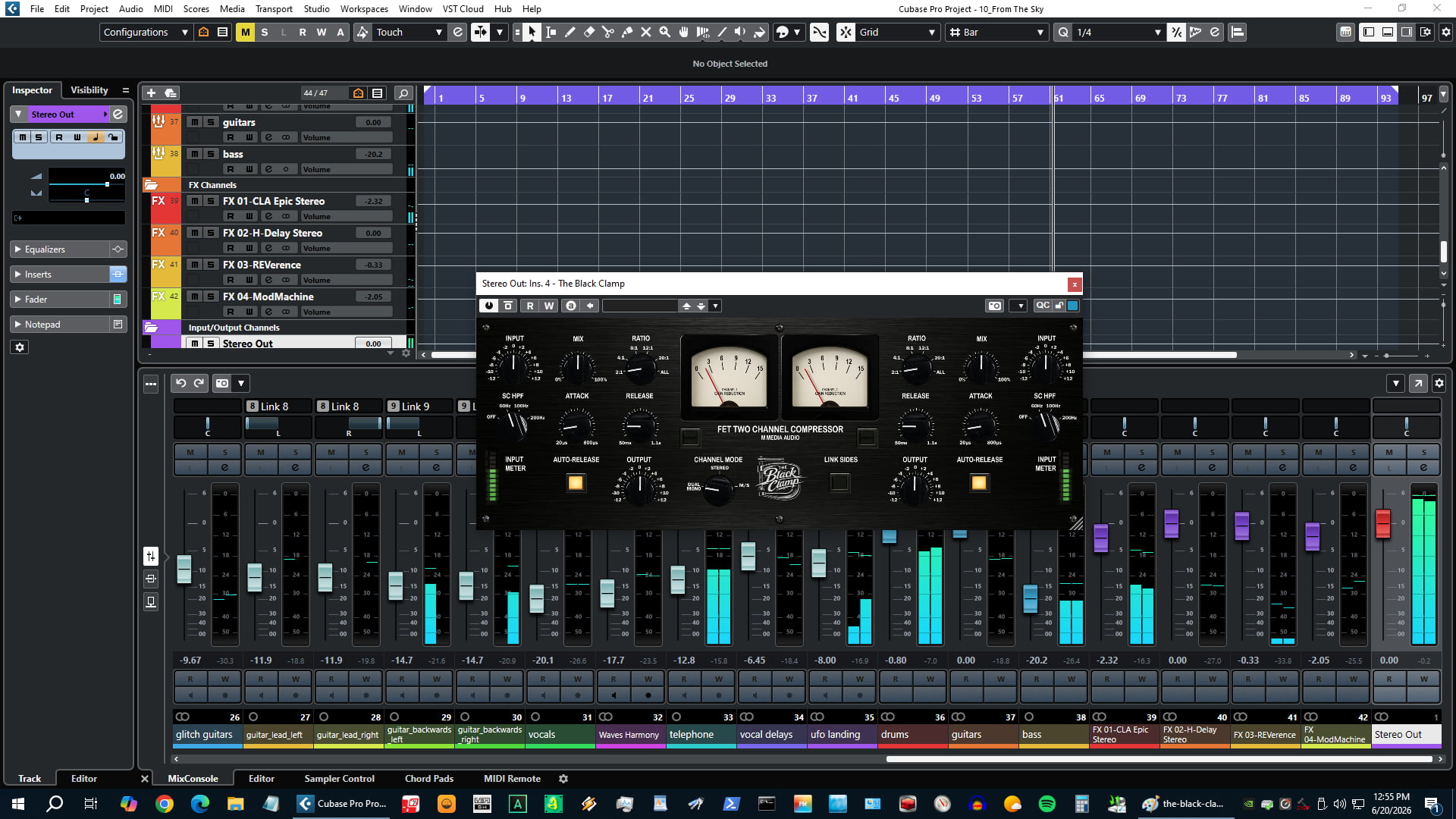
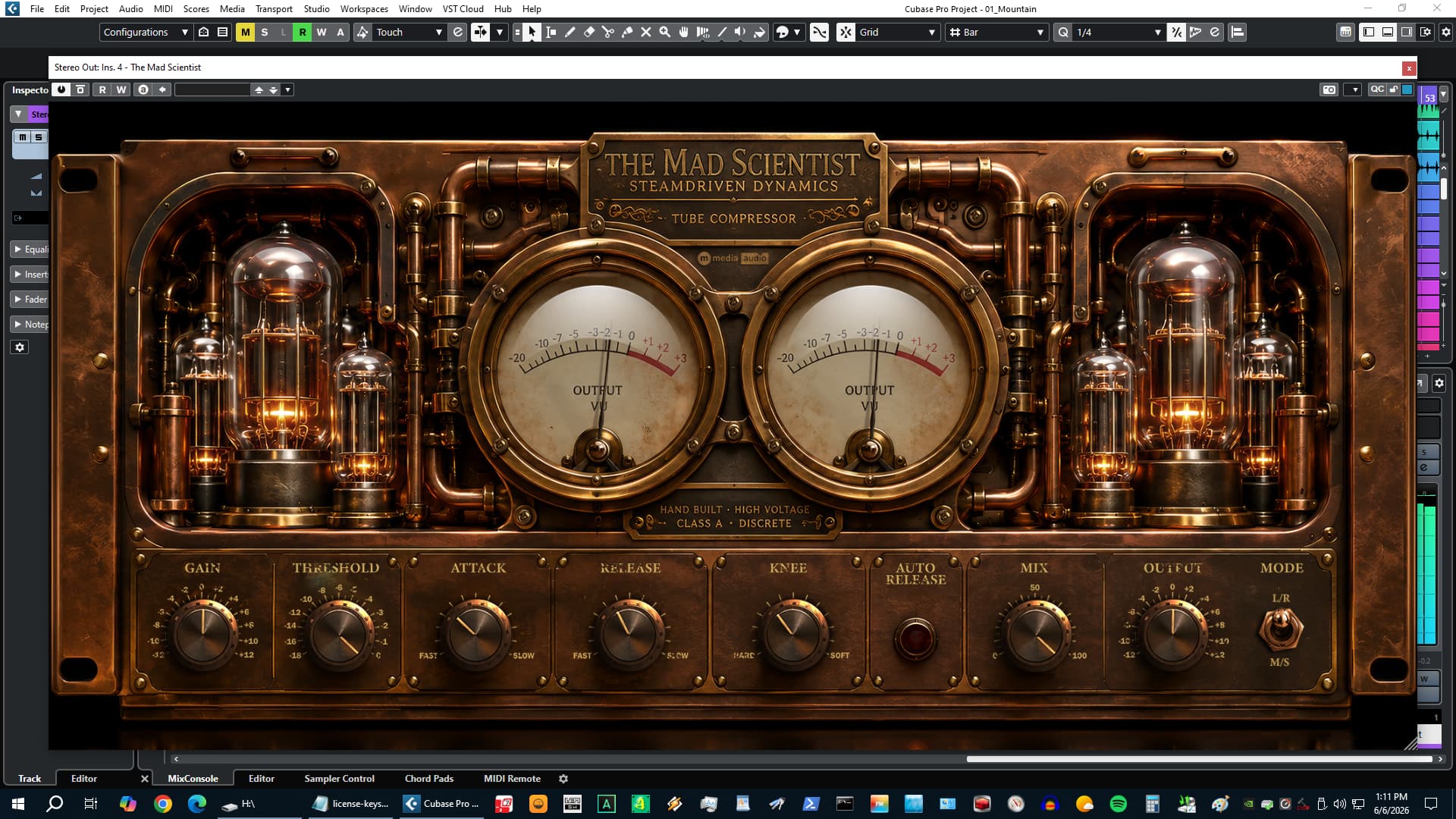
The Black Clamp is a dual-channel FET compressor built on the classic JFET gain-reduction topology - the same circuit character behind some of the most recognizable compression sounds in recorded music. It grabs transients, adds harmonic color from the transistor circuit, and glues material without sounding processed. Drums, bass, vocals, and bus use are all primary targets.
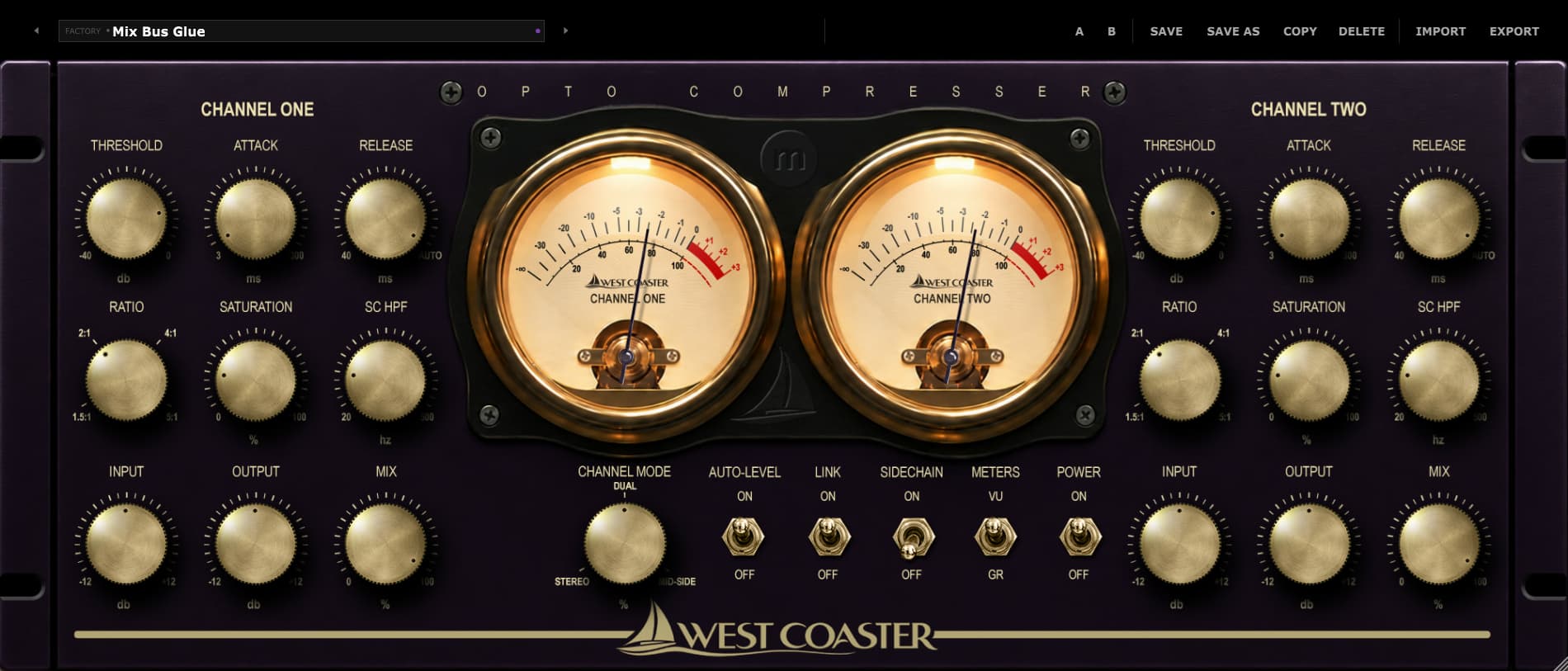
Two fully independent channel strips. Full per-channel control over every parameter. Link them for stereo, run them independently for dual mono, or flip to M/S mode for bus and mastering work.
Put it on your drums.
Fast attack, 8:1, linked. Hit it hard and listen to what a JFET gain-reduction stage does to a drum bus.
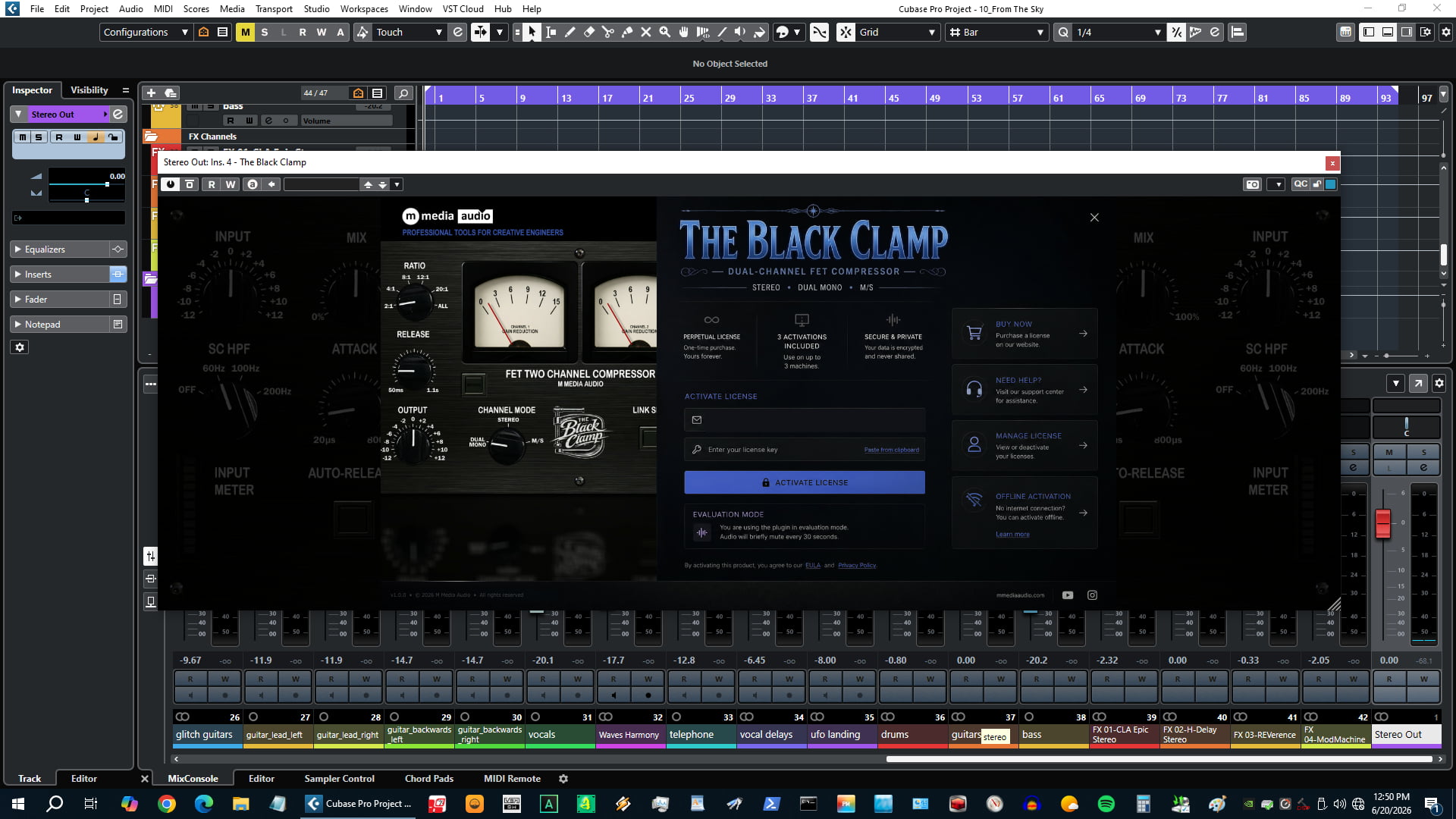
Try The Black Clamp FreeNo account required. Silences briefly every 30 seconds in demo mode.
Dual-Channel - Fully Independent
Every parameter is per-channel and fully independent - Input, Output, Attack, Release, Ratio, SC HPF, Mix. Link mode mirrors the left channel to the right in real time for fast stereo setup, but it is not a lock. Adjust the right channel after linking and it holds its position. This is how the hardware worked, and it is how this works.
Six Ratio Positions Including ALL
The ratio knob has six positions: 2, 4, 8, 12, 20, and ALL. The first five follow standard gain computer curves. ALL engages a modified gain computer with a non-standard ratio curve - approximately 12:1 effective but with an early knee onset and heavy 2nd harmonic injection. This is the British slam mode made famous by the hardware all-buttons trick. It pumps, it saturates, and it does things to a drum bus that no other ratio setting can replicate.
Stereo / Dual Mono / M/S Modes
Stereo mode runs a shared sidechain summing both channels for identical gain reduction - natural stereo image preservation. Dual Mono gives each channel a fully independent detector and gain computer - use it for parallel processing, different source material on L and R, or any situation where independent dynamics make more sense than a shared detector. M/S mode converts input to Mid and Side, processes each independently, then converts back - the left strip handles Mid, the right strip handles Side. Built-in M/S compression for bus and mastering work without any external routing.
SC HPF + Built-In Parallel Blend
The sidechain high-pass filter removes low-frequency energy from the detector circuit so kick and bass do not drive excessive gain reduction on full mixes. Four positions per channel: Off, 60 Hz, 100 Hz, 200 Hz. Use 100 Hz for most bus work. Use 200 Hz when the low end is particularly loud and you want the compressor to respond only to the mid and high content.
The Mix knob provides built-in parallel compression per channel - blend compressed and dry signal without any DAW routing. Set 50% for classic NY-style parallel compression. The dry signal bypasses all processing including saturation, so the blend is always clean.
Link Sides
Link mirrors all left-channel controls to the right channel in real time. Dial in your compression on the left strip - Attack, Release, Ratio, Input, Output, SC HPF - and the right follows along as you move. It is the fastest way to set up a matched stereo pair.
Link is not a lock. The moment you touch a control on the right channel, it holds its new position independently. Nothing snaps back. This is how stereo hardware compressors work - you establish a baseline with Link, then trim the right side if the material needs it. The left channel is always the reference; the right is always free to diverge.
Mix is never affected by Link under any circumstance. Each channel's wet/dry blend is always independent regardless of Link state.
FET Character + VU Metering
The saturation stage runs after gain reduction - 2nd and 3rd order harmonic generation driven by Input level, modeled on JFET and output transformer character. The curve is asymmetric, as FETs clip asymmetrically, producing more 2nd harmonic than 3rd. At low input levels it adds subtle color. Push the Input harder and it adds grit, density, and presence that no amount of EQ replicates. Two VU meters - one per channel - display gain reduction (0 at top, reads downward).
Selected Work
One-time purchase. Yours forever. No subscription, no renewal.
Install on up to three machines simultaneously. Need to move a license? Email us.
Encrypted activation over HTTPS. No telemetry. No data leaves your machine during use.
You email us, we answer. No ticket queues, no bots, no knowledge base rabbit holes.
VST3 (64-bit) - Windows, macOS, Linux
AU (64-bit) - macOS only
Windows 10 / 11
macOS 11 Big Sur or later (Apple Silicon + Intel)
Linux - Ubuntu 22.04+ or equivalent
Any VST3-compatible host: Reaper, Cubase, Studio One, Ableton Live, FL Studio, Bitwig Studio, Nuendo, and more
AU (macOS): Logic Pro, GarageBand, MainStage
Perpetual, single user
3 simultaneous activations
Need to move a license? Email us
SHA-256 (mmedia-the-black-clamp-v1.0.0.zip): TBC
Perpetual license - pay once, own it forever.
By purchasing you agree to our EULA and Privacy Policy.
GS DSP has updated all its plugins to 2026.4. Changes: New: Add your most-used presets to the new Favourites category for quick access. Improved Apple Pencil compatibility. Faster startup time. The...
AudioBrain has released MixBrain version 2.1.0 for MacOS. MixBrain is a session-aware mixing assistant based on a Master + Node workflow. The Master plug-in defines the context of the session, while...