Leveler Control

Opto-Style Leveling Amplifier.
One Switch Changes Everything.

$19 Perpetual License
3 Platforms
VST3 + AU on macOS
Leveler Control VST3 - Opto-Style Leveling Amplifier Plugin

Leveler Control

Perpetual license - pay once, own it forever.

$19 Buy Now

Secure checkout · Instant license delivery

Try the free demo
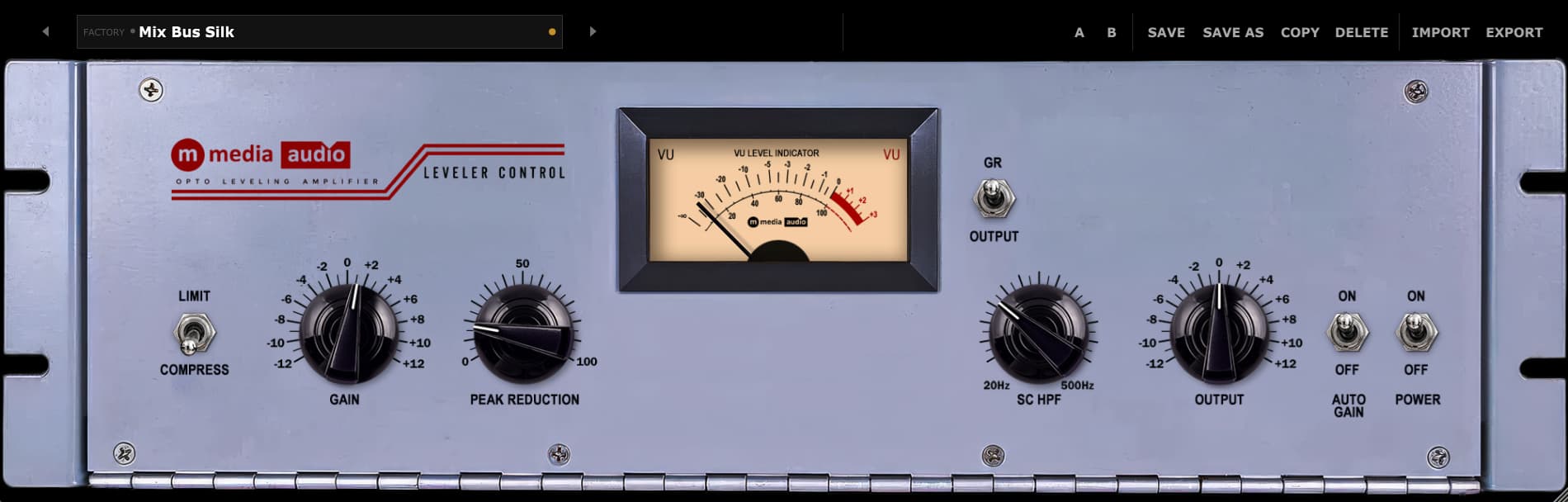
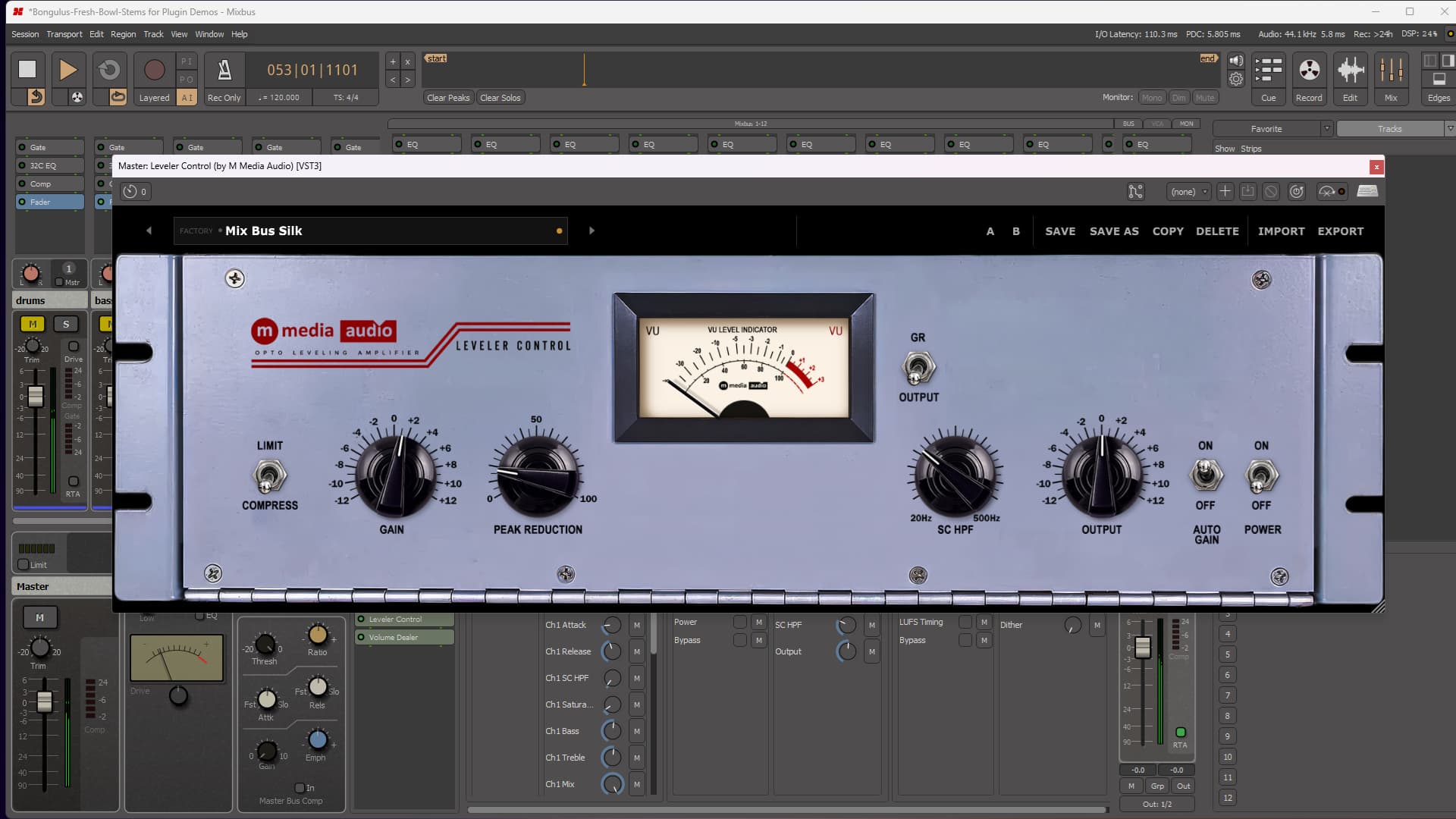
Leveler Control VST3 - Opto-Style Leveling Amplifier Interface

Turn Up The Reduction. The Level Doesn't Move.

Every opto leveler has the same problem: crank the reduction and the track gets quieter, so you reach for the output knob to compensate, and now you can't tell if what you're hearing is better compression or just more volume. Leveler Control does the classic thing first - smooth, program-dependent gain reduction that reacts the way a real optical cell does, not a hard modern squeeze. Four knobs, two switches, and the one meter you actually need to watch.

Then there's Auto Gain Match. Flip it on and the plugin continuously trims the output to hold your level steady while you turn Peak Reduction, so what you're hearing is the reduction itself, not a louder version of the same track fooling you into liking it more. Turn the knob, listen to the character change, and trust what your ears just told you.

VU meter

Load Vocal Push. Flip Auto Gain Match On and Off.

Same Peak Reduction setting, same source, two completely different impressions - one louder, one honest. That's the whole pitch in ten seconds. Once you hear it you won't want to dial in a leveler any other way again.

Try Leveler Control Free

No account required - we send the link to your email. Silences briefly every 30 seconds in demo mode.

The Controls

Two Knobs, One Switch. That's the Whole Comp.

Gain drives the signal into the opto cell - more drive, more reduction. Peak Reduction sets how aggressively the cell responds, independent of level, so you're never fighting input gain just to get the amount of squash you want. A sidechain high-pass keeps kick and bass out of the detector so the low end doesn't drag the rest of the mix down with it every time it hits.

Compress or Limit is a single switch, not a ratio knob to second-guess. Compress gives you gentle, program-dependent glue. Limit steps up to a harder ceiling for material that needs a real stop, not a suggestion. Output sets where it lands. That's the entire signal path.

  • Gain - Input drive into the opto cell. More drive, more reduction.
  • Peak Reduction - How hard the cell responds, independent of input level.
  • SC HPF - Keeps low end out of the detector so bass doesn't drive the reduction.
Leveler Control Gain, Peak Reduction, and Compress/Limit controls
Leveler Control Auto Gain Match switch

Auto Gain Match

Hear The Compression, Not The Volume.

Every compressor plugin has the same built-in bias: more gain reduction almost always means you turn up makeup gain to compensate, and louder just sounds better to the human ear, whether or not the processing actually improved anything. It's the oldest trick in mixing, and it works on everyone, including you.

Auto Gain Match removes it. Switch it on and Leveler Control continuously matches output level to input level while you work, so cranking Peak Reduction changes the character of the squash without changing how loud it sounds. A/B your settings honestly. Trust what you're actually hearing, not what the loudness war is telling you to like.

The Meter

One Needle. Two Readings.

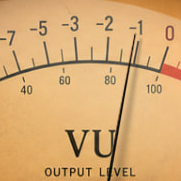
A single VU needle handles both jobs a leveler needs to show you. Flip the meter switch to GR and watch exactly how much reduction is happening in real time. Flip it to Output and read program level the way a mastering engineer would. One meter, no clutter, exactly the information you need for the decision you're making right now.

Leveler Control VU meter with GR/Output switch
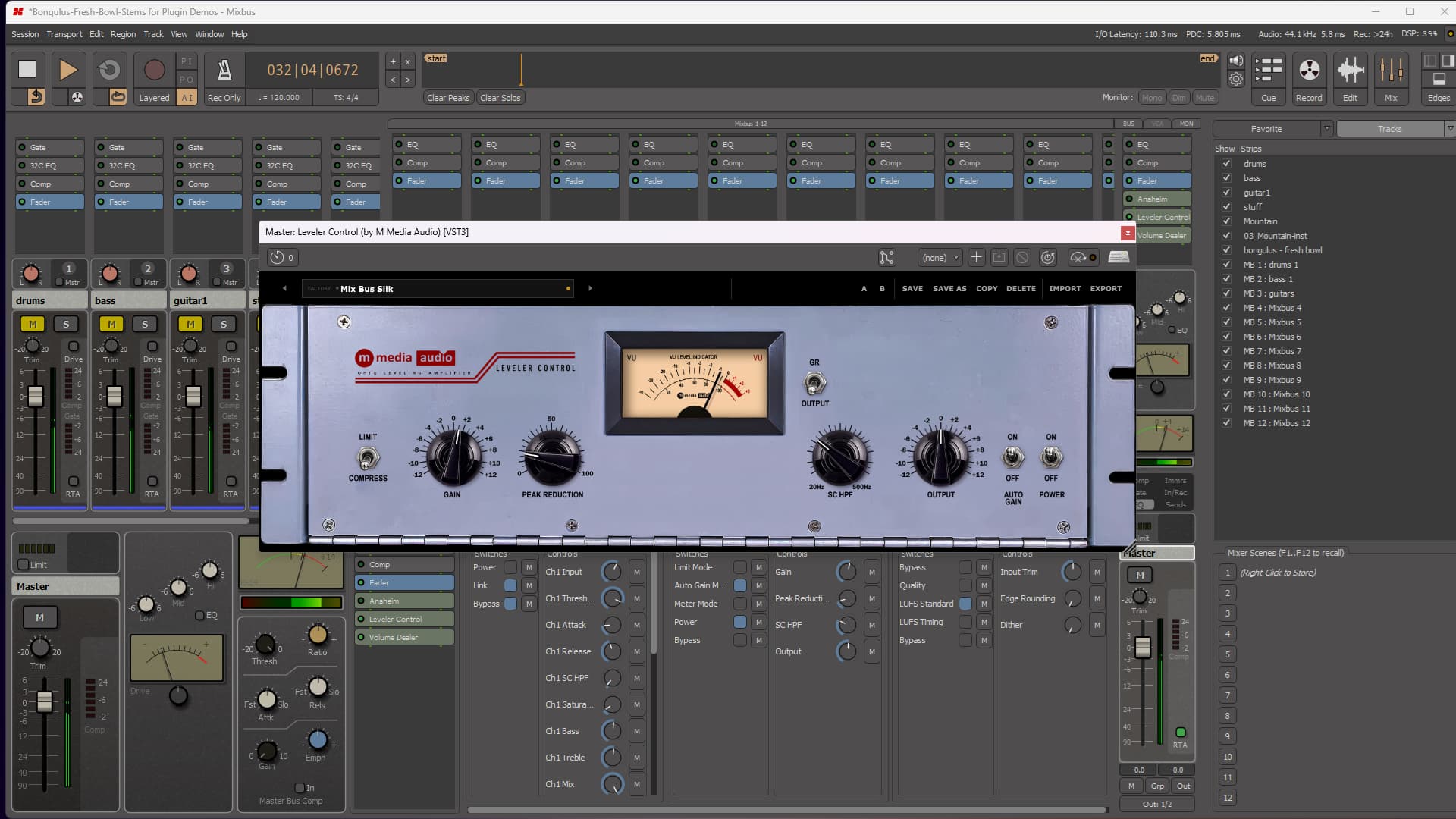
Leveler Control presets in session

Eight Factory Presets

Eight Presets. Every One a Real Setting.

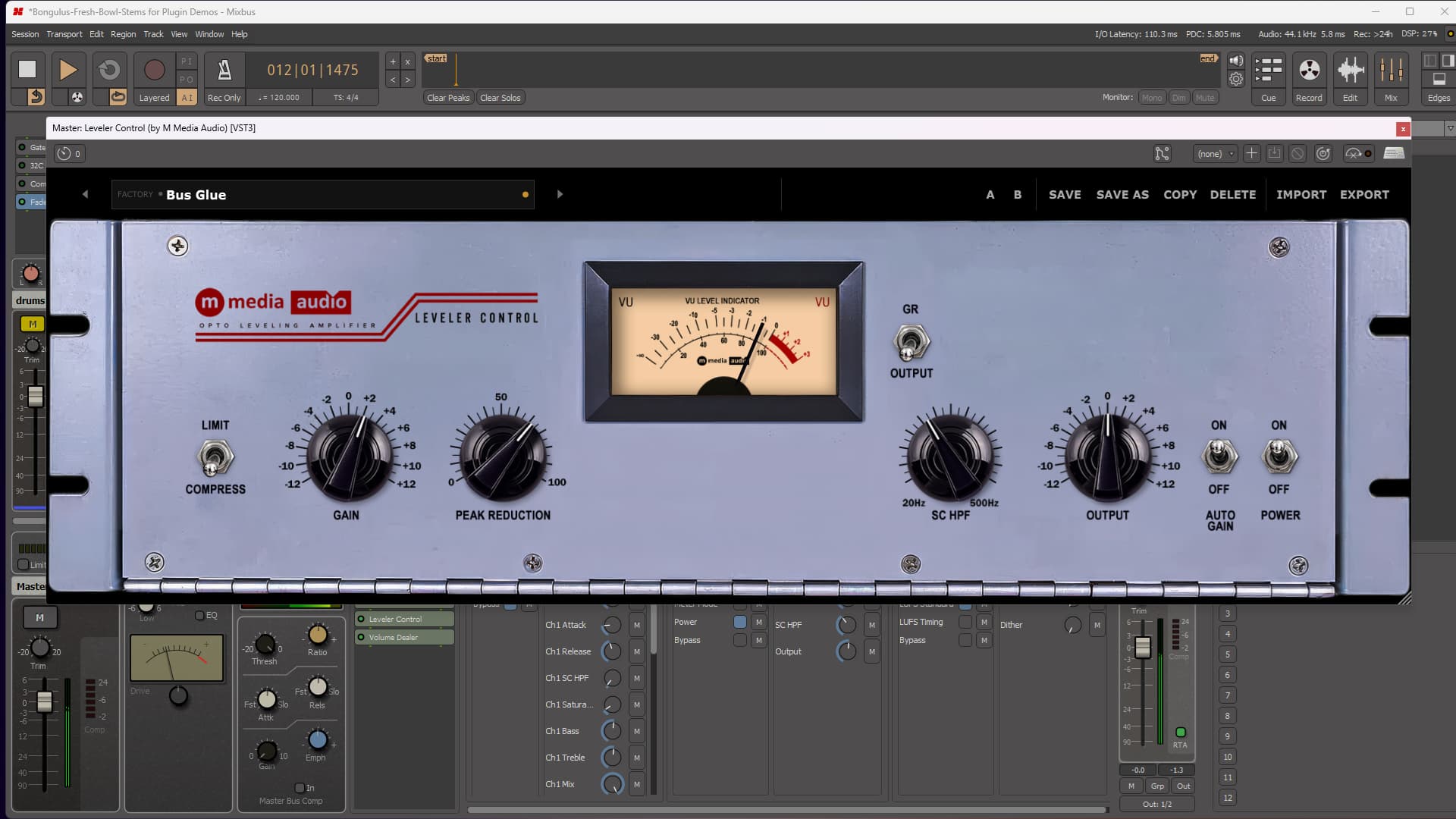
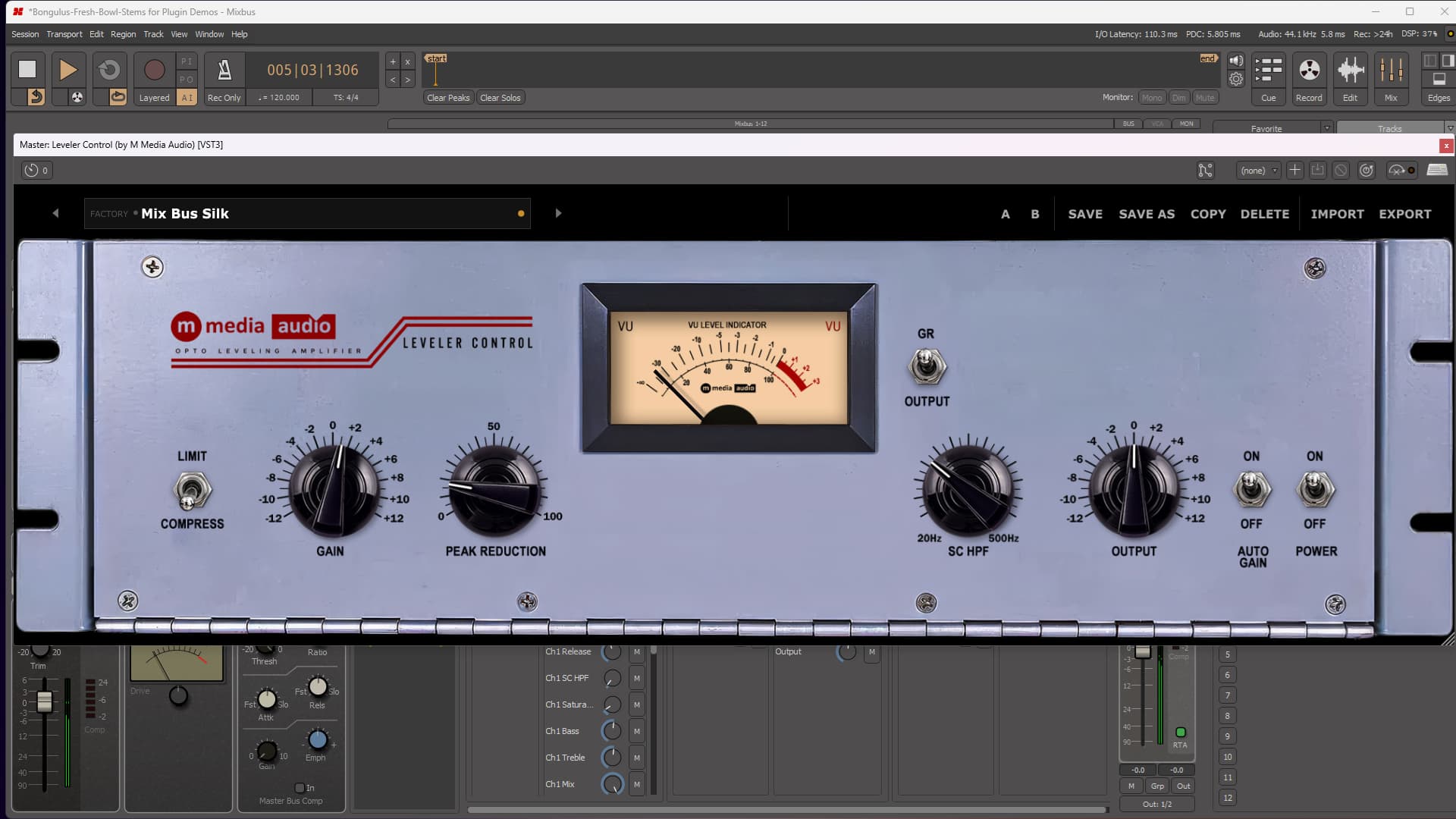
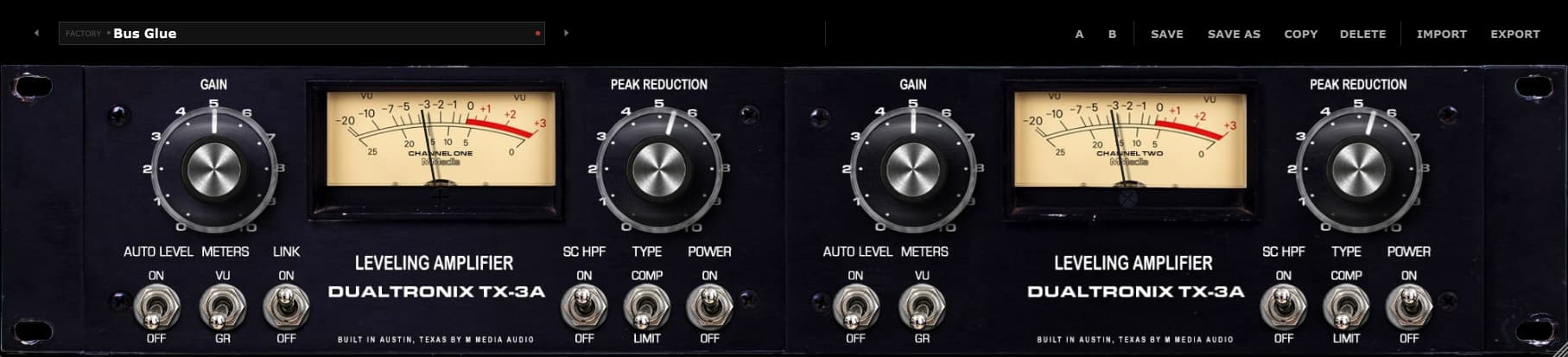
Load Leveler Control and you're already working. Vocal Leveling and Vocal Push cover gentle-to-aggressive vocal riding with Auto Gain Match on by default, so you're judging the squash, not the level. Bus Glue and Mix Bus Silk sit light on a mix bus without changing the picture. Broadcast Voice and Mastering Touch lean on the Limit side for material that needs a hard stop. Drum Room Squash turns Auto Gain Match off on purpose - sometimes you want the pump.

Every preset is a real position pulled from actual use, not a range demo. Load the one closest to the job, adjust Peak Reduction from there, and trust your ears. Save your own, A/B between them, import and export - your presets travel with the plugin across every session and every machine.

  • Flat - Everything at default. Power on, nothing else engaged.
  • Vocal Leveling - Gentle riding, Auto Gain Match on.
  • Drum Room Squash - Aggressive Limit character, Auto Gain Match off on purpose.
  • Mastering Touch - Light Limit-side safety net, Auto Gain Match on.

Perpetual License

One-time purchase. Yours forever. No subscription, no renewal.

3 Activations

Install on up to three machines simultaneously. Need to move a license? Email us.

🔒

Secure & Private

Encrypted activation over HTTPS. No telemetry. No data leaves your machine during use.

Direct Support

You email us, we answer. No ticket queues, no bots, no knowledge base rabbit holes.

System Requirements

Format

VST3 (64-bit) - Windows, macOS, Linux
AU (64-bit) - macOS only

Platform

Windows 10 / 11
macOS 11 Big Sur or later (Apple Silicon + Intel)
Linux - Ubuntu 22.04+ or equivalent

DAW Compatibility

Any VST3-compatible host: Reaper, Cubase, Studio One, Ableton Live, FL Studio, Bitwig Studio, Nuendo, and more

AU (macOS): Logic Pro, GarageBand, MainStage

Latency

Plugin buffer only - no lookahead, no oversampling latency

License

Perpetual, single user
3 simultaneous activations
Need to move a license? Email us

SHA-256 (mmedia-leveler-control-v1.0.0.zip): 38b44d3751cd6ca255e2ffd94dc3e39b0d8e153d88d34a05f06e94aa155b8cdd

Linux System Requirements

Tested on Ubuntu 22.04/24.04, Debian 12, Fedora 40. Requires one system library for license verification:

sudo apt install libsodium23        # Ubuntu / Debian
sudo dnf install libsodium          # Fedora / RHEL
sudo pacman -S libsodium            # Arch

VST3 only. Confirmed working in REAPER and Bitwig.

Leveler Control

Perpetual license - pay once, own it forever.

$19 Buy Now

Secure checkout · Instant license delivery

Try the free demo
From the Industry

Pro Audio

Sound On Sound News

MPG launch Save Our Studios survey

The Music Producers Guild (MPG) are inviting UK-based studios to take part in an in-depth survey that aims to help make a case for music studios to be included in the government’s rates cut for...