Curve Control

Dual-Channel Mix & Mastering Parametric EQ.
Twelve Bands. Three Channel Modes. Hardware Weight.

$59 Perpetual License
3 Platforms
VST3 + AU on macOS
Curve Control VST3 - Mix & Mastering Parametric EQ

Curve Control

Perpetual license - pay once, own it forever.

$59 Buy Now

Secure checkout · Instant license delivery

Try the free demo
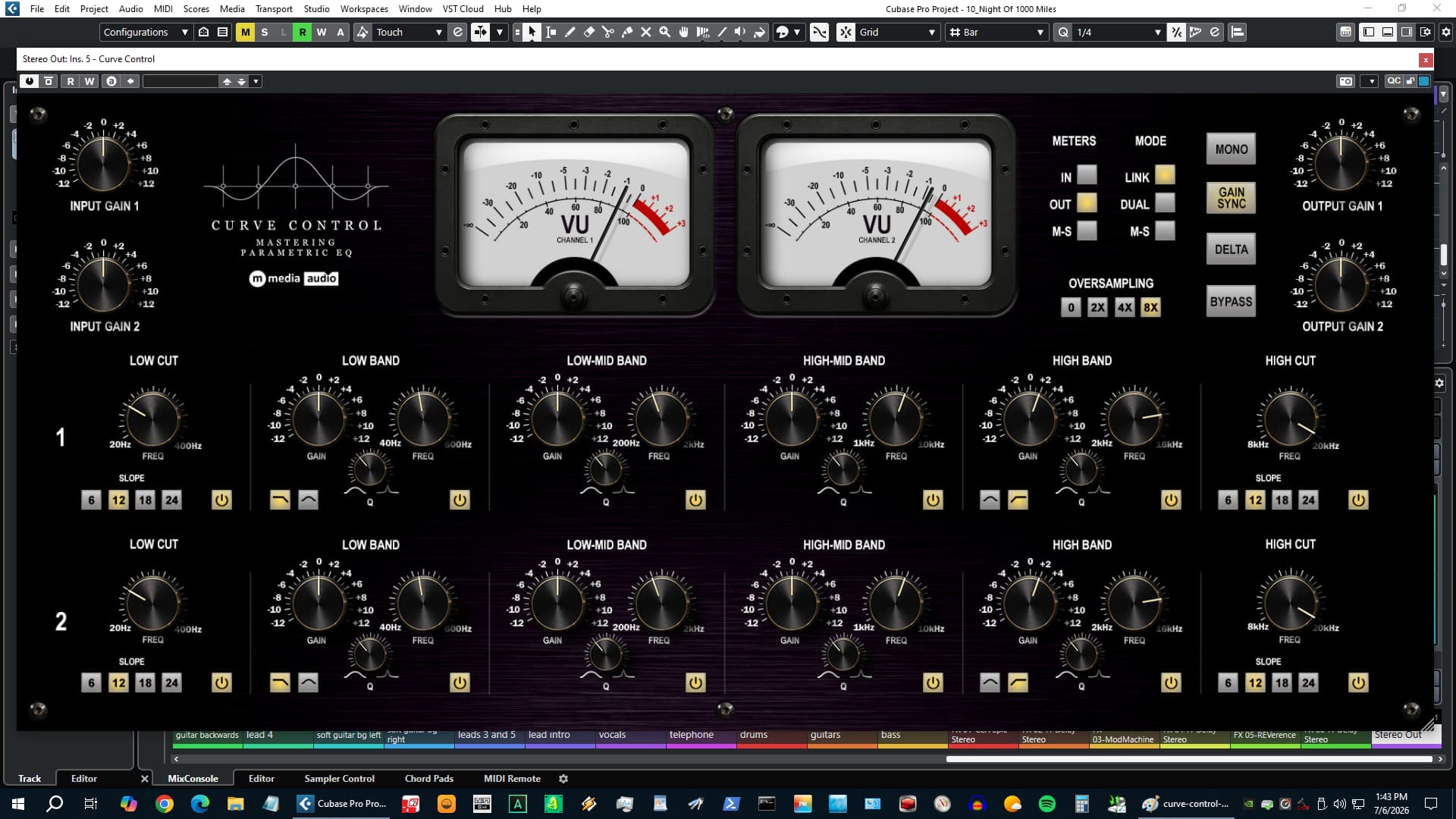
Curve Control VST3 - Mix & Mastering Parametric EQ Interface

Twelve Bands. Three Modes. Built for the Mix Bus and the Mastering Chain.

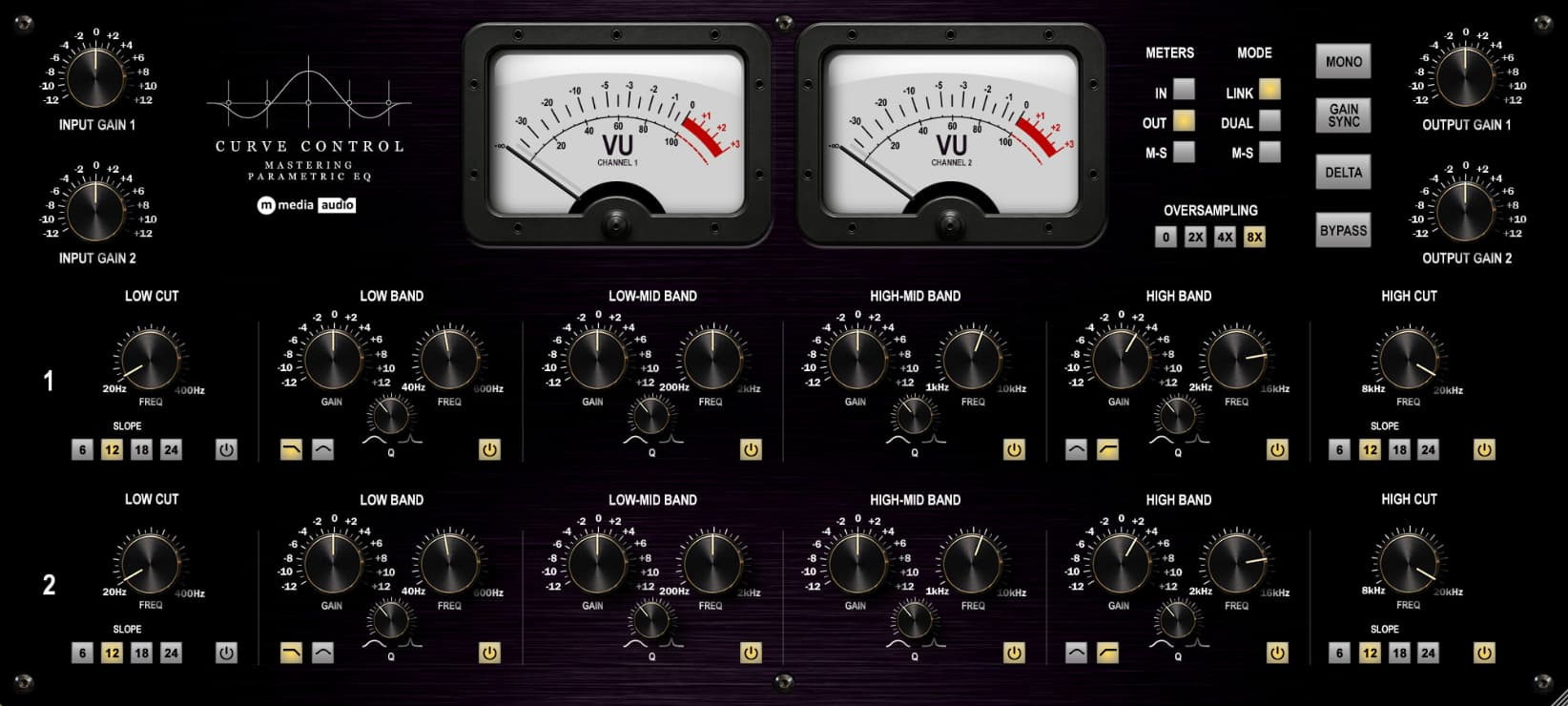
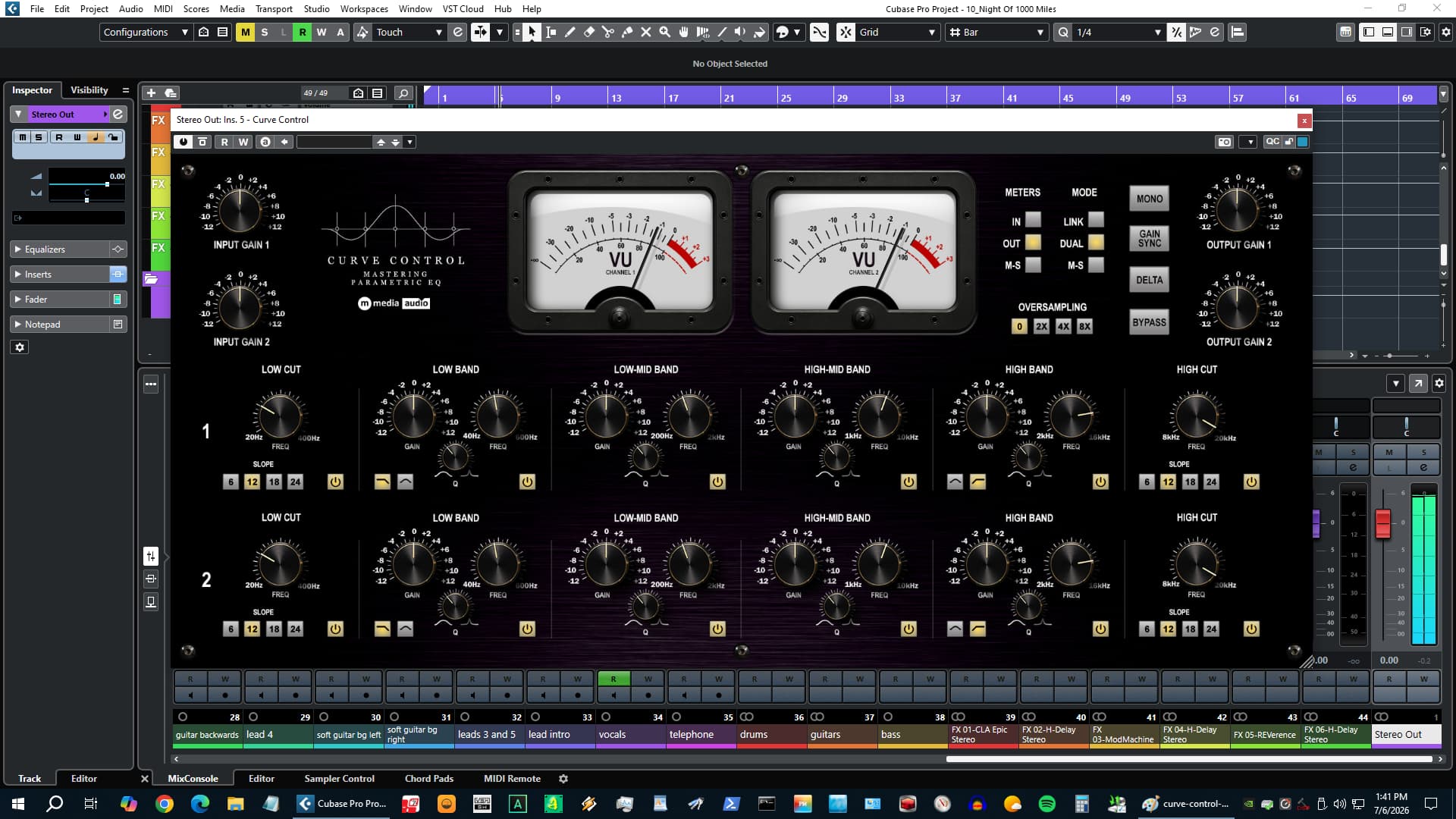
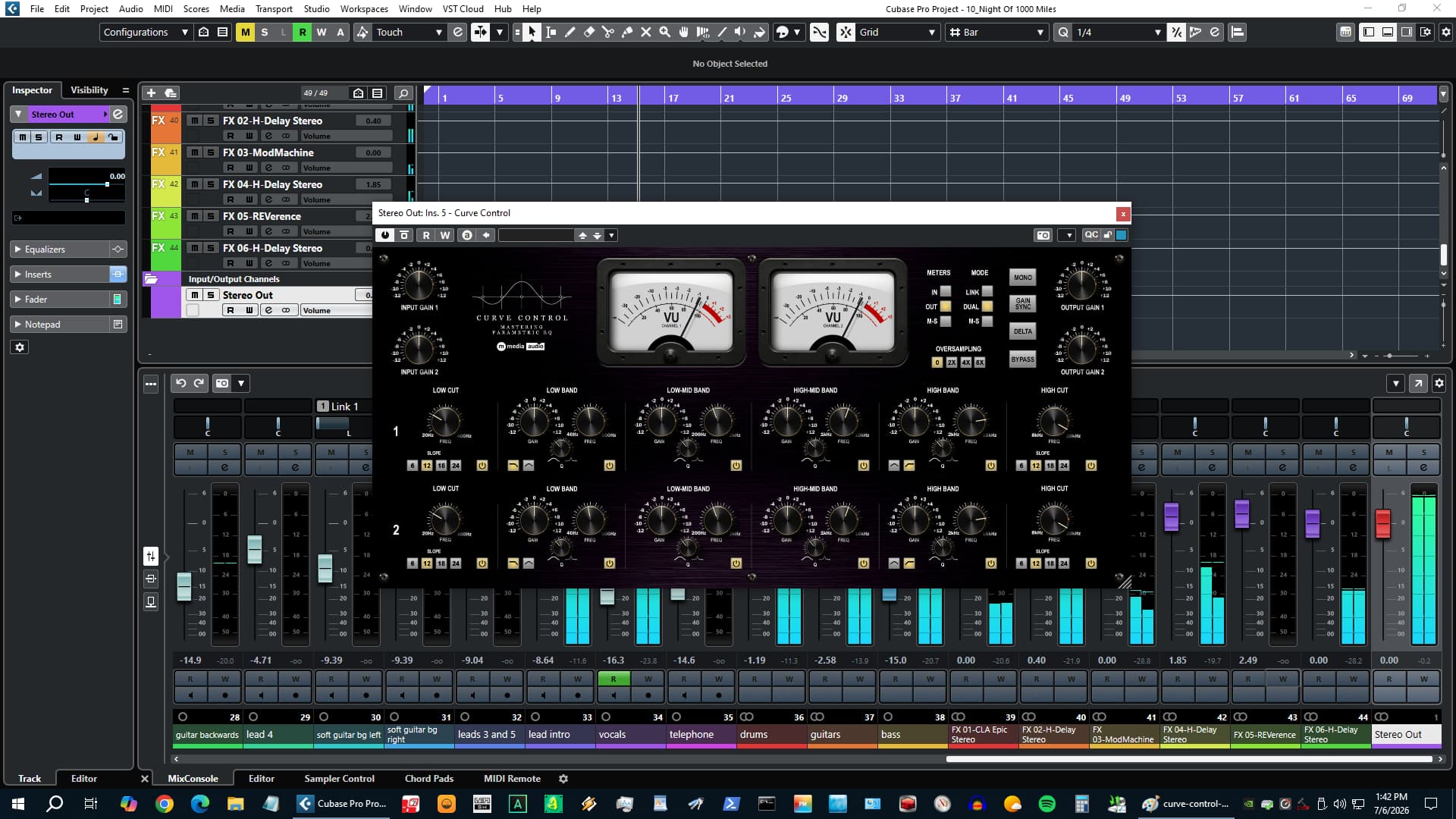
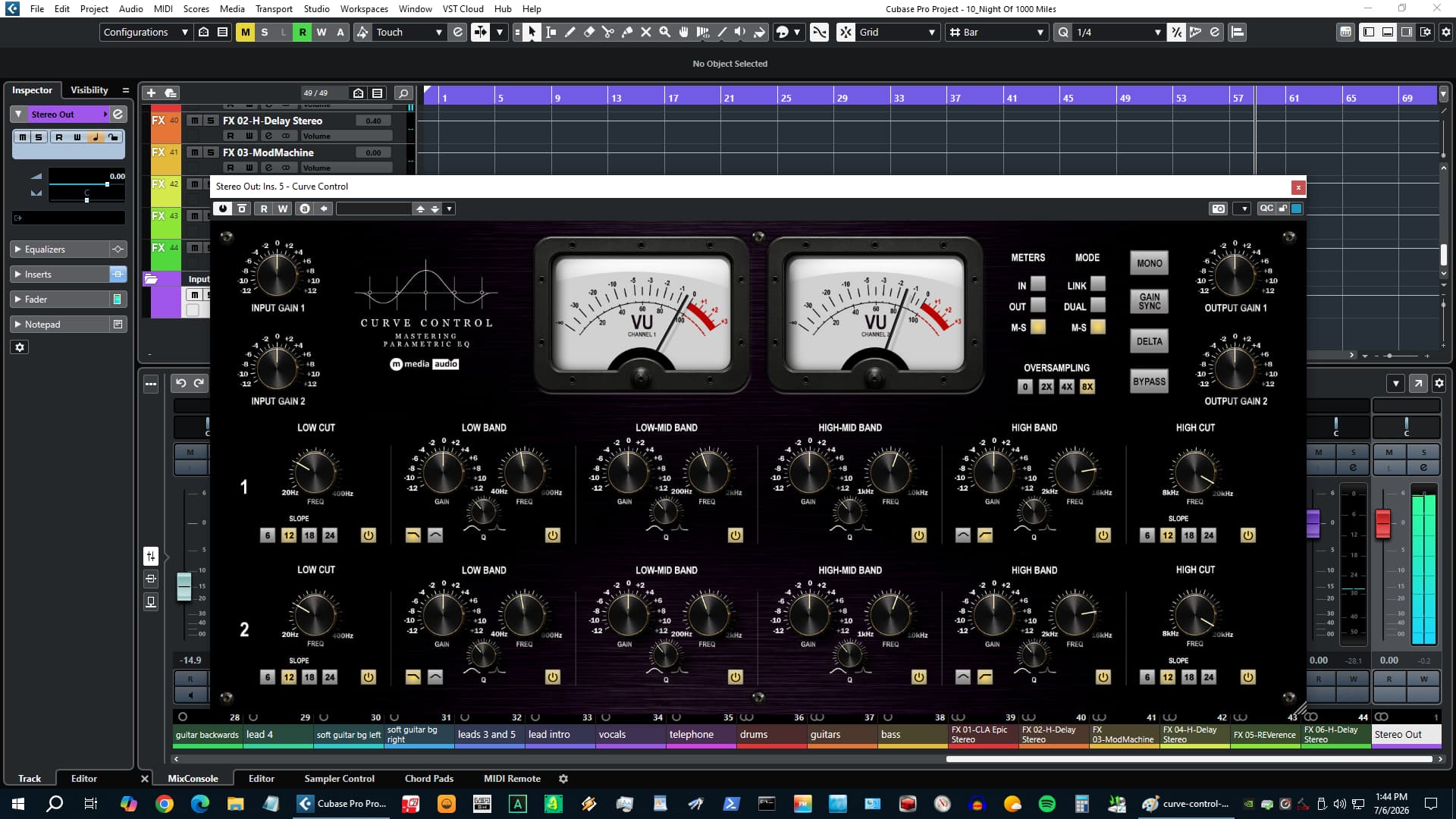
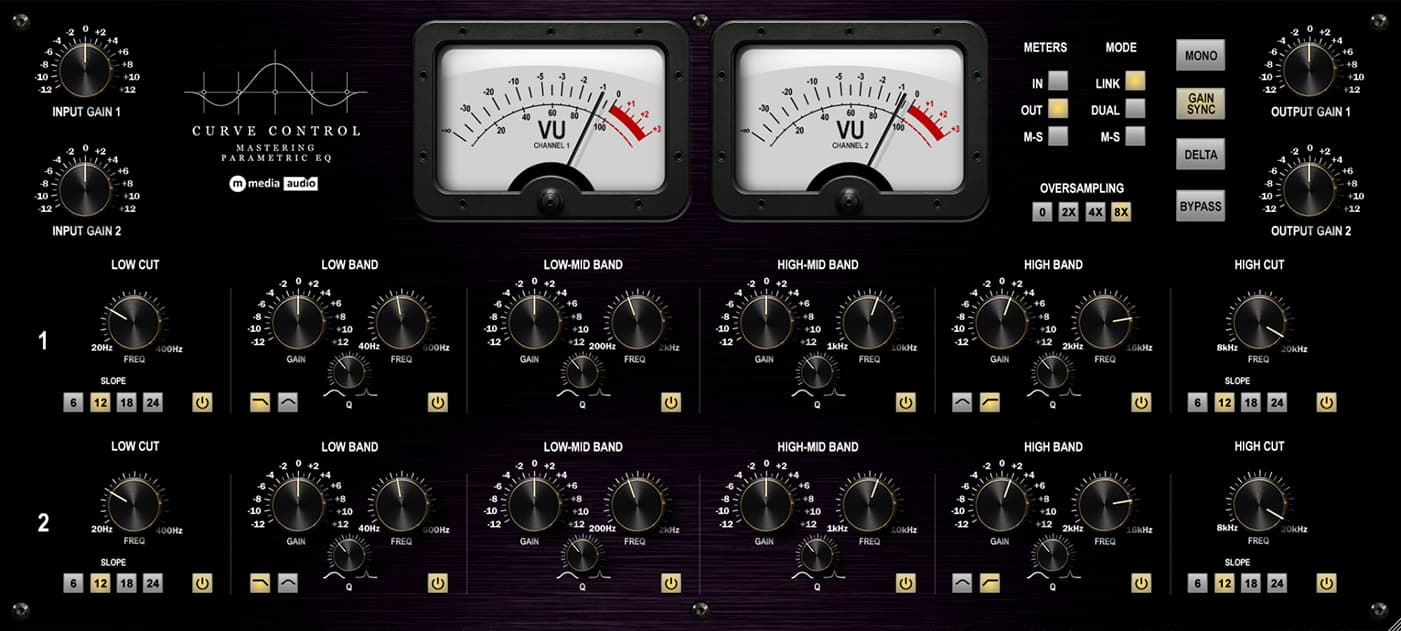
Curve Control is a dual-channel mix and mastering parametric EQ built around complete tonal control, channel-independent processing, and hardware character. Twelve fully parametric bands across two independent channels - high-pass and low-pass filters with four slope options, shelf and bell bands at both ends, and two fully parametric bell bands in the mid range. Three operating modes cover every scenario: ganged stereo for standard operation, independent L/R for surgical asymmetric work, or M/S where each channel gets its own six-band curve shaping the center and width separately.

Always-on level-dependent saturation adds 2nd harmonic weight at the output of each channel - the kind of presence that separates a hardware EQ from a purely digital one. Delta monitoring isolates exactly what each band is contributing. Gain Sync holds output loudness consistent while you shape tone so every decision is honest. Two large VU meters with three source positions. Oversampling up to 8x. A complete tool for the mix and mastering engineer who trusts their ears.

VU meter

Put it on a master.

Load it flat, hit play, and start moving bands. Delta shows you exactly what each one is contributing. Gain Sync keeps the level honest while you shape tone. The saturation adds weight as you push. Two VU needles tell you everything you need.

Try Curve Control Free

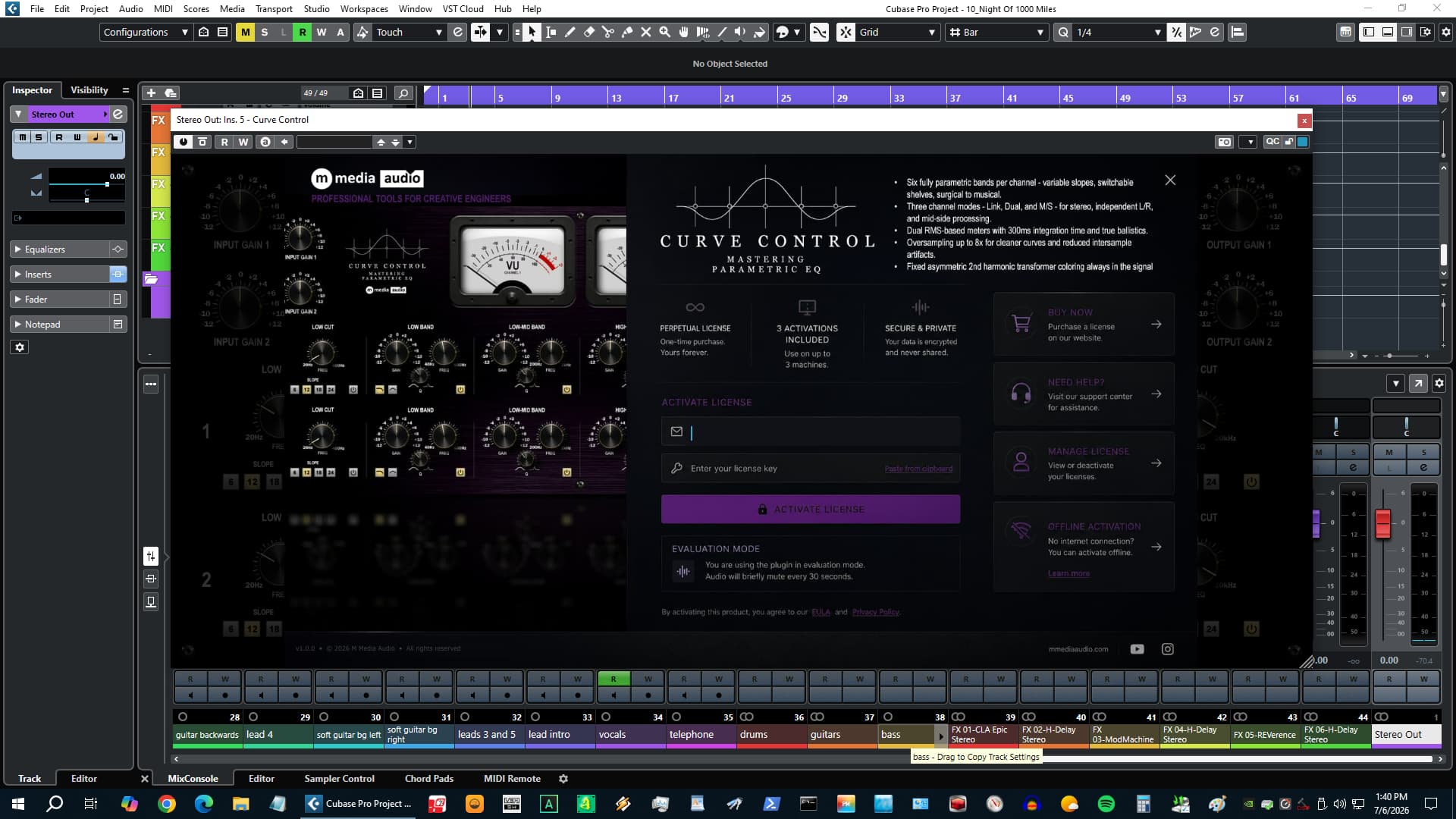
No account required - we send the link to your email. Silences briefly every 30 seconds in demo mode.

Channel Modes

Link, Dual, or M/S. One Plugin for Every Mix and Mastering Scenario.

Three operating modes cover everything a mix and mastering EQ needs to do. Link mode gangs both channels - one set of bands shapes both L and R identically, standard stereo operation on any bus. Dual mode breaks the link entirely - each channel has its own independent six-band curve. Notch a resonance that only lives on the left. Add weight to the right without touching the left. The kind of correction that makes a mix right before anything else can.

M/S mode encodes the input to Mid and Side before the EQ chain, then re-encodes to stereo at the output. Channel A shapes the center. Channel B shapes the width. Add low-end to the Mid. Tighten the high-mid smear in the Side. Work on what needs work without touching what does not.

  • Link - Both channels process identically. Standard stereo EQ.
  • Dual - Fully independent L/R curves. Six bands per side, no ganging.
  • M/S - Channel A processes Mid (L+R), Channel B processes Side (L-R).
Curve Control channel mode controls
Curve Control six parametric bands

Six Bands Per Channel

Twelve Bands Total. Every One Fully Parametric.

Band 1 is a high-pass filter with four slope options: 6, 12, 18, and 24 dB/oct. The slope is a tonal decision - 6 dB/oct keeps warmth below the cut frequency, 24 dB/oct is a hard stop. Band 2 is a low shelving or bell band covering 40 Hz to 600 Hz - low Q gives a broad Baxandall-style lift, high Q gives resonant character. Bands 3 and 4 are bell bands for the low-mid and high-mid ranges, each with fully independent Q. Band 5 mirrors Band 2 at the high end: shelf or bell, 2 kHz to 16 kHz. Band 6 mirrors Band 1 with a four-slope low-pass filter.

Every band has its own frequency, gain, and Q. Independent enable per band. In Link mode Channel B mirrors Channel A. In Dual and M/S modes every band on every channel is fully independent - twelve separate EQ curves.

  • Band 1 - High-pass, 20-400 Hz, 6/12/18/24 dB/oct slope
  • Bands 2 + 5 - Shelf or Bell, independent Q, low and high end
  • Bands 3 + 4 - Bell, fully parametric, low-mid and high-mid
  • Band 6 - Low-pass, 8-20 kHz, 6/12/18/24 dB/oct slope

Hardware Weight

Always-On Saturation. Weight, Not Dirt.

A soft saturation stage sits at the output of each channel after the EQ and output gain. It is not a user control - there is no knob and no bypass for this stage. It behaves the way a transformer behaves: the harder the signal drives it, the more harmonic weight comes back. Gentle EQ at moderate levels produces a nearly clean signal. Aggressive boosts or a hotter input drive produce audible but musically useful harmonic content.

The saturation is 2nd harmonic biased and calibrated at very low drive - this is weight, not distortion. It is the difference between a digital EQ that measures perfectly and a hardware EQ that sounds like something. Oversampling at 2x, 4x, or 8x wraps this stage specifically, keeping latency lower than oversampling the full signal path.

  • Always on - Part of the sound of the plugin, not a selectable option
  • Level-dependent - Responds to how hard you drive the EQ
  • 2nd harmonic bias - Musical weight, not harsh odd-order character
  • Oversampling - Off / 2x / 4x / 8x wraps the saturation stage only
Curve Control hardware weight saturation and oversampling
Curve Control monitoring tools - Delta, Gain Sync, Mono

Monitoring Tools

Delta, Gain Sync, and Mono. The Tools That Make EQ Decisions Honest.

Delta inverts the dry signal and sums it with the processed output. On a flat EQ the result is near-silence. Engage a band and Delta isolates exactly what that band is adding or removing from the signal. It is the fastest way to hear whether a boost is actually helping or just making things louder.

Gain Sync ties the output gain to the input - turn the input up, the output comes down to match. Loudness stays consistent while you evaluate tone. Without it, every boost sounds better simply because it is louder. Mono collapses the output to check EQ translation and catch anything the stereo image was hiding. All three are single-button controls.

  • Delta - Hear only what the EQ is adding or removing
  • Gain Sync - Maintains consistent loudness while shaping tone
  • Mono - Collapse to mono for translation checking
  • Meter Source - Switch the VU meters between Input, Output, and M/S

The VU Meters

Two Needles. The Only Feedback That Matters.

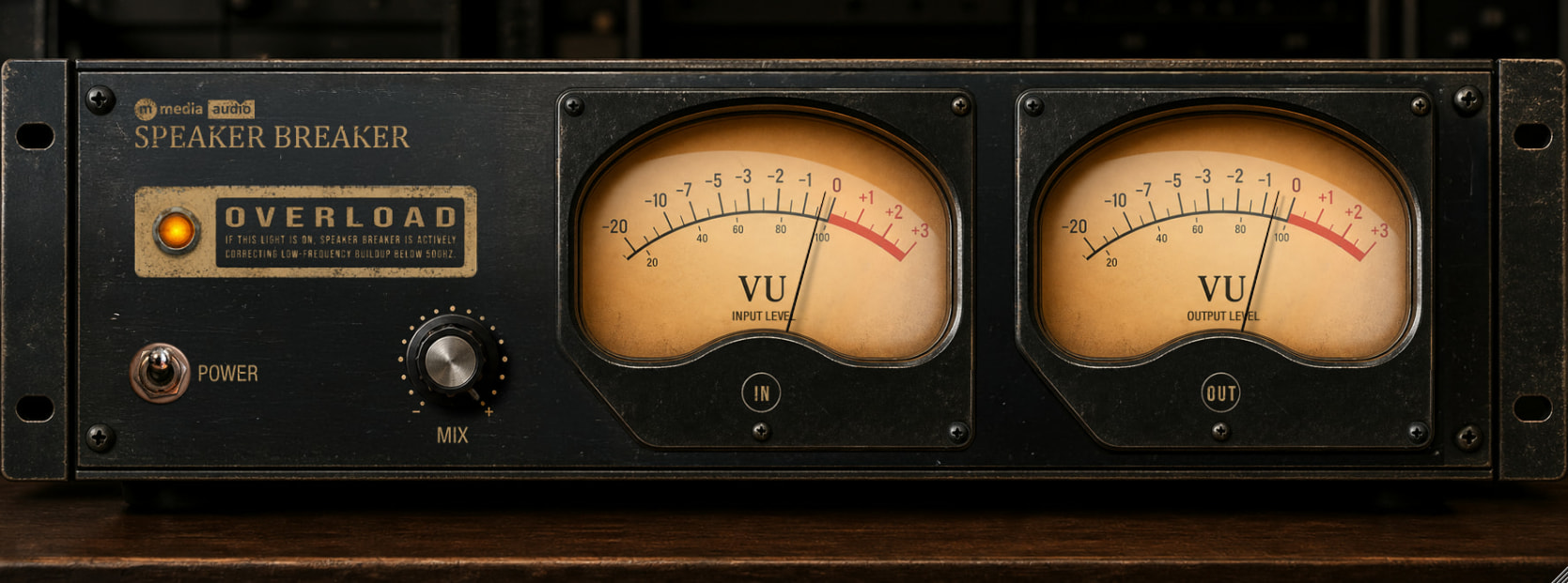
The VU meters are the face of Curve Control. They are large, they are centered, and they are the primary display - because level is the information a mix or mastering engineer actually needs in real time. Three meter source positions cover every working context: Input shows you what is coming in, Output shows you what you are sending out, and M/S shows you the Mid and Side levels derived from the output - the stereo balance picture on a needle, regardless of which channel mode you are working in.

Curve Control full plugin view

Perpetual License

One-time purchase. Yours forever. No subscription, no renewal.

3 Activations

Install on up to three machines simultaneously. Need to move a license? Email us.

🔒

Secure & Private

Encrypted activation over HTTPS. No telemetry. No data leaves your machine during use.

Direct Support

You email us, we answer. No ticket queues, no bots, no knowledge base rabbit holes.

System Requirements

Format

VST3 (64-bit) - Windows, macOS, Linux
AU (64-bit) - macOS only

Platform

Windows 10 / 11
macOS 11 Big Sur or later (Apple Silicon + Intel)
Linux - Ubuntu 22.04+ or equivalent

DAW Compatibility

Any VST3-compatible host: Reaper, Cubase, Studio One, Ableton Live, FL Studio, Bitwig Studio, Nuendo, and more

AU (macOS): Logic Pro, GarageBand, MainStage

Latency

Plugin buffer only at Off and 2x
Increases with oversampling at 4x and 8x

License

Perpetual, single user
3 simultaneous activations
Need to move a license? Email us

SHA-256 (mmedia-curve-control-v1.0.0.zip): 6e054db2112872e648c5e721268ec1a60a49b0e267eb10bddd0646148793373b

Curve Control

Perpetual license - pay once, own it forever.

$59 Buy Now

Secure checkout · Instant license delivery

Try the free demo
From the Industry

Pro Audio

Sound On Sound Audio Editors

Steinberg SpectraLayers 13 now available

Along with a range of user-requested improvements, SpectraLayers 13 comes loaded with a suite of new tools dedicated to creative unmixing, speech refinement, audio reconstruction and noise control.