Leveler Control
Leveler Control is an opto-style leveling amplifier built around a feature no other leveler at this price does; every compressor plugin has the same built-in bias - crank the reduction, reach for the output knob to compensate, and louder ends up sounding "better" whether or not the processing actually improved anything.
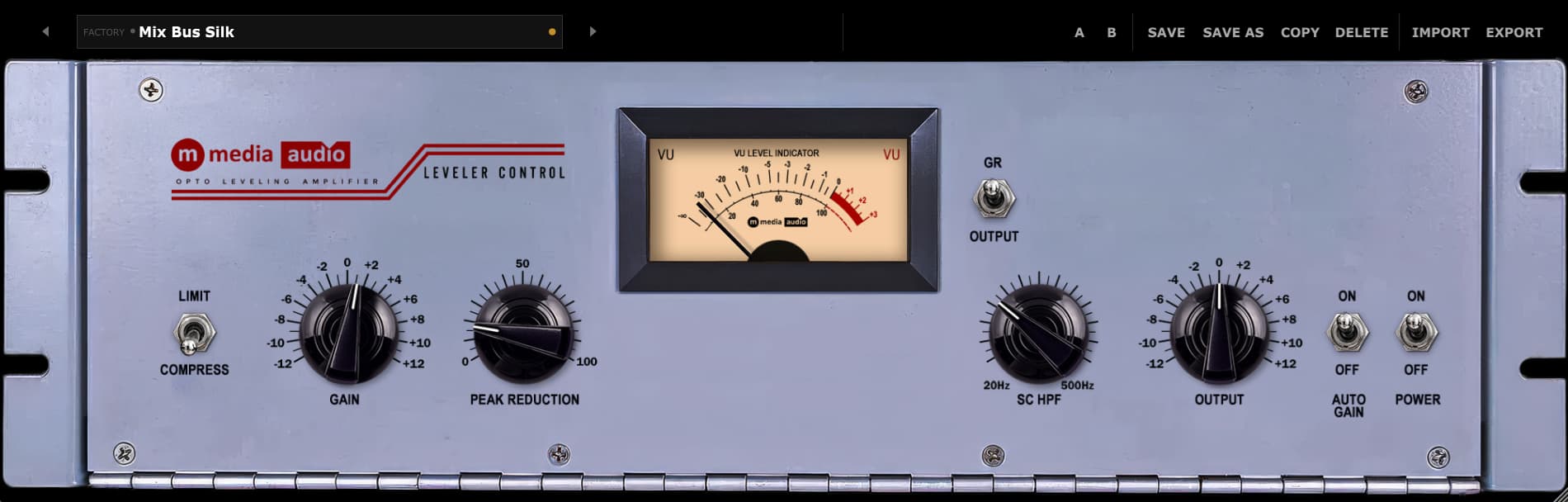
Auto Gain Match removes that bias entirely. Switch it on and the plugin continuously matches output level to input level while you work, so turning Peak Reduction changes the character of the squash without changing how loud it sounds.The base character comes first: Gain drives the signal into the opto cell, so more drive means more reduction, the same way a real optical cell responds. Peak Reduction sets how aggressively the cell reacts, independent of input level, so you're never fighting gain staging just to dial in the amount of squash you want. A sidechain high-pass keeps kick and bass out of the detector so the low end doesn't drag the rest of the mix down every time it hits. Compress or Limit is a single switch, not a ratio knob to second-guess - Compress gives gentle, program-dependent glue, Limit steps up to a harder ceiling for material that needs a real stop.
One VU needle handles metering, and a switch decides what it's showing; flip to GR to watch exactly how much reduction is happening, flip to Output to read program level. Eight factory presets cover everything from gentle vocal riding to deliberately aggressive room-mic squash where you want the pump and turn Auto Gain Match off on purpose.
About this plugin
Leveler Control is an opto-style leveling amplifier built around a feature no other leveler at this price does; every compressor plugin has the same built-in bias – crank the reduction, reach for the output knob to compensate, and louder ends up sounding “better” whether or not the processing actually improved anything. Auto Gain Match removes that bias entirely. Switch it on and the plugin continuously matches output level to input level while you work, so turning Peak Reduction changes the character of the squash without changing how loud it sounds.
The base character comes first: Gain drives the signal into the opto cell, so more drive means more reduction, the same way a real optical cell responds. Peak Reduction sets how aggressively the cell reacts, independent of input level, so you’re never fighting gain staging just to dial in the amount of squash you want. A sidechain high-pass keeps kick and bass out of the detector so the low end doesn’t drag the rest of the mix down every time it hits. Compress or Limit is a single switch, not a ratio knob to second-guess – Compress gives gentle, program-dependent glue, Limit steps up to a harder ceiling for material that needs a real stop.
One VU needle handles metering, and a switch decides what it’s showing; flip to GR to watch exactly how much reduction is happening, flip to Output to read program level. Eight factory presets cover everything from gentle vocal riding to deliberately aggressive room-mic squash where you want the pump and turn Auto Gain Match off on purpose.
What’s Inside
- Auto Gain Match – Continuously trims output to hold level steady as Peak Reduction changes
- Gain – Input drive into the opto cell, -12 to +12 dB
- Peak Reduction – 0-100%, amount of gain reduction, independent of input level
- Compress / Limit – Single switch, gentle glue or a harder ceiling
- SC HPF – 20Hz-500Hz sidechain high-pass, detector only, audio path untouched
- Output – -12 to +12 dB makeup gain
- One VU meter, two readings – Switch between GR and Output
- 8 factory presets – Vocal Leveling, Bus Glue, Vocal Push, Mix Bus Silk, Drum Room Squash, Broadcast Voice, Mastering Touch, and Flat
Installation
- Windows: C:\Program Files\Common Files\VST3\
- macOS VST3: /Library/Audio/Plug-Ins/VST3/ | AU: /Library/Audio/Plug-Ins/Components/
- Linux: ~/.vst3/ or /usr/lib/vst3/
- Restart your DAW, open the plugin, activate with your email and license key
System Requirements
- VST3 (64-bit) – Windows, macOS, Linux. AU (64-bit) – macOS only
- Windows 10/11, macOS 11 Big Sur or later (Apple Silicon + Intel), Linux Ubuntu 22.04+ or equivalent
- Perpetual license, 3 simultaneous activations
Magic Buss
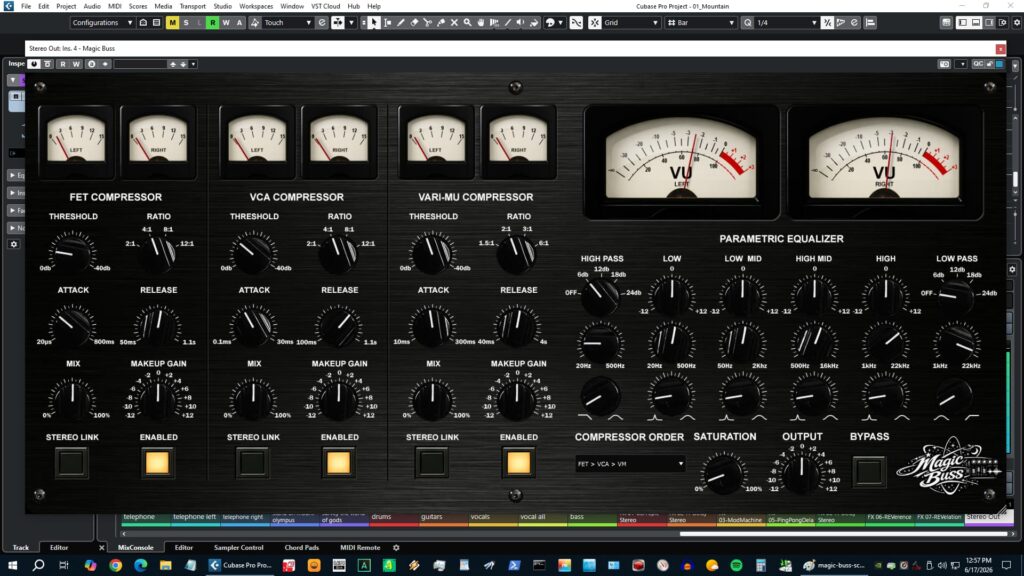
Three compressors. One chain. Your call on the order. Magic Buss runs three compressor stages in series; FET,...
Cheap Haircut
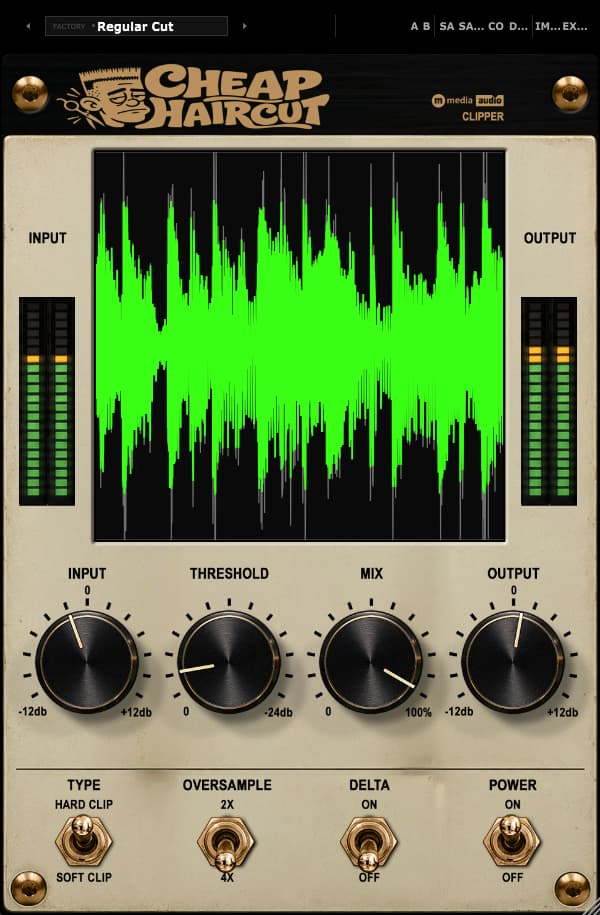
Cheap Haircut Some peaks contribute to the sound. Others just eat headroom and demand their own dressing room....
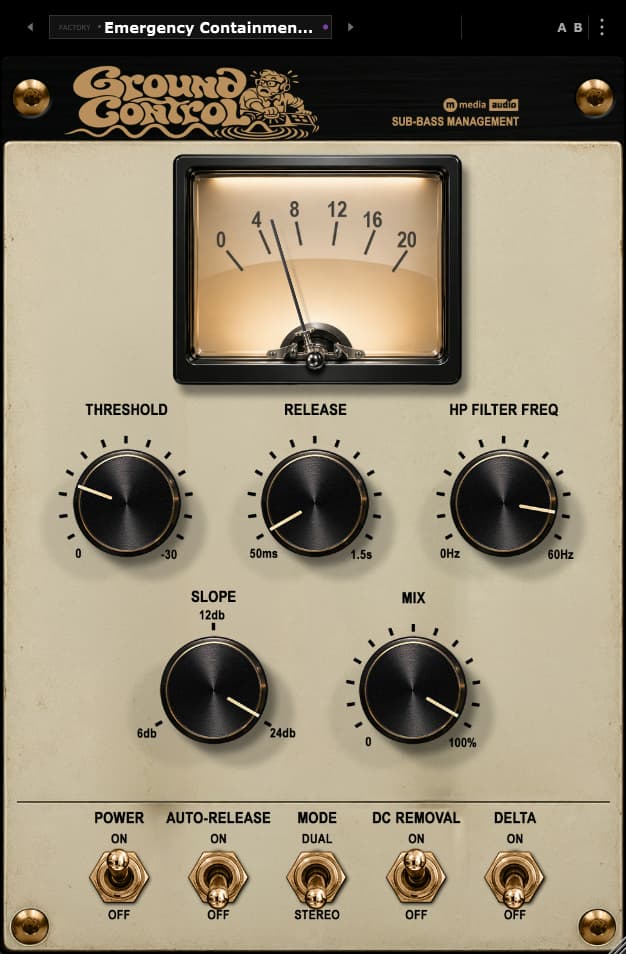
Ground Control
There's low end you want to feel. Then there's low end you can't hear, can't use, and somehow...
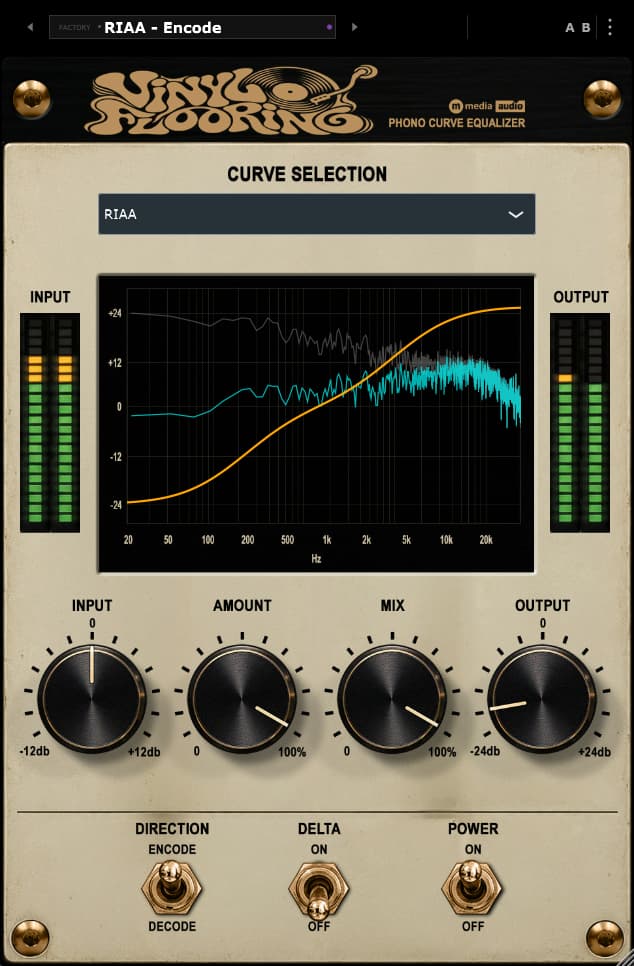
Vinyl Flooring
Records were never flat on the way in or the way out. Cutting a disc calls for one...
The Utility Collection Bundle
Four single-purpose utilities, four different jobs done properly. Upper Management catches harsh highs before they earn a complaint....

Reference Player CD Recorder
Reference Player is free, no trial clock, no subscription, no crippled player. The only paid feature is disc...
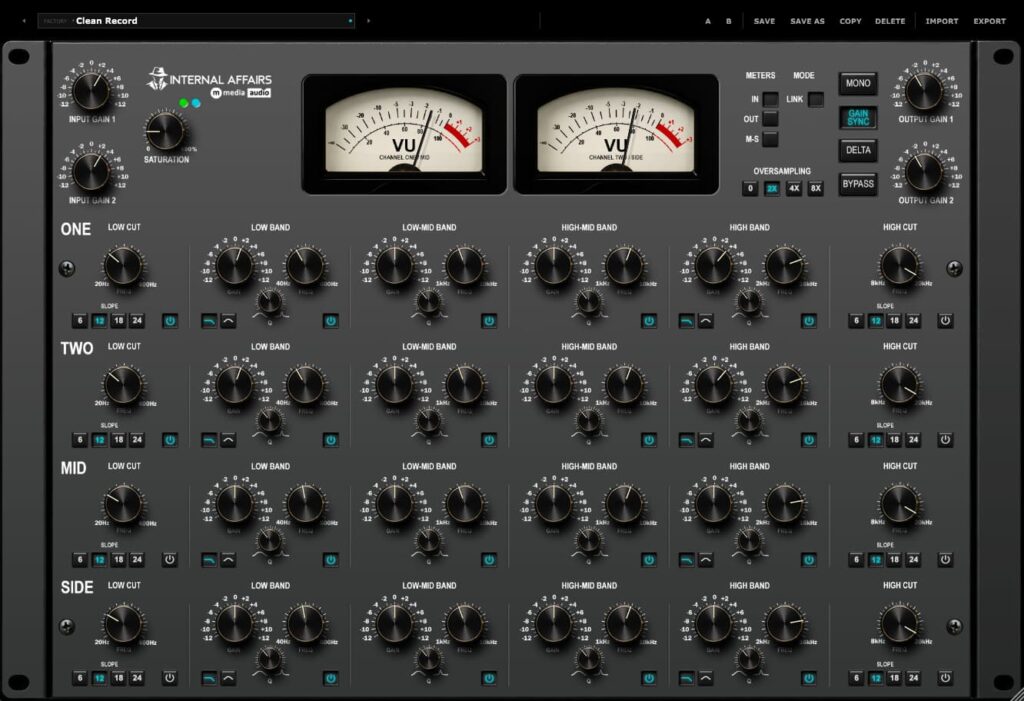
Internal Affairs
Every Channel Is Under Investigation. Internal Affairs is a mastering EQ built around one idea, you shouldn't have...
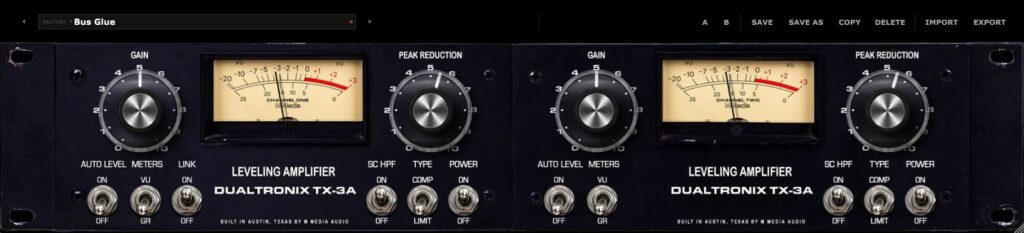
Dualtronix
Dualtronix is a dual-channel opto leveling amplifier built around the simple, primitive control set that's made this style...
Due Process
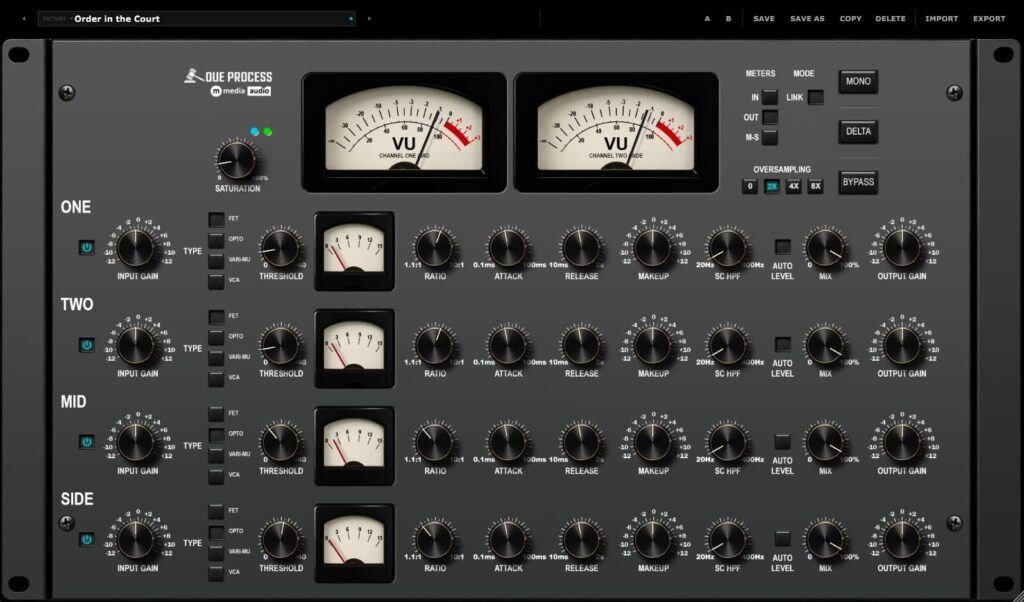
Due Process is a compressor with four complete compressors running at once, Channel 1, Channel 2, Mid and...
The Black Clamp
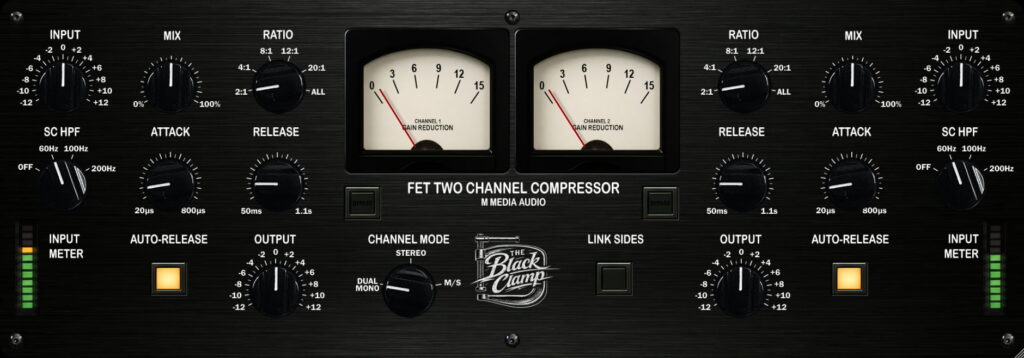
This is not a transparent compressor. The Black Clamp is a dual-channel FET compressor built on the classic...
Leadfoot
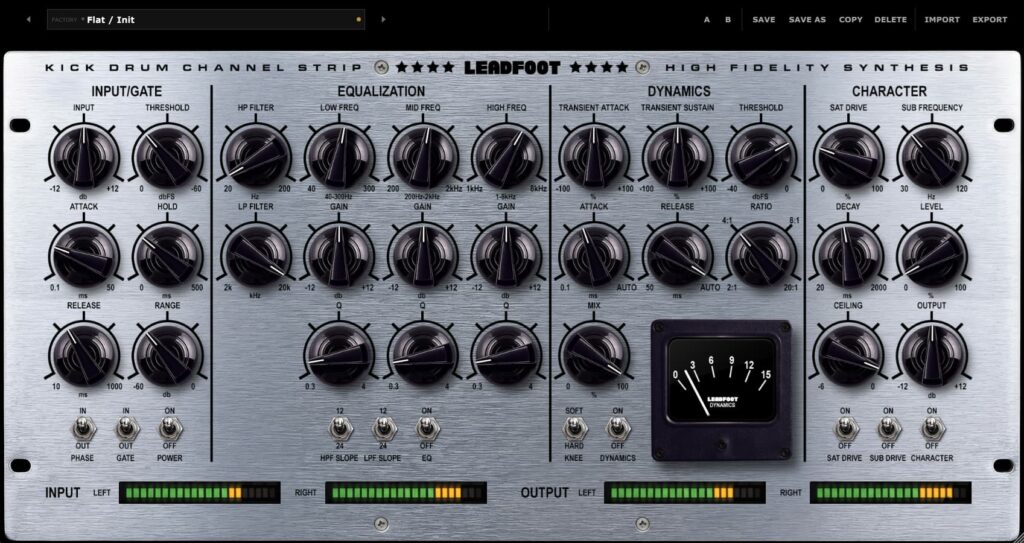
Leadfoot is the complete kick drum processing channel strip; gate, EQ, transient shaping, compression, saturation, and a blendable...
Lake Ontario
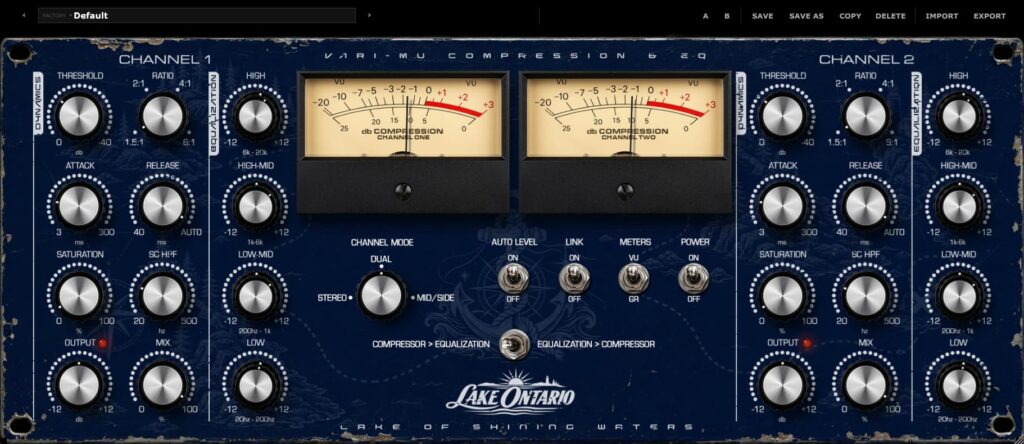
Lake Ontario pairs the superglue of Vari-Mu compression engine with a very musical 4-band EQ on every channel...
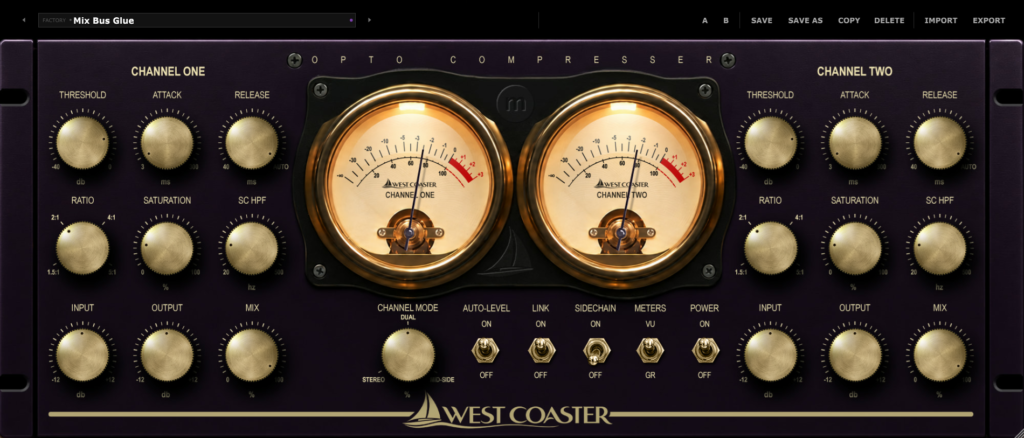
West Coaster
West Coaster is a dual-channel opto bus compressor built around one uncompromising idea: cohesion should make a mix...

Sugar Engine
Four Stages. One Vocal. Done. A complete vocal processing chain built to professional standards - opto compression that...

Howdy Compressor
The world’s first luxury-cat dual-channel compressor. Perfectly reasonable. Howdy Compressor is a fully equipped, fast, punchy VCA-style dual-channel...
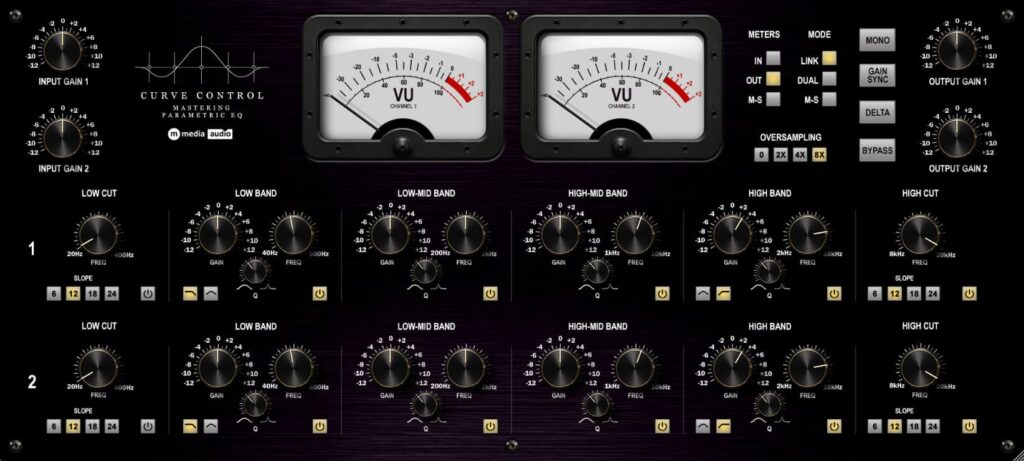
Curve Control
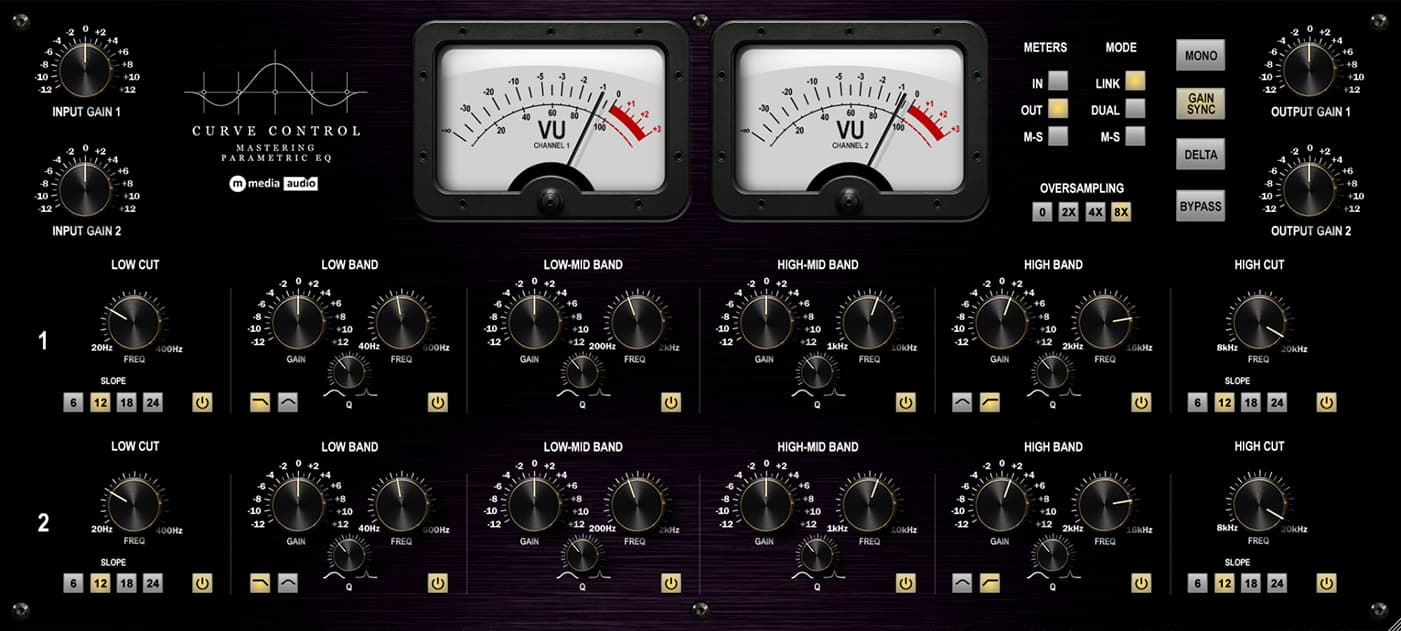
A fully parametric dual-channel mix and mastering EQ. Six bands per channel, Link/Dual L/R/M-S operating modes, always-on subtle...
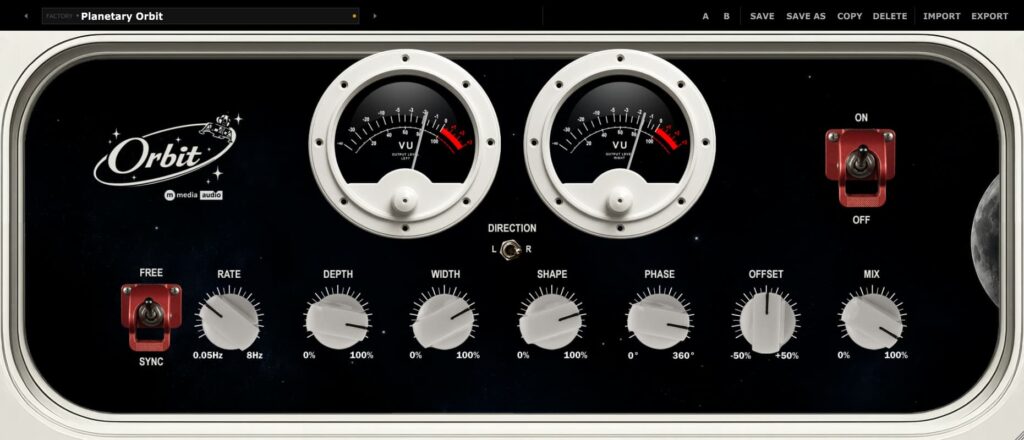
Orbit
Circular autopanner with real depth - not just left and right. Guitar leads orbit the room. Synth pads...
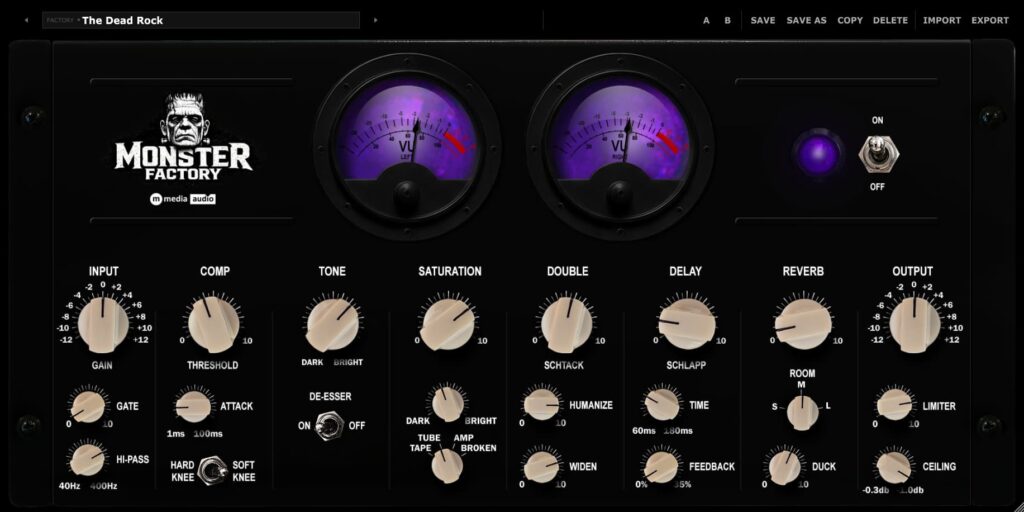
Monster Factory
Monster Factory is a complete vocal and instrument channel strip for Windows, macOS, and Linux. One insert handles...
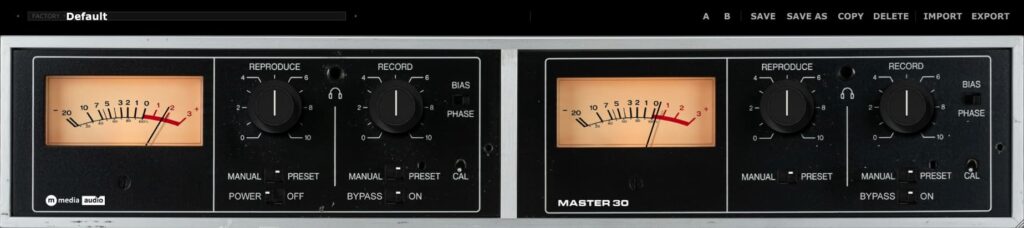
Master 30
A Real Dual-Channel Tape Machine. Minus the Alignment Tape and Nervous Breakdown. Master 30 is a dual-channel tape...
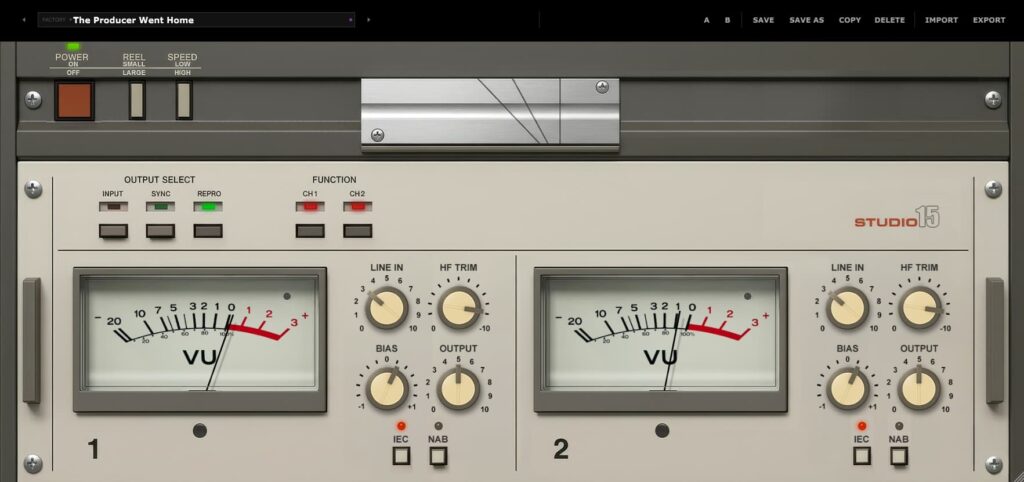
Studio 15
You've Seen This Tank Before. Analog Character Preserved. Studio 15 is a true two-channel tape machine with independent...
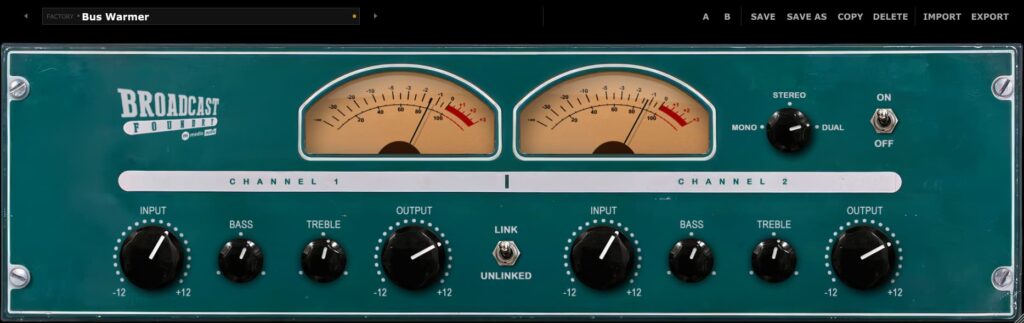
Broadcast Foundry
Broadcast Foundry is a dual-channel American tube preamp that takes the sterile digital reality of a modern session...

Reference Two
Three Monitor Paths. Two Speeds. One Beautifully Disciplined Machine. Reference Two begins with a clean, calibrated tape path...
Master Transport Collection Bundle
Three machines. Six VUs. Thirty-one presets. Twenty-nine bucks. Accounting has left the building. The Master Transport Collection gives...
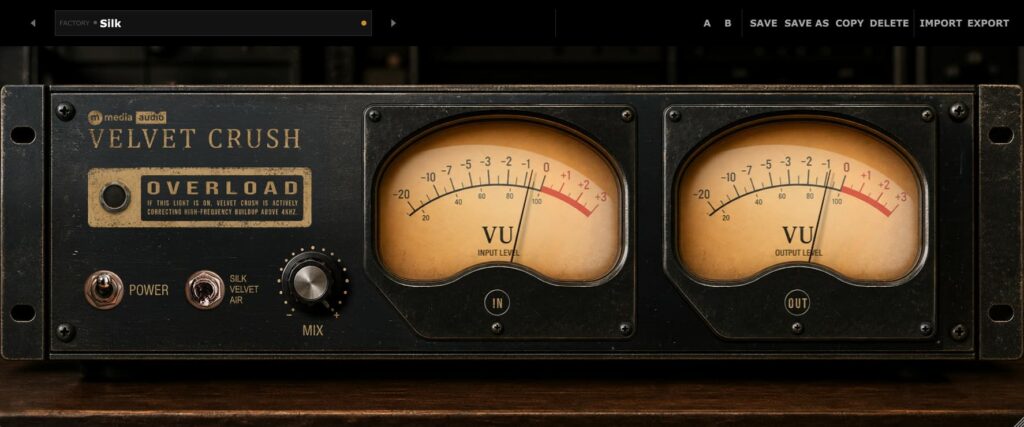
The Spectral Pair
Speaker Breaker and Velvet Crush together - two complementary spectral balance processors covering the full low-to-high range. Speaker...
The Channel Strip Collection
Three purpose-built channel strips, three completely different sources. Sugar Engine is the vocal specialist - opto comp, six-band...
The EQ Collection
Three EQs, three completely different ways to shape a tone. Third Rail is the creative one - a...
The Bus Glue Collection
Four bus compressors, four genuinely different ideas of glue. West Coaster is opto - gentle knee, warm silk....
The Character Compressor Collection
Four single-source compressors built for character, not bus glue. The Black Clamp brings JFET punch. The Mad Scientist...
The Premium Pair
Two of the catalog's most fully-loaded processors, together. Lake Ontario is a two-channel Vari-Mu bus compressor with a...
The Mad Scientist
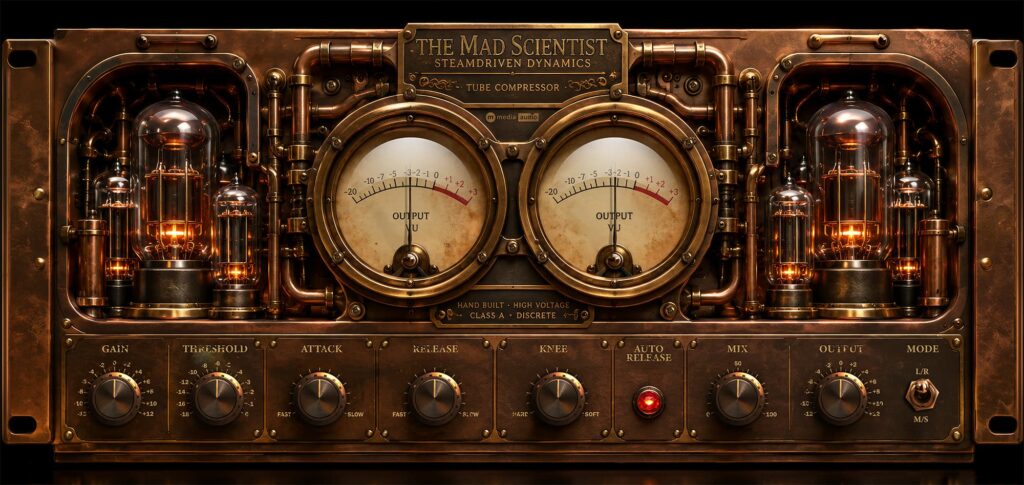
A parallel RMS compressor with input-driven saturation, M/S processing, and auto-release. Push the input gain and the tubes...
The New Yorker
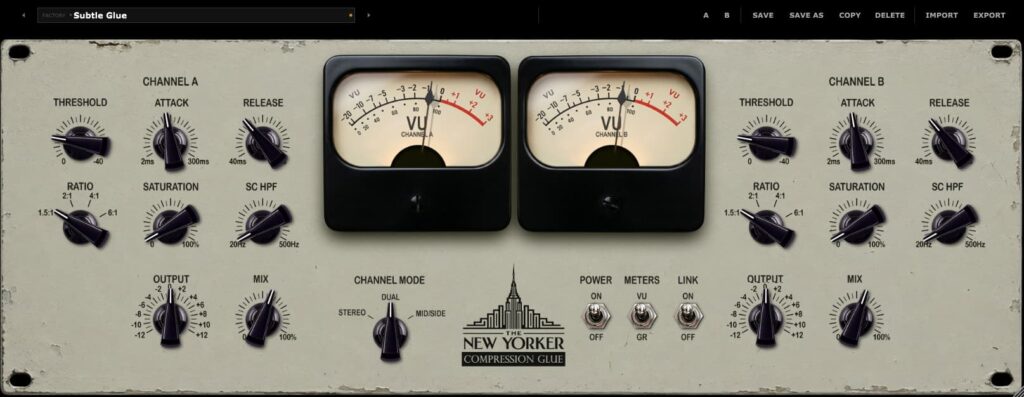
The gluiest, stickiest mix glue you've ever heard. Dual-channel Vari-Mu bus compression with Stereo, Dual, and Mid-Side modes,...
Redline Valve
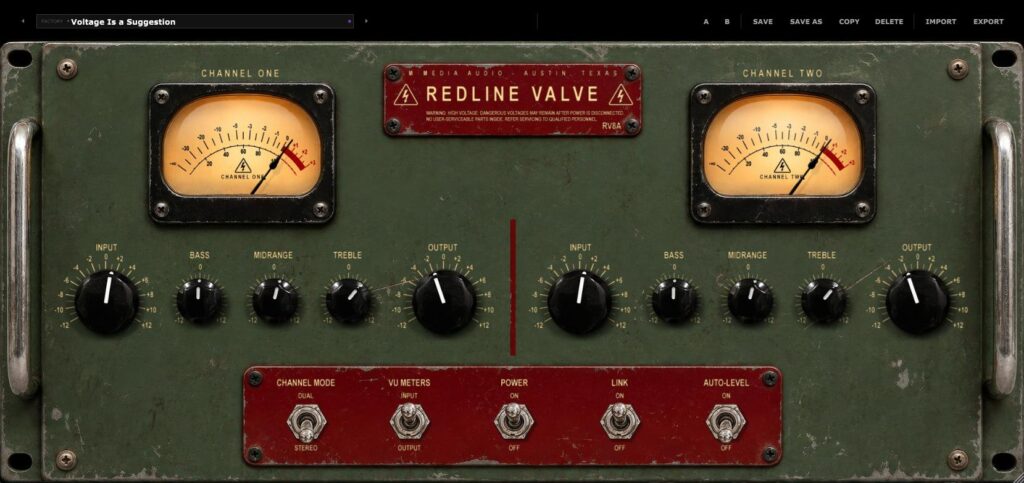
Soviet-flavored tube muscle with questionable manners. Five continuous knobs per channel, thick character that gets louder as it...
Valvewerk
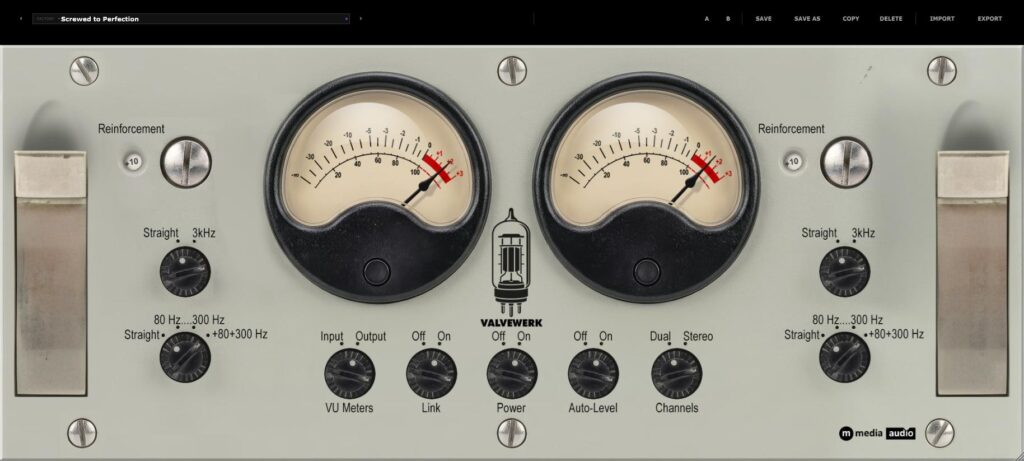
A broadcast preamp with strong opinions and no indoor voice. Fixed, hardware-style switches serve up eight tonal combinations....
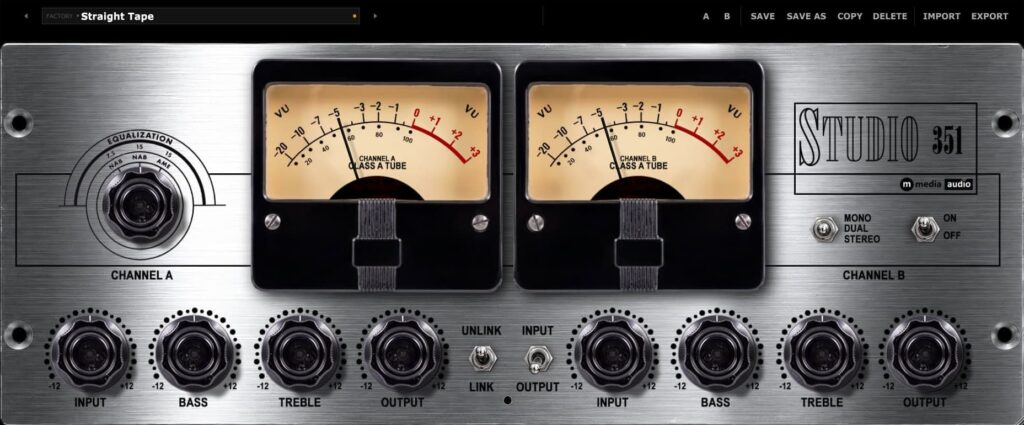
Studio 351
Studio 351 is a dual-channel preamp voiced for Class A tape-machine-preamp weight - fuller and rounder than a...
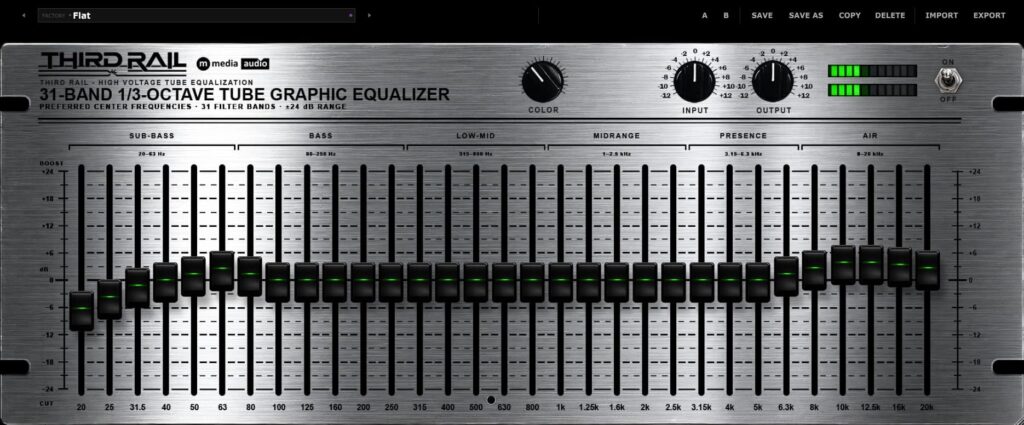
Third Rail
Third Rail is a tube-driven stereo 31-band 1/3-octave graphic equalizer - real ISO center frequencies, one fader per...
Reference Player Linux
It Just Sounds Better. From Steely Dan to Jack White, from Thundercat to Angine De Pointine, from Red...
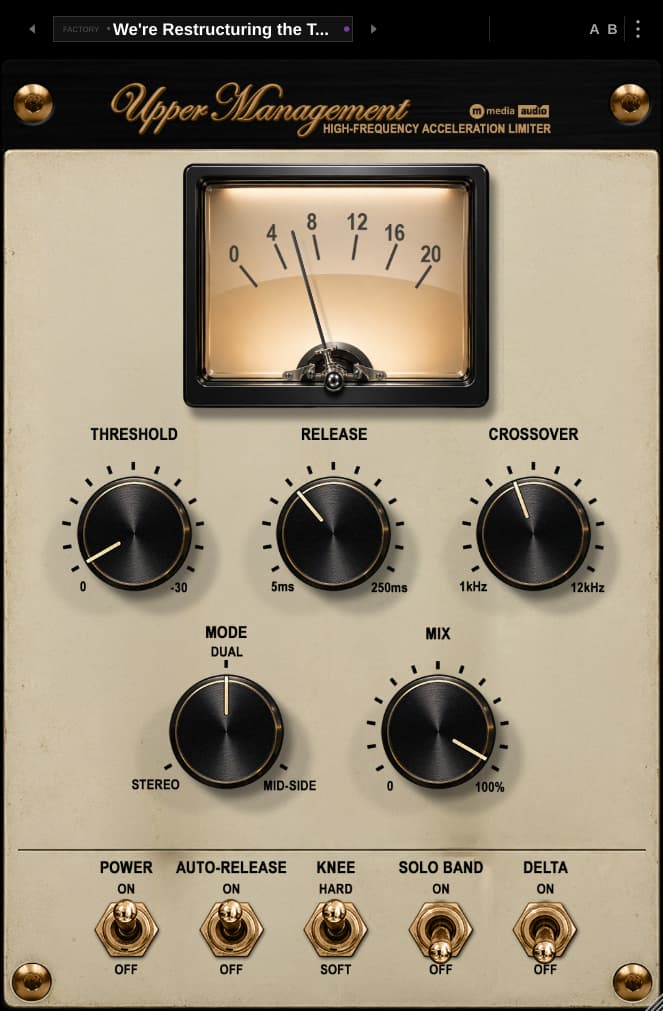
Upper Management
Your Top End Has Been Called Into a Meeting. The cymbals are screaching. The vocal has developed a...
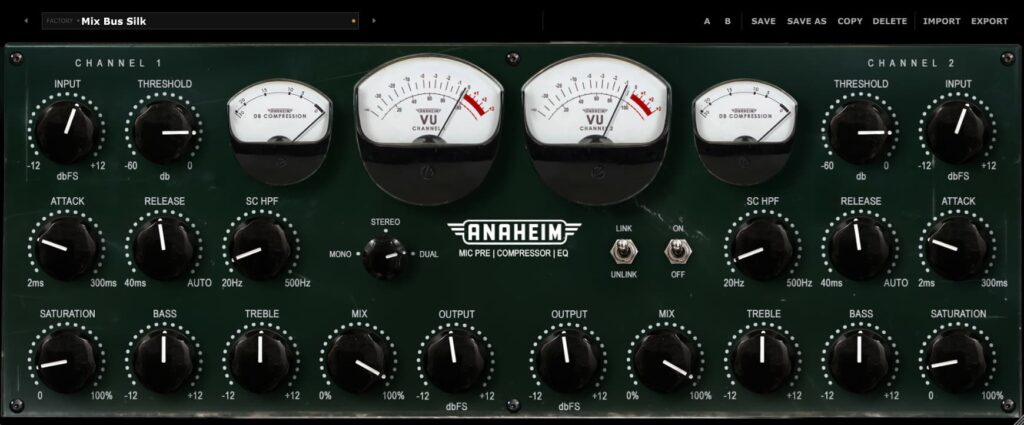
Anaheim
Anaheim is a dual-channel tube mic pre and compressor with a beefy Vari-Mu gain stage and a built-in...
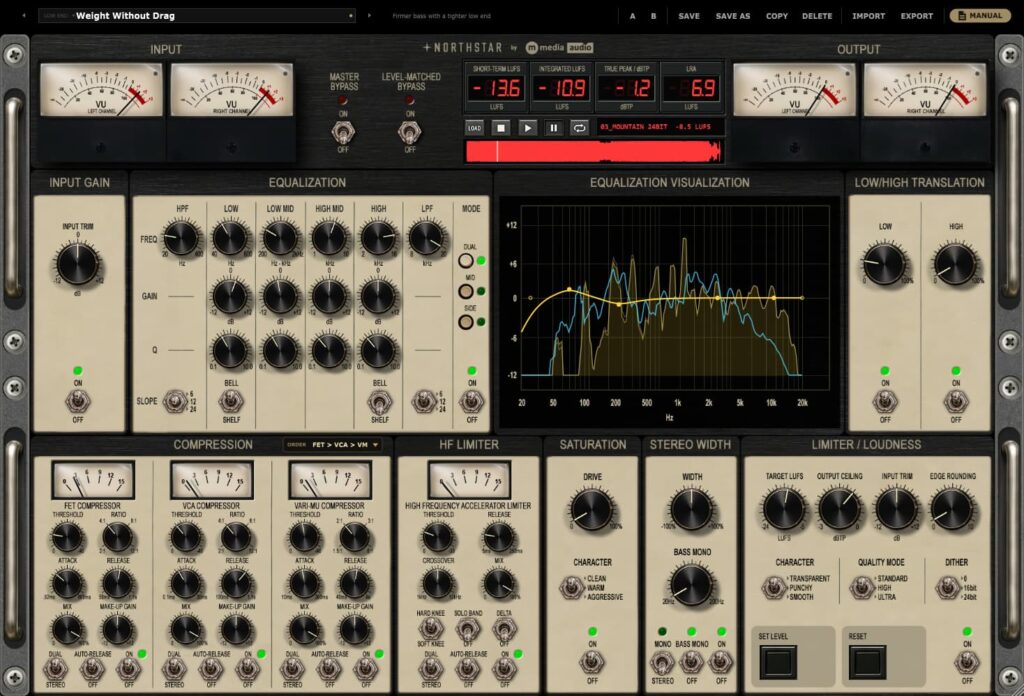
Northstar
Your Sound. Your Decisions. One Glorious Console. Northstar is a finishing console for your mix bus. Nine processing...
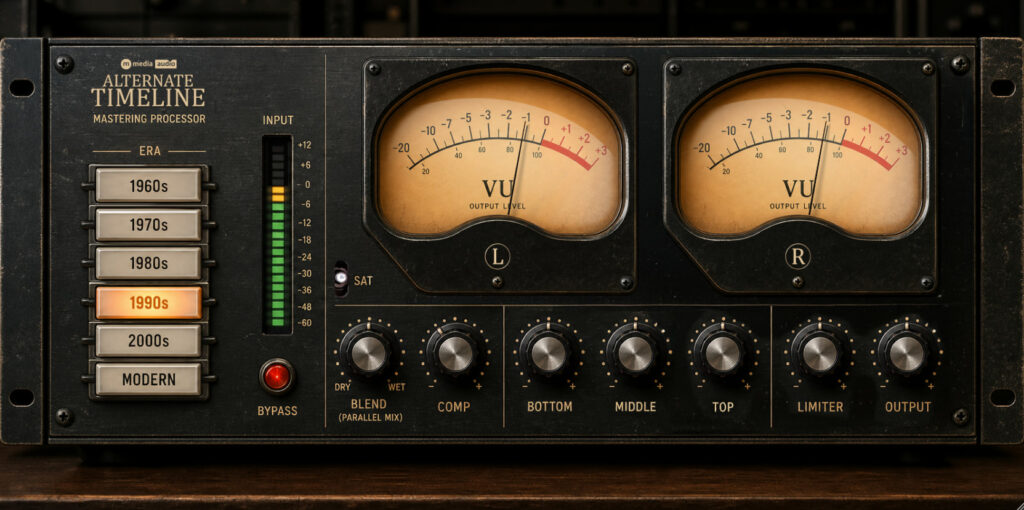
Alternate Timeline
Six decades of mastering character in a single VST3 processor. Pick the era, set the blend.
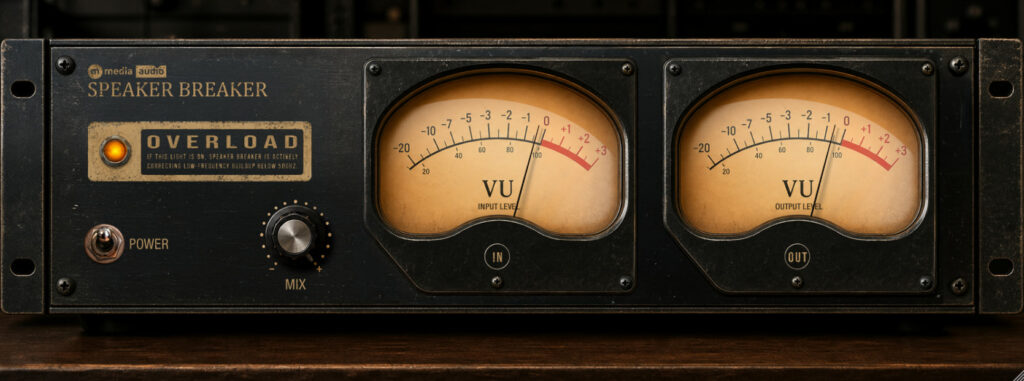
Speaker Breaker
Five-band spectral balance processor. Keeps your low end honest without gain reduction.
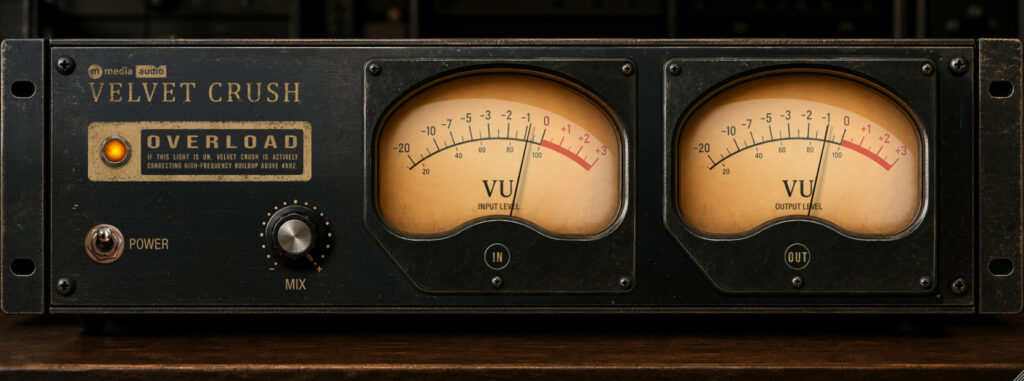
Velvet Crush
Six-band high-frequency balance processor. Air and presence without the edge.