A mastering chain works best when you can hear how each decision changes the next. EQ affects compression. Compression affects saturation. Both affect how confidently the limiter can bring the level home.
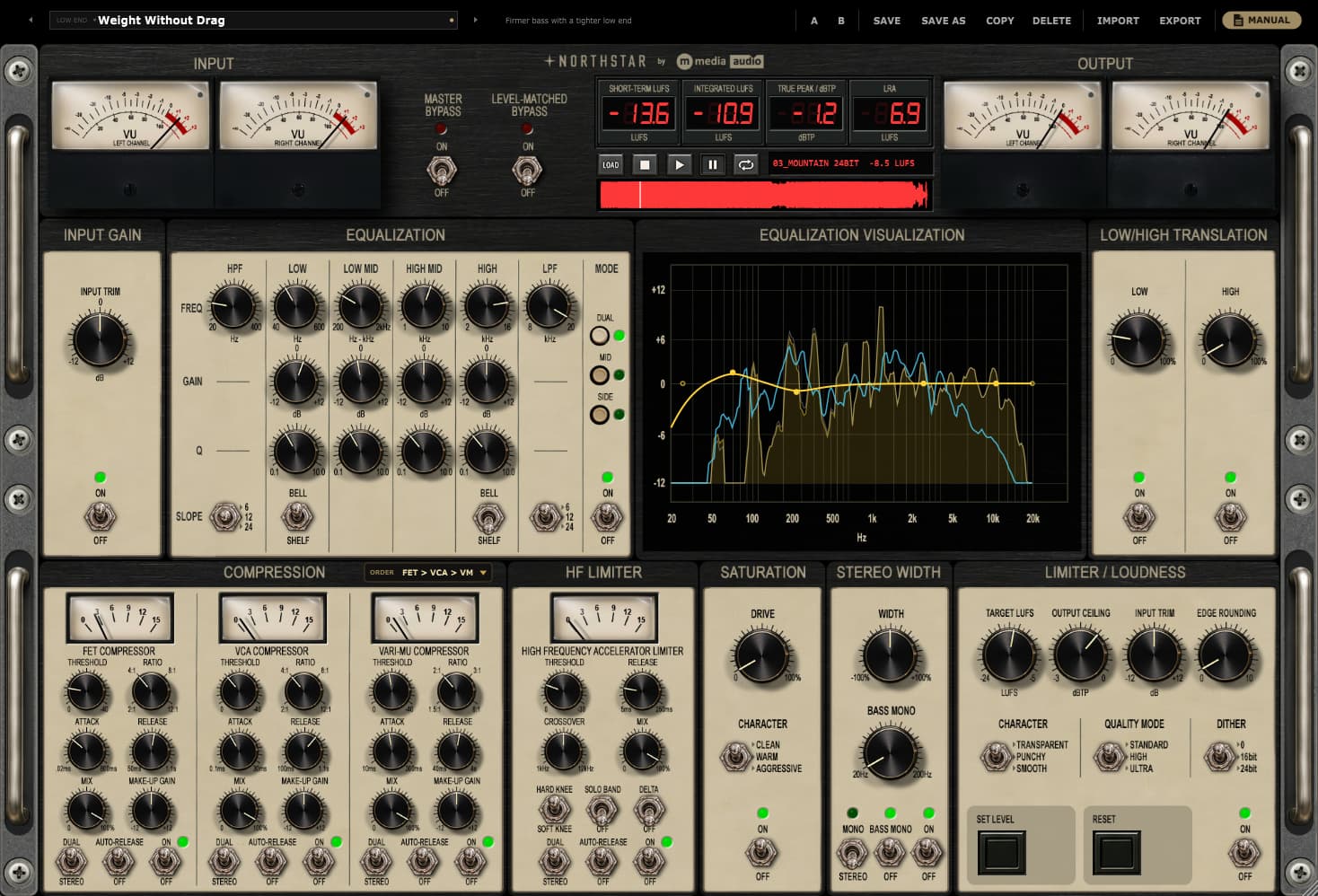
Northstar keeps nine processing sections in one window: Input Trim, EQ, Low Translation, High Translation, Compression, HF Limiter, Saturation, Stereo Width and Limiter. Here is a deliberate first pass through them.
Establish a Reference Before Making a Move
Put Northstar last on the master and use Input Trim to establish comfortable headroom. Peaks around −6 dBFS are a useful starting point for this workflow, not a technical requirement for every recording.
Load a reference track with a relevant arrangement and tonal direction. Northstar can play it at matched loudness and show its average spectrum alongside yours. Use it to focus your listening, rather than trying to make two different songs draw the same picture.
Shape Tone, Then Hear What Moves
Start with EQ. The full-image Dual bank and separate Mid and Side banks can run together. Make a broad tonal decision first, then use the component banks if the center and edges call for different treatment. The PRE/POST spectra help connect the controls to what you hear.
Low and High Translation dynamically address spectral regions that become too prominent. Add either only if you value the way it handles changing balance. A consistently full bass sound does not automatically need correction.
Build the Dynamics Relationship
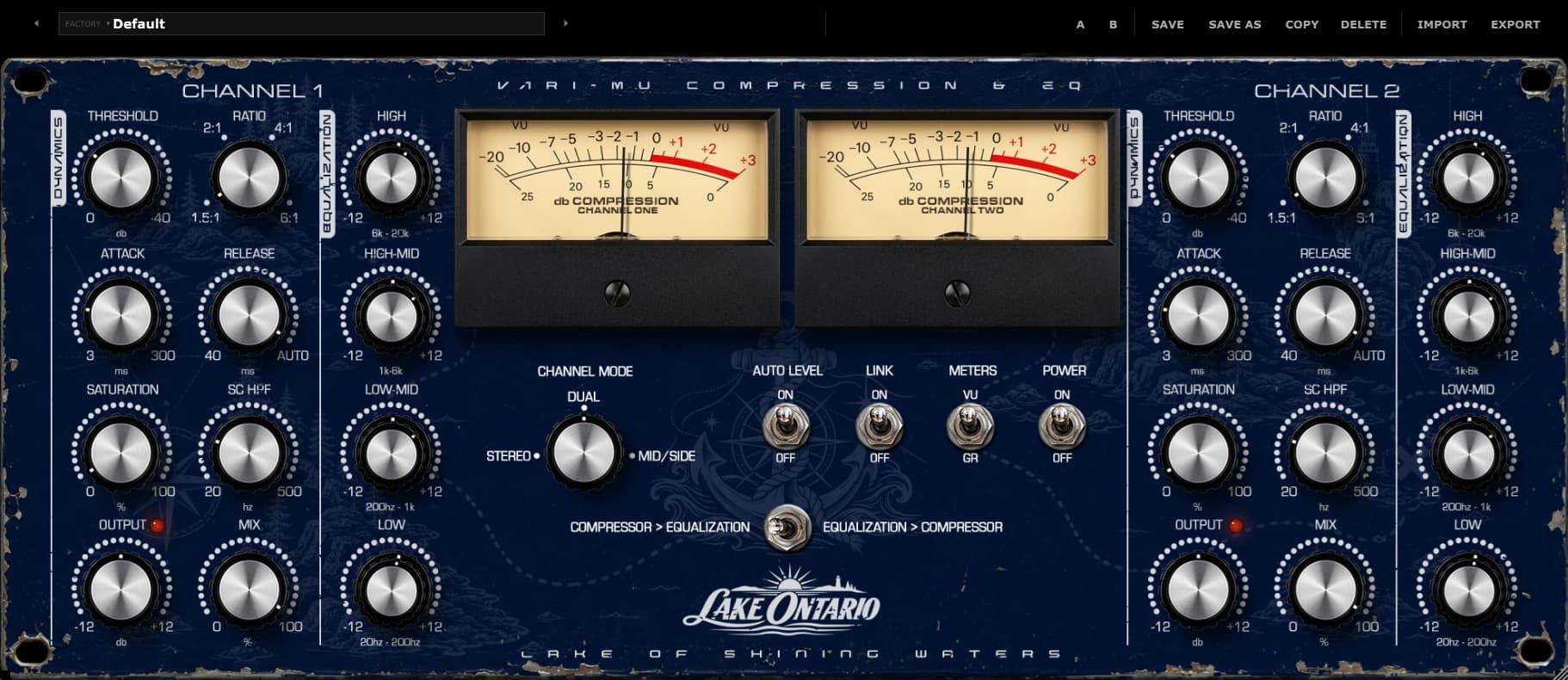
The Compression section offers FET, VCA and Vari-Mu stages with all six serial orders. Begin with one stage and restrained reduction. Add another only after you can name what it contributes: peak control, cohesion or a different recovery.
Then assess the HF Limiter. Use Solo Band to locate the upper region and Delta to hear the correction. This is a focused option for top-end peaks, separate from the broader translation processing.
Add Character and Set the Image
Compare the three level-compensated Saturation characters at modest amounts. Listen for density, depth and transient shape across a complete phrase. The most exciting setting in isolation may be too much for the whole record.
In Stereo Width, assess the existing spread before increasing it. Bass Mono can establish a more centered low-frequency foundation; Mono Check lets you hear the summed result. Keep the lead elements convincing as the image changes.
Bring the Level Home
Choose a Limiter character, ceiling and target loudness. Set Level works toward the target using the measured output, but still listen to the loudest passage for impact and strain. Use dither only when appropriate to the final bit-depth conversion, and avoid adding it twice.
Finally, compare with Level-Matched Bypass and switch individual sections out. A great chain is a set of worthwhile decisions. Nine available sections do not require nine audible interventions.