
Half Time
Hold It. Slow It.
Snap Back on the Beat.
$19
Perpetual License
3
Platforms
VST3
+ AU on macOS
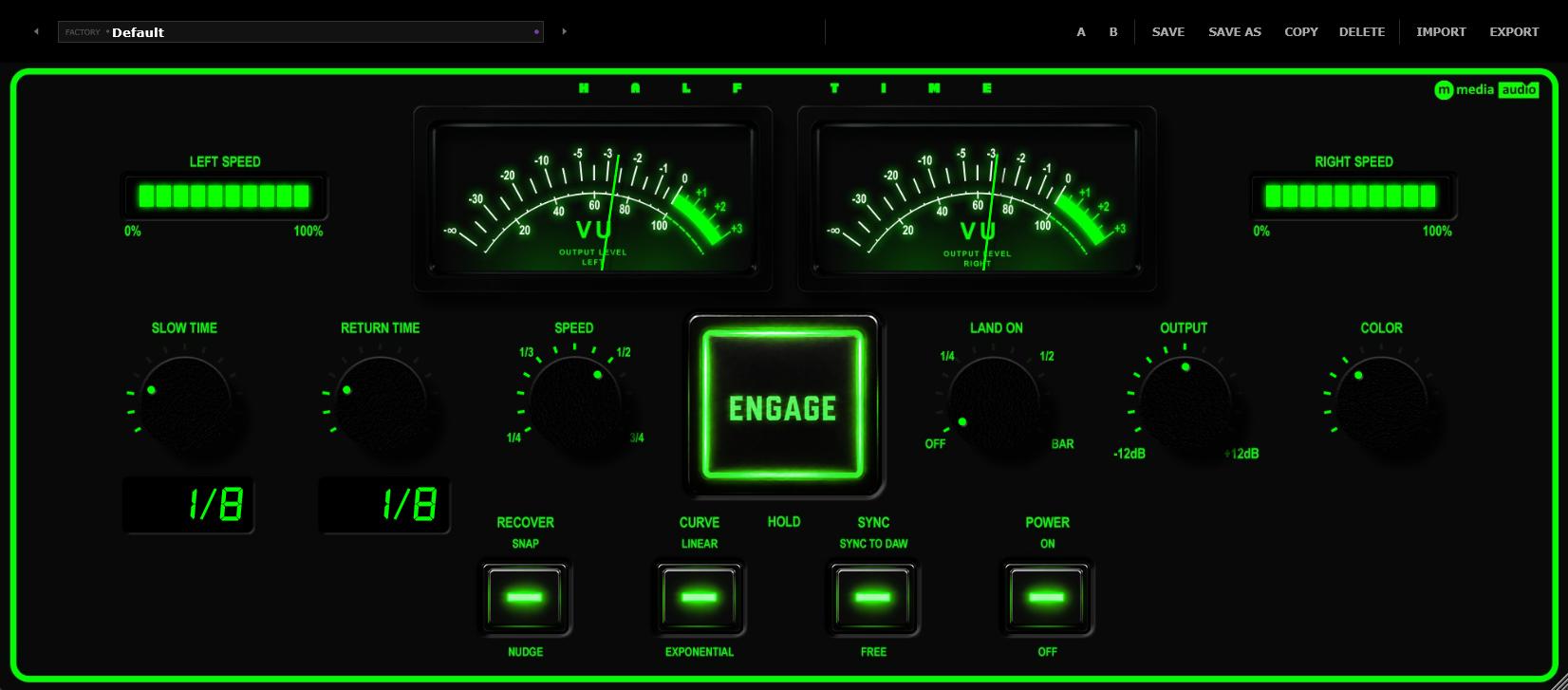
Half Time
Perpetual license - pay once, own it forever.
By purchasing you agree to our EULA and Privacy Policy.
Demo
Watch Half Time In Action
Slow It to Half Speed and Keep It Alive.
Hold Engage and the music drops into half time.
Hold Engage and the music slows to a fraction of its speed, half by default, with the pitch dropping along with it like a deck, and it stays there for as long as you hold the button. Let go and it speeds back up, and with Land On set it reaches full speed exactly on the next beat, half note or bar. Full Stop Shop goes to a stop, Half Time stays moving.
Speed is a four position knob, 1/4, 1/3, 1/2 or 3/4 of normal speed. Slow Time is how long it takes to get down there and Return Time is how long it takes to come back, each from 50 ms to 4 seconds or synced to the host from a 1/16 note up to 2 bars, and Curve is Linear or Exponential.
While it's slowed the plugin falls behind the live signal, and Recover decides how it gets back, Snap crossfades to live in about 30 ms, Nudge runs 10 percent fast until it catches up. Hold it for a very long time and it resyncs itself at 12 seconds, so nothing breaks.
More from M Media Audio
Explore the Full Lineup
Hold It Down. Feel the Room Slow.
The demo runs the full plugin, every control and every preset. Hold Engage over a full mix, try each of the four speeds, and set Land On to hear it come back on the beat.
Try Half Time FreeNo account required - we send the link to your email. Silences briefly every 30 seconds in demo mode.
Speed and Time
Choose How Slow and How Fast.
Speed picks the target, and the level follows the rate gently so half speed isn't a drop in volume you have to chase. Slow Time and Return Time have their own readouts, showing seconds or note values, and Curve shapes both ramps, with the slow down as the mirror of the speed up when it's Exponential.
- Speed - 1/4, 1/3, 1/2 or 3/4 of normal speed
- Slow Time and Return Time - 50 ms to 4 s free, or 1/16 to 2 bars synced
- Curve - Linear or Exponential
- Sync - Free, or synced to the host
Land On and Recover
Land on the Beat.
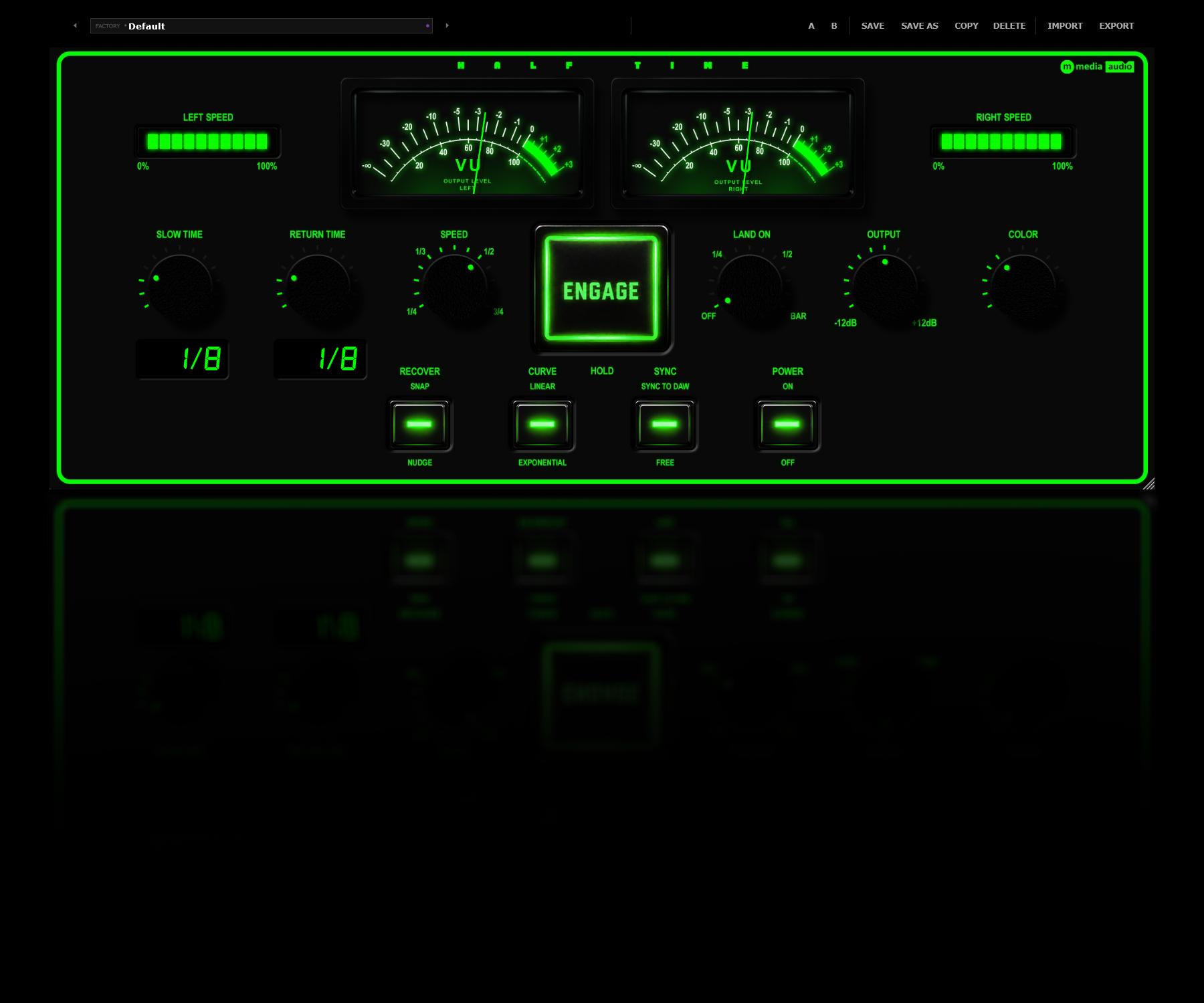
Land On is Off, 1/4, 1/2 or 1 bar. With it set, the speed up is timed so full speed arrives exactly on that grid line, using the host's own bar and time signature, and then Recover brings the plugin back to the live signal. Output trims by plus or minus 12 dB. There's no Mix control because it's built to be used fully wet.
- Land On - Off, 1/4, 1/2 or 1 bar of the host
- Recover - Snap or Nudge
- Output - ±12 dB
Watch It Work
See How Slow It Is.
Two LED strips show the playback speed of the left and right channels, a full strip is normal speed and one LED stays lit while it's slowed. The Slow Time and Return Time readouts show seconds or note values, and the stereo VU reads the output level.
- Speed meters - Left and right playback speed, live
- Readouts - Slow Time and Return Time
- Stereo VU - Output level, left and right
Color and Presets
Pick a Color. Start From a Preset.
The Color knob changes the whole faceplate to any hue, fluorescent green by default, and it's a preference saved on your machine, not part of a preset or a session. Power Off turns the faceplate dark and passes the audio through untouched.
Ten factory presets plus Default are starting points, Classic Half Time, Quarter Crawl, Third Speed, Slow Roll, Quick Drag, Bar Drop, Beat Catch, Lazy Return, Tape Drag and Grid Snap, and A/B, Save, Save As, Copy, Delete, Import and Export handle your own. The window resizes and remembers its size.
∞
Perpetual License
One-time purchase. Yours forever. No subscription, no renewal.
◾
3 Activations
Install on up to three machines simultaneously. Need to move a license? Email us.
🔒
Secure & Private
Encrypted activation over HTTPS. No telemetry. No data leaves your machine during use.
✉
Direct Support
You email us, we answer. No ticket queues, no bots, no knowledge base rabbit holes.
System Requirements
Format
VST3 (64-bit) - Windows, macOS, Linux
AU (64-bit) - macOS only
Platform
Windows 10 / 11
macOS 11 Big Sur or later (Apple Silicon + Intel)
Linux - Ubuntu 22.04+ or equivalent
DAW Compatibility
Any VST3-compatible host: Reaper, Cubase, Studio One, Ableton Live, FL Studio, Bitwig Studio, Nuendo, and more
AU (macOS): Logic Pro, GarageBand, MainStage
Latency
None. With nothing engaged the audio passes through untouched.
License
Perpetual, single user
3 simultaneous activations
Need to move a license? Email us
Current version: 1.0.0
SHA-256 (mmedia-half-time-v1.0.0.zip): cb5c27f6f08fbfd030a3e276234577f999eac8c6c9ec3137d04182cb4f9d591e
Linux System Requirements
Tested on Ubuntu 22.04/24.04, Debian 12, Fedora 40. Requires one system library for license verification:
sudo apt install libsodium23        # Ubuntu / Debian
sudo dnf install libsodium          # Fedora / RHEL
sudo pacman -S libsodium            # Arch
VST3 only. Confirmed working in REAPER and Bitwig.
Version History
v1.0.0
Oct 2026
Initial release.
Half Time
Perpetual license - pay once, own it forever.
By purchasing you agree to our EULA and Privacy Policy.
More from M Media Audio
Explore the Full Lineup
From the Industry
Pro Audio

KVR Audio - Top News
FREE
PhotonDSP Releases TapeEngine - Free Tape Simulator Plugin (VST3 Windows)
PhotonDSP has released TapeEngine, a free tape simulation plugin for Windows that combines 20 individually adjustable tape-processing modules with a separate Tape Dynamics section, covering tonal...

KVR Audio - Effects
FREE
KERN Audio Adds AAX To All Six Plugins (Pro Tools, macOS & Windows)
KERN audio has released updates for all six of its plugins that add AAX support for Pro Tools on macOS and Windows: Smooth 1.5.0 (resonance suppressor). Warm 1.6.0 (saturation). Wide 1.4.0 (stereo...