Broadcast Foundry

Dual-Channel American Tube Preamp.
Two Independent Channels of Magnificent Mayhem.

$19 Perpetual License
3 Platforms
VST3 + AU on macOS
Broadcast Foundry VST3 - American Tube Preamp Plugin

Broadcast Foundry

Perpetual license - pay once, own it forever.

$19 Buy Now

Secure checkout · Instant license delivery

Try the free demo
Broadcast Foundry VST3 - American Tube Preamp Interface

Flip It On. It Already Sounds Better.

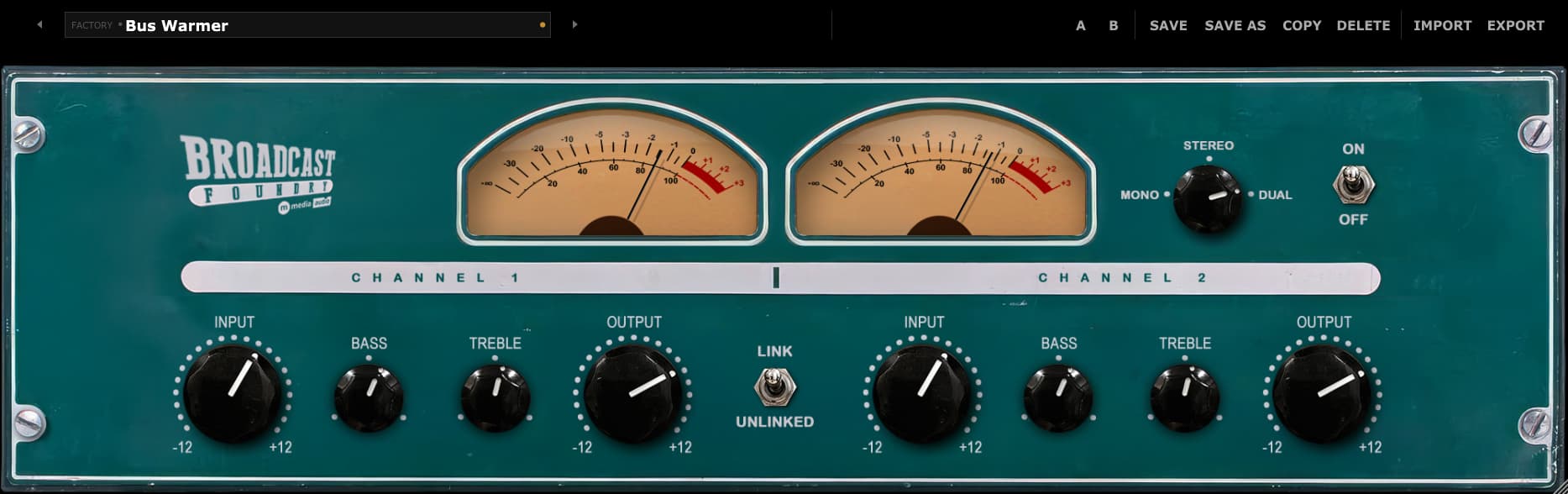
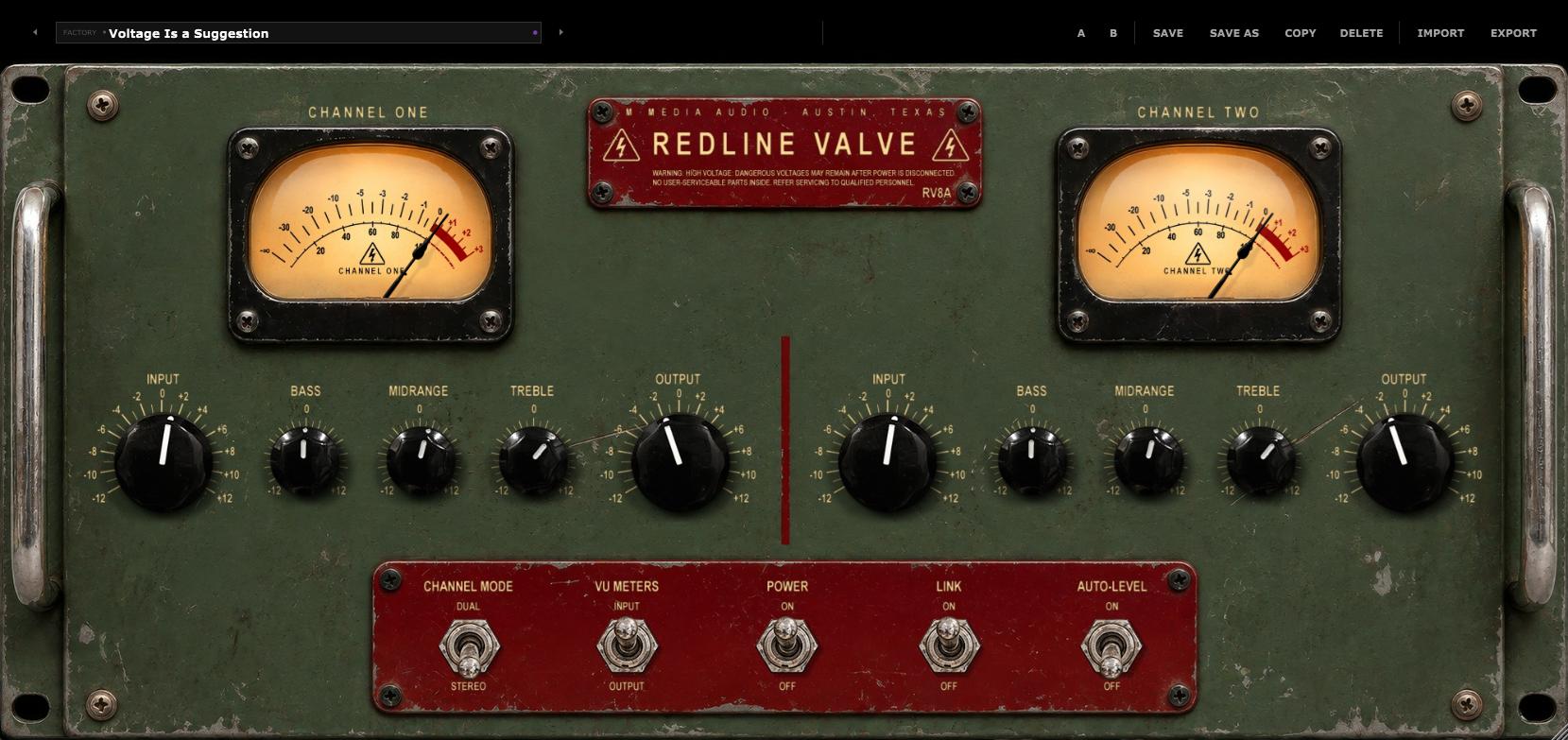
Before you touch a single knob is when Broadcast Foundry starts working. Signal hits it and there is immediately more body, more weight, more front. This is what a real tube preamp does - it puts natural character on your track before you make a single decision. Then you start making better decisions. Input brings the drive, Bass and Treble sit exactly where they matter, output sets where it lands. Four knobs per channel; the whole signal path. That is all you need.

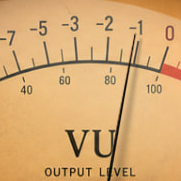
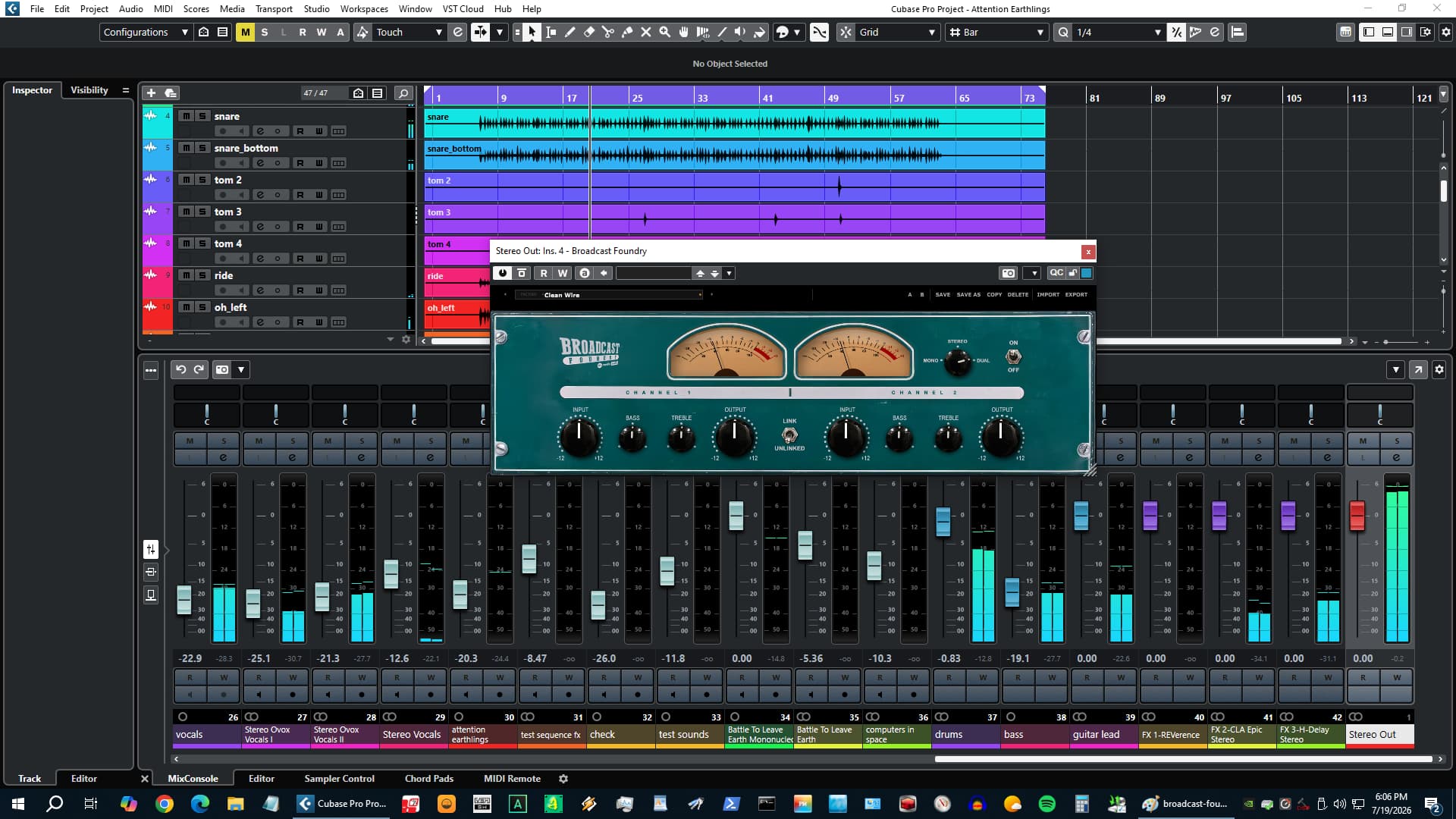
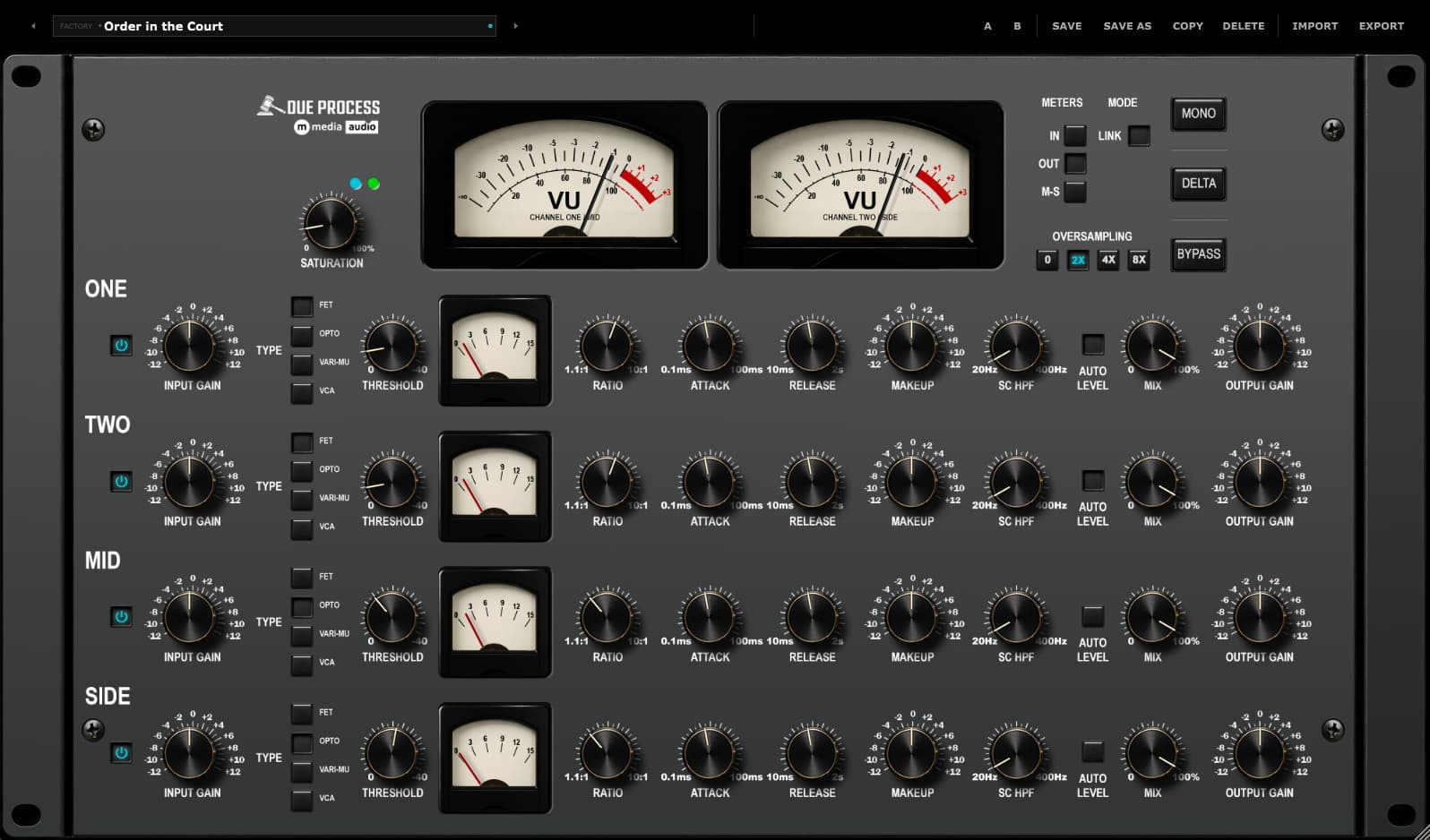
Not processed - like it came through something. Drop it on a kick, a snare bus, a full drum mix, a vocal, a stereo master, and it immediately sounds more committed to the speakers. Two large VU needles watch the output. Ten factory presets are ready to load the moment you open it. At $19 it belongs on every channel that needs to feel more alive.

VU meter

Drop It on a Drum Bus. Turn the Input Up.

Load the Drum Toaster preset. Push the Input past noon. Listen to the low end get mass - not just louder, thicker. That is what Broadcast Foundry does. It responds to how hard you drive it. Every knob you touch is a real decision.

Try Broadcast Foundry Free

No account required - we send the link to your email. Silences briefly every 30 seconds in demo mode.

Channel Modes

Mono, Stereo, or Dual. Nothing Left Uncovered.

Three modes, three completely different jobs. Mono sums both inputs through a single channel and puts all the character straight up the center - kick drums, bass, anything that needs to hit hard and land in the middle. Stereo runs both channels together with one set of knobs shaping both sides, the way a classic stereo preamp runs. Load a preset and both sides respond together.

Dual mode is what you came for. Each channel runs fully on its own - its own drive, its own response, its own level. The left side can push hard while the right stays controlled. The stereo field stays wide and alive because each side is doing exactly what it needs to do, not what the other side needs. Link them when you want them to match. Unlink them when the track demands something different from each side.

  • Mono - Both inputs summed. Full preamp character straight up the center.
  • Stereo - One set of controls, both sides tracking together.
  • Dual - Completely independent. Each side on its own schedule.
Broadcast Foundry channel mode and stereo selector
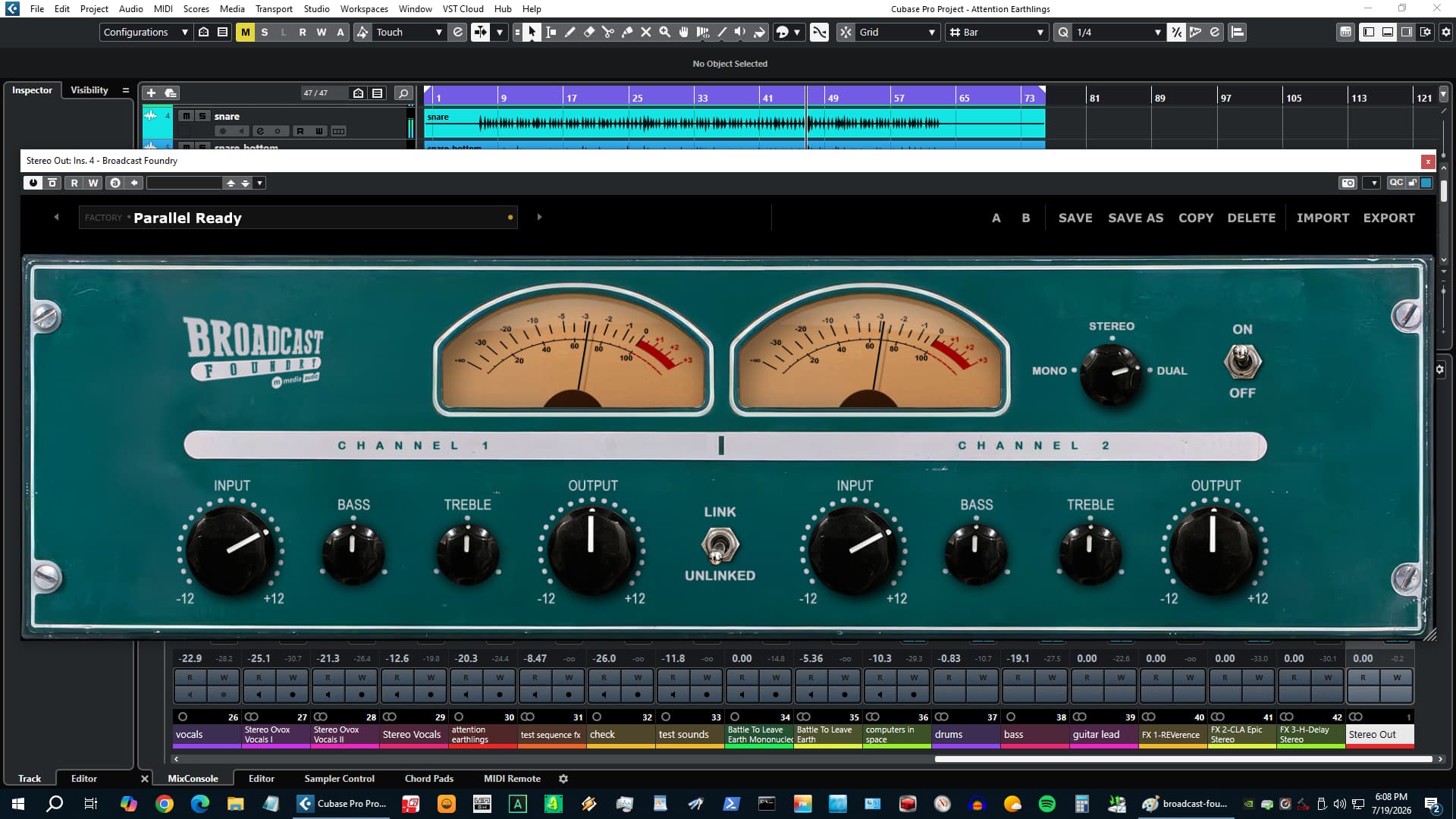
Broadcast Foundry in session - Parallel Ready preset

Tube Character

From Sterile to Surprisingly Alive. One Knob Turn.

Digital tracks are clean; sometimes too clean. Flat, forward, and completely without personality. Broadcast Foundry fixes that. It takes the sterile digital reality of a modern session and puts analog flavor all over it - grit on the drums, teeth in the low end, presence in the mids that makes a track feel like it was cut through something real. The kind of difference that makes you stop and say what is that.

Drive the Input and the character builds from there. Not louder - thicker. Not harsher - more forward. Driven low end gets mass. Driven mids get bite. The Bass and Treble shelves reach into the material and pull out what the track already had but could not project. At a harder push you start getting grit - the controlled, musical kind that adds attitude without breaking up. Load the Smash and Grab preset on a drum bus and find out what the kick was actually capable of.

The VU Meters

Two Needles. Watch Them Climb.

Two large VU meters sit front and center on Broadcast Foundry and they tell you everything. Push the Input and they climb. Pull the Output back and they settle. In Dual mode both sides read independently - the stereo picture on two needles, live, in real time. In Mono mode the right needle rests and the left one tells you exactly where the track is landing. The ballistics are analog-calibrated - fast enough to show transients, slow enough to read program level the way a real meter in a real room does. When both needles are swinging and the channel sounds right, it is right.

Broadcast Foundry dual VU meters
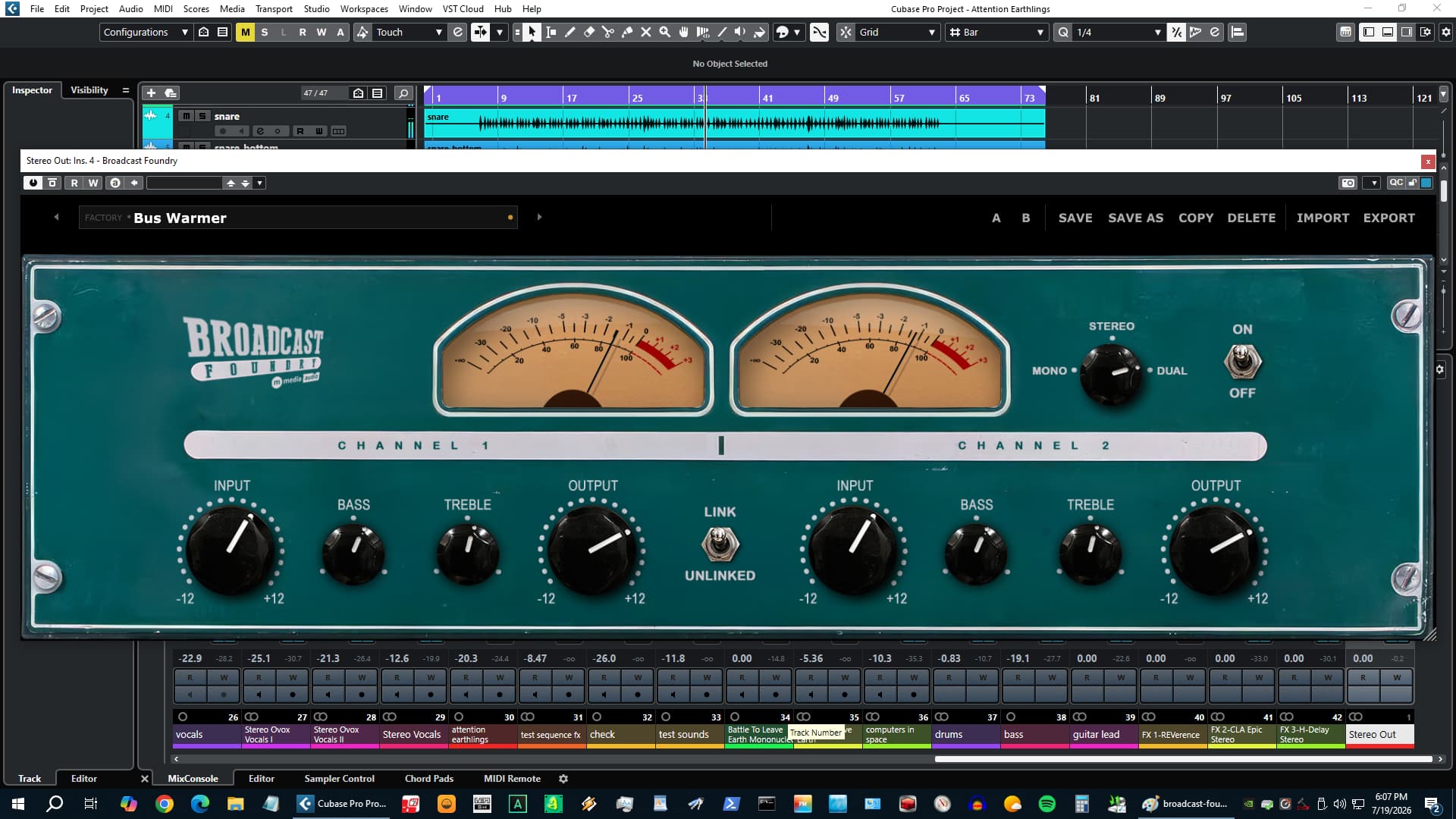
Broadcast Foundry presets in session

Ten Factory Presets

Ten Presets. Zero Blank Slates.

Load Broadcast Foundry and you are already in business. Ten factory presets cover the session from the bottom to the top. Drum Toaster drives the Input hard and throws mass into the low end - drop it on a kick bus and hear the difference before you touch anything. Bus Warmer puts body on a sterile mix bus without changing the picture. Tape Squeeze adds density and focus. Vintage Weight goes heavy on the low end and pulls the top back for an older, darker character. Smash and Grab is maximum drive, heavy low end, pulled treble - for when the track needs to sound like it was pushed through something too hot and came out better for it.

Every preset is a real position, not a range demo. Load the one that is close to what the track needs, move the Input from there, and trust your ears. Save your own presets, A/B between them, import and export. Your presets travel with the plugin across every session and every machine.

  • Clean Wire - Flat baseline. All controls at unity, Dual mode.
  • Drum Toaster - Hard input drive, low-end weight, pulled top.
  • Vintage Weight - Dark, heavy, slow-feeling low-end character.
  • Parallel Ready - Driven hard, output pulled back for parallel blending.
  • Smash & Grab - Maximum input. Thick. Loud. Committed.
∞

Perpetual License

One-time purchase. Yours forever. No subscription, no renewal.

◾

3 Activations

Install on up to three machines simultaneously. Need to move a license? Email us.

🔒

Secure & Private

Encrypted activation over HTTPS. No telemetry. No data leaves your machine during use.

✉

Direct Support

You email us, we answer. No ticket queues, no bots, no knowledge base rabbit holes.

System Requirements

Format

VST3 (64-bit) - Windows, macOS, Linux
AU (64-bit) - macOS only

Platform

Windows 10 / 11
macOS 11 Big Sur or later (Apple Silicon + Intel)
Linux - Ubuntu 22.04+ or equivalent

DAW Compatibility

Any VST3-compatible host: Reaper, Cubase, Studio One, Ableton Live, FL Studio, Bitwig Studio, Nuendo, and more

AU (macOS): Logic Pro, GarageBand, MainStage

Latency

Plugin buffer only - no lookahead, no oversampling latency

License

Perpetual, single user
3 simultaneous activations
Need to move a license? Email us

SHA-256 (mmedia-broadcast-foundry-v1.0.4.zip): d01c91591387b2d1596fc3d1f5ded9baeabd50560d973208ca1652a488ae279f

Linux System Requirements

Tested on Ubuntu 22.04/24.04, Debian 12, Fedora 40. Requires one system library for license verification:

sudo apt install libsodium23        # Ubuntu / Debian
sudo dnf install libsodium          # Fedora / RHEL
sudo pacman -S libsodium            # Arch

VST3 only. Confirmed working in REAPER and Bitwig.

Version History

v1.0.4 Oct 2026 Fixed a layout issue where resizing the plugin window from a host's edge could distort the interface. Fixed an issue on macOS where some users could be prompted to re-activate their license unexpectedly. Internal rebuild for improved stability and compatibility.
v1.0.3 Sep 2026 Rebuilt for expanded Linux compatibility - now runs on older library versions for broader distro support.
v1.0.2 Aug 2026 Fixed a display issue where the plugin window could open blank until manually resized after reloading a saved session.
v1.0.1 Jul 2026 Fixed an issue where the plugin didn't remember its window size between sessions, along with a related display redraw issue.
v1.0.0 Jul 2026 Initial release.

Broadcast Foundry

Perpetual license - pay once, own it forever.

$19 Buy Now

Secure checkout · Instant license delivery

Try the free demo
From the Industry

Pro Audio

Sound On Sound Virtual Instrument

Forma Labs Audio release Filament 1.2

Forma Labs Audio have recently launched a significant update that brings some powerful new features to their real-time MIDI orchestration software.